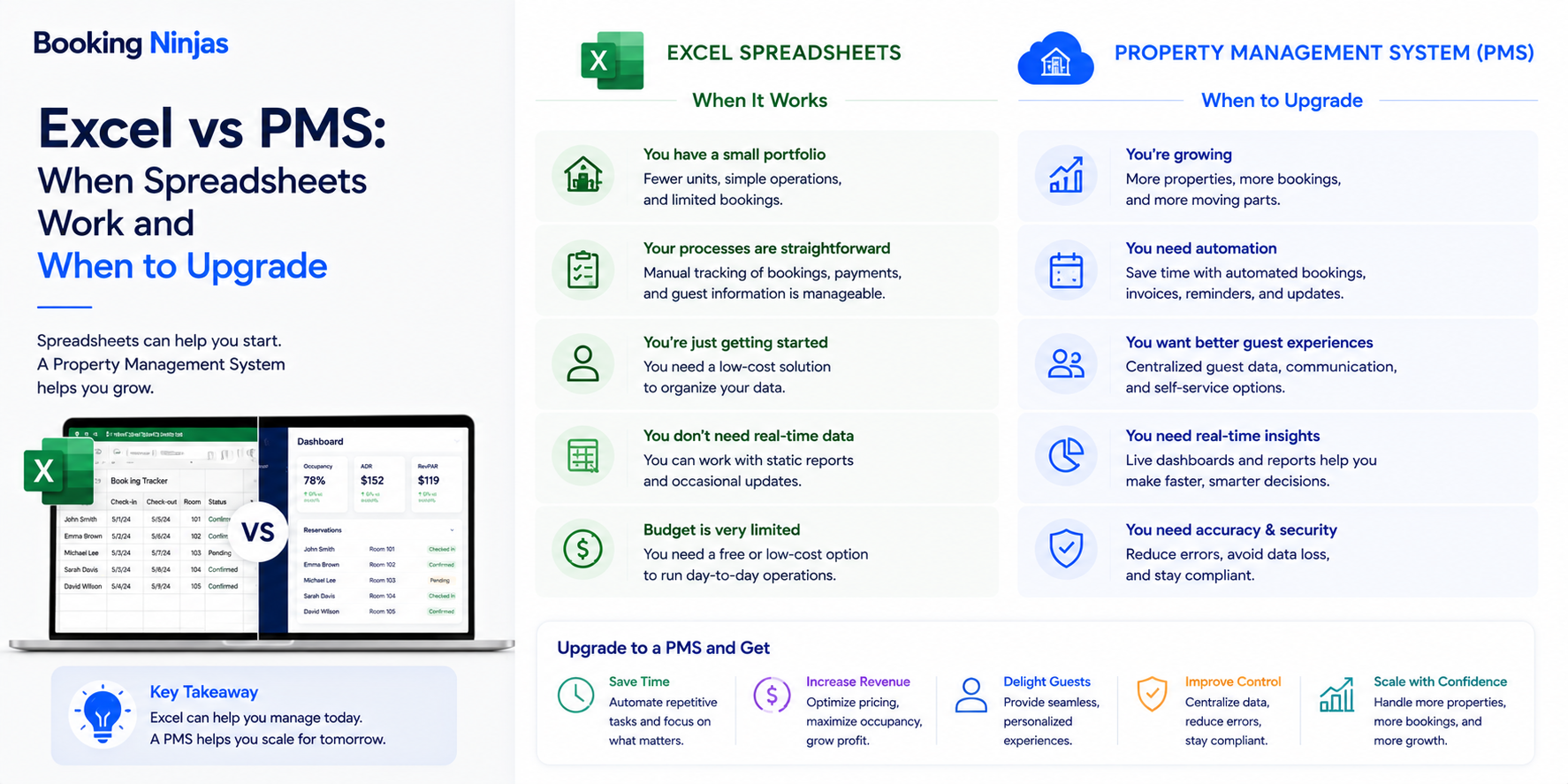
Excel and Google Sheets can be perfectly reasonable property management tools for simple tracking, calculations, lists, exports, planning, and one-off analysis. They become more restrictive when the spreadsheet starts acting as the main operating system for connected properties, customers, bookings or leases, payments, maintenance, workflows, permissions, and reporting.
The decision is therefore less about whether Excel or Google Sheets is “good” or “bad” and more about the job you are asking the tool to perform.
What did the original Excel and Google Sheets poll show?
The original version of this article included a Booking Ninjas poll asking: “Do You Still Use Excel/Gsheets for Property Management?”
| Response | Share reported in the poll |
|---|---|
| Yes and it's great | 39% |
| Yes, but it's stressful | 11% |
| No, I use software | 43% |
| Other | 7% |
Combined, 50% of the reported responses said they still used Excel or Google Sheets, while 43% selected specialized software and 7% selected another answer.
When do Excel and Google Sheets work well for property management?
Spreadsheets remain useful because they are flexible. A user can create a table, formula, calculation, checklist, budget, import, comparison, or temporary tracker without redesigning an entire software system.
They can be particularly practical for:
- Small, simple property lists
- One-off calculations
- Budget preparation
- Ad hoc analysis
- Temporary project tracking
- Data-cleaning work
- Imports and exports
- Scenario modeling
- Simple checklists
- Early process prototypes
A spreadsheet can therefore remain useful even after an organization adopts a property management system. The question is whether the spreadsheet is assisting the operation or quietly becoming the operation itself.
When do spreadsheets become limiting for property management?
A spreadsheet starts to behave like an improvised software system when staff use it to coordinate records and processes that depend on one another.
For example, a property operation may need to connect:
- Property and unit
- Customer, tenant, resident, or guest
- Booking, lease, or agreement
- Availability or occupancy
- Invoice and payment
- Maintenance or service request
- Documents
- Communication history
- Tasks and approvals
- Reporting history
Rows and formulas can represent some of these relationships, but maintaining them becomes progressively more difficult as several people, departments, workflows, and external systems depend on the same information.
Why do connected records matter?
Property operations are relational.
A reservation is connected to a customer and a resource. A lease is connected to a tenant and unit. An invoice can relate to an agreement and payment. A maintenance request can relate to a property, asset, resident, employee, status, and work history.
In a spreadsheet, teams may reproduce those relationships by copying names, IDs, dates, amounts, or statuses into additional rows and worksheets.
As that structure becomes more complex, teams need to answer:
- Which record is authoritative?
- Which copy is current?
- Who can change it?
- Which workflows depend on it?
- What happens when it changes?
- Which reports use the field?
- Which other system needs the update?
- How is the history preserved?
A structured property management platform becomes more relevant when these relationships need to be governed as operational records rather than reconstructed manually for each spreadsheet.
Excel vs property management software: what is the actual difference?
| Need | Spreadsheet | Property management software |
|---|---|---|
| Flexible calculations | Strong for formulas, models, and quick analysis. | Usually more structured around predefined or configured operational records. |
| Connected records | Relationships usually need to be designed and maintained manually. | Records can be connected through defined relationships. |
| Multi-user processes | Collaboration is possible, but process ownership may depend on conventions and manual coordination. | Roles, assignments, status, approvals, and workflow rules can be structured around the process. |
| Permissions | Access is commonly organized at file, workbook, sheet, or collaboration level. | Application permissions can be designed around roles, records, fields, and actions. |
| Automation | Formulas, scripts, macros, and external automation can be powerful but require ongoing ownership. | Operational triggers, routing, approvals, notifications, and exceptions can be part of the application workflow. |
| Integrations | Possible through imports, exports, scripts, connectors, and third-party tools. | APIs and integration architecture can connect operational records with external systems. |
| Customer or tenant self-service | Usually requires another interface or application. | Portals can provide controlled access to appropriate records and workflows. |
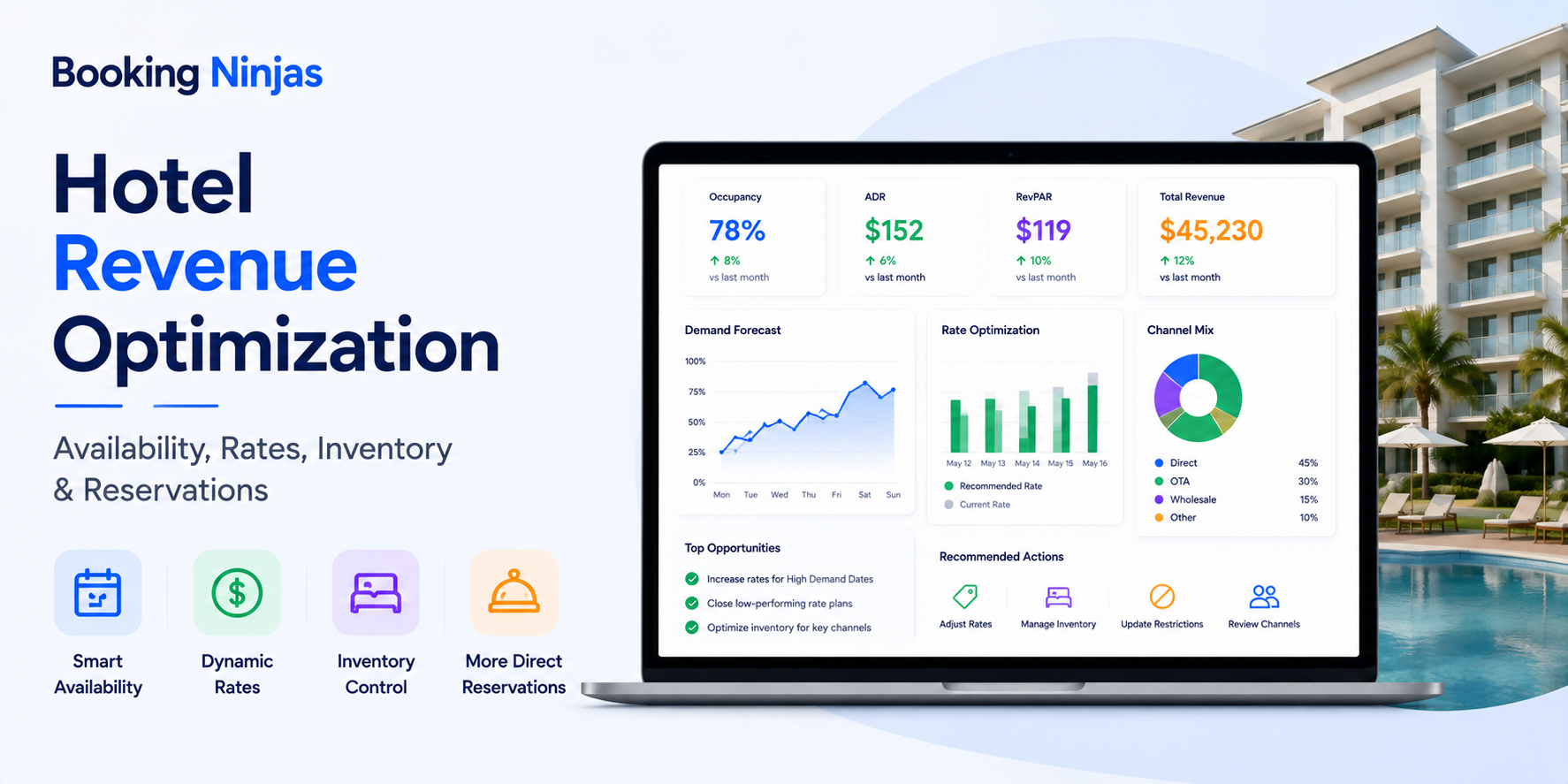
| Reporting | Flexible, but reports often depend on manual preparation and consistent source sheets. | Dashboards can operate directly from structured application records and defined metrics. |
Does the number of properties determine when you need a PMS?
Not by itself.
A business with relatively few properties can still have complex leasing, bookings, payments, facilities, approvals, integrations, tenant services, reporting, or multi-department processes.
Another organization can manage a larger but operationally simple portfolio with relatively lightweight tooling.
The stronger decision criteria are:
- Number of connected workflows
- Number of users and departments
- Data relationships
- Permission requirements
- Process frequency
- Exception volume
- Reporting requirements
- External integrations
- Self-service requirements
- Governance requirements
Operational complexity is usually more useful than property count as the starting point for the decision.
What are the signs that spreadsheets are becoming the wrong system of record?
- The same information is entered several times. Teams copy tenant, reservation, payment, property, or status data between workbooks and other applications.
- Staff regularly ask which version is correct. Several copies of the same tracker exist and ownership is unclear.
- Important processes depend on individual employees. A workflow works because one person remembers which sheet to update, who to notify, and what should happen next.
- Approvals happen outside the record. Teams use chat or email to approve an action and later update the spreadsheet manually.
- Permissions are becoming difficult to manage. Different roles require different access to financial, personal, property, operational, or administrative information.
- Reporting requires repeated reconstruction. Managers spend time combining exports, cleaning fields, checking formulas, and reconciling several trackers before the report can be used.
- External systems need the same data. Accounting, payment, CRM, analytics, access, communication, or other systems depend on records being maintained in the spreadsheet.
- The spreadsheet is becoming a custom application. Macros, scripts, formulas, hidden tabs, manual controls, and employee knowledge are required just to keep the process running.
What changes when a spreadsheet workflow becomes an application workflow?
In a spreadsheet-based process, a person often provides the logic between steps.
They read the row, interpret the status, send a message, assign the work, update another sheet, wait for a response, and then change the record again.
A structured workflow can instead define:
- Trigger
- Owner
- Status
- Required information
- Approval path
- Notification
- Escalation
- Exception path
- Completion criteria
- Historical record
Booking Ninjas' Workflow & Process Management provides a Salesforce-native environment for structured routing, assignments, approvals, escalation, notifications, and process history.
That does not mean every spreadsheet process should be automated. Simple or infrequent work may still be easier to manage manually.
Are spreadsheets still useful for property reporting?
Yes.
Excel and Google Sheets can remain useful for ad hoc calculations, scenario analysis, financial modeling, exported data, temporary comparisons, or reports that do not need to become permanent operational workflows.
The reporting problem appears when leadership repeatedly needs the same metric but teams must rebuild it from multiple files each time.
At that point, it may be useful to define:
- Source record
- Metric definition
- Time period
- Filters
- Property or entity scope
- Calculation logic
- Who can view the result
- Who owns the metric
Booking Ninjas' Custom Dashboards can structure role-based dashboards, filtering, KPI views, comparisons, and drill-down reporting around connected Salesforce records.
Should you replace spreadsheets or integrate the systems around them?
Sometimes the spreadsheet is not the root problem.
Staff may use a spreadsheet because two important applications do not exchange the information required by a workflow. In that case, the long-term issue may be system integration rather than spreadsheet usage itself.
Before replacing a process, determine:
- Which system owns the record?
- Which system needs the data?
- Which fields should move?
- In which direction?
- What should trigger the exchange?
- How often should it synchronize?
- How should errors be handled?
- Who owns reconciliation?
Booking Ninjas' Integrations architecture supports APIs, middleware, iPaaS, financial systems, CRM, analytics, payment, communication, and other connections according to implementation requirements.
Can Excel and Google Sheets remain part of the technology stack?
Yes.
Moving core operational records into a PMS does not require banning spreadsheets.
A healthier division can look like this:
| Use spreadsheet when... | Use the PMS when... |
|---|---|
| You are performing temporary analysis or modeling. | The record drives an ongoing operational workflow. |
| You need a quick one-off calculation. | The calculation becomes a recurring business rule. |
| You are preparing or cleaning data for import. | Staff need the record as a maintained source of truth. |
| A small team owns a temporary project. | Several roles, departments, customers, or systems participate in the workflow. |
| You are exploring a new process. | The process is established and needs permissions, automation, ownership, and reporting. |
The goal is not to eliminate Excel. It is to avoid making an unmanaged spreadsheet responsible for workflows that need stronger operational control.
How should you move from spreadsheets to property management software?
Start with the operating model rather than uploading every workbook into a new platform.
- Inventory the spreadsheets. Identify which files are active, who uses them, and which workflows depend on them.
- Identify the real records. Separate properties, units, customers, leases, bookings, payments, requests, documents, and other entities that currently exist as rows or tabs.
- Determine the system of record. Decide which application should own each important type of data.
- Clean the data. Review duplicates, missing fields, inconsistent names, obsolete records, and unsupported values before migration.
- Map the workflows. Document status changes, assignments, approvals, notifications, exceptions, and handoffs that people currently perform manually.
- Define permissions. Decide which roles need to see and change which records.
- Map integrations. Determine what needs to connect with accounting, payments, CRM, analytics, access, communication, or other systems.
- Test real scenarios. Test normal workflows and exceptions before retiring the old spreadsheet process.
- Keep only the spreadsheets that still have a job. Retain them for analysis, exports, planning, or other deliberate uses instead of rebuilding the old operating system outside the PMS.
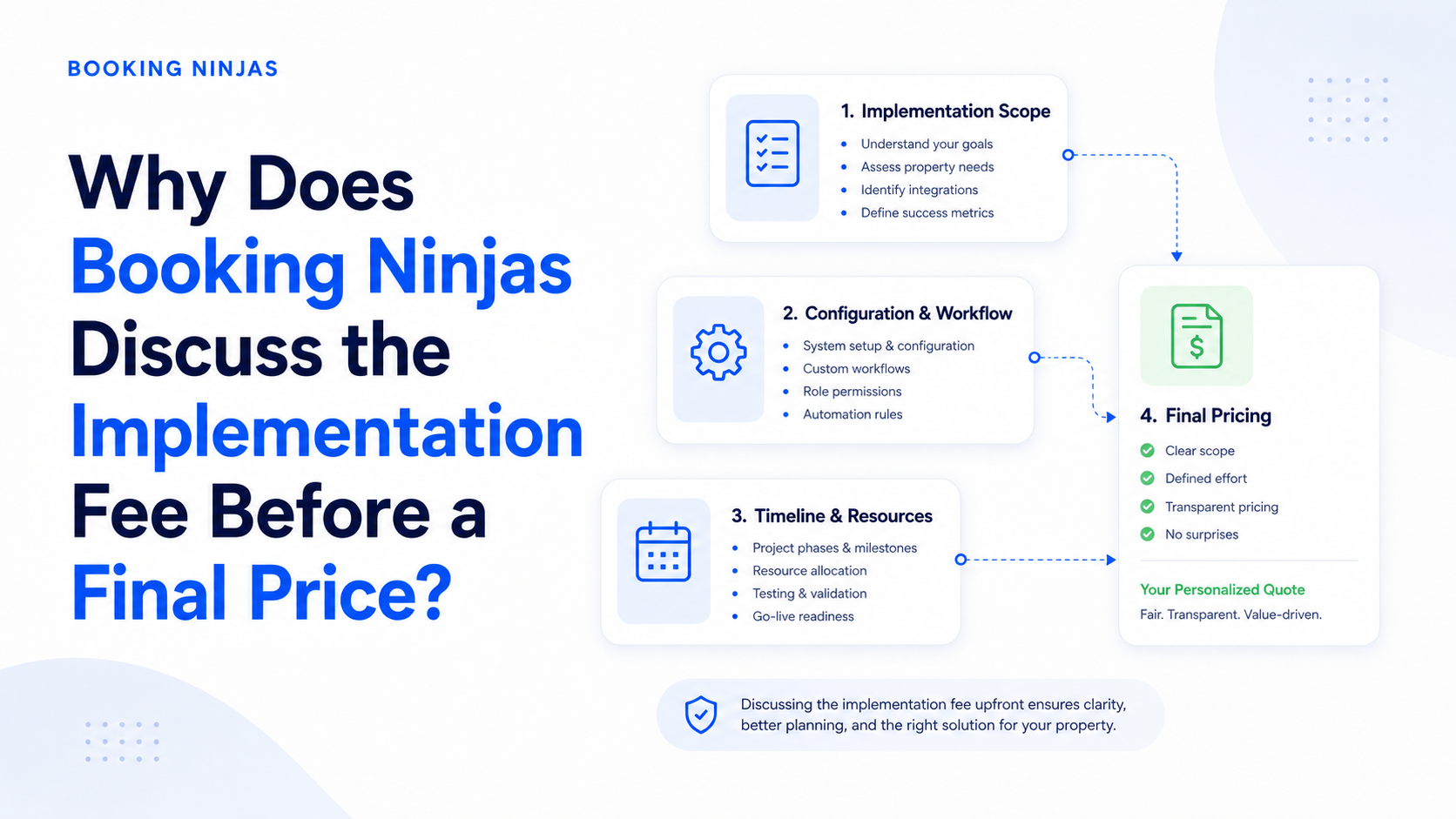
Booking Ninjas' PMS Implementation can include migration, configuration, integration, testing, and transition work according to the systems, data, workflows, and agreed project scope.
How does Booking Ninjas replace spreadsheet-dependent property workflows?
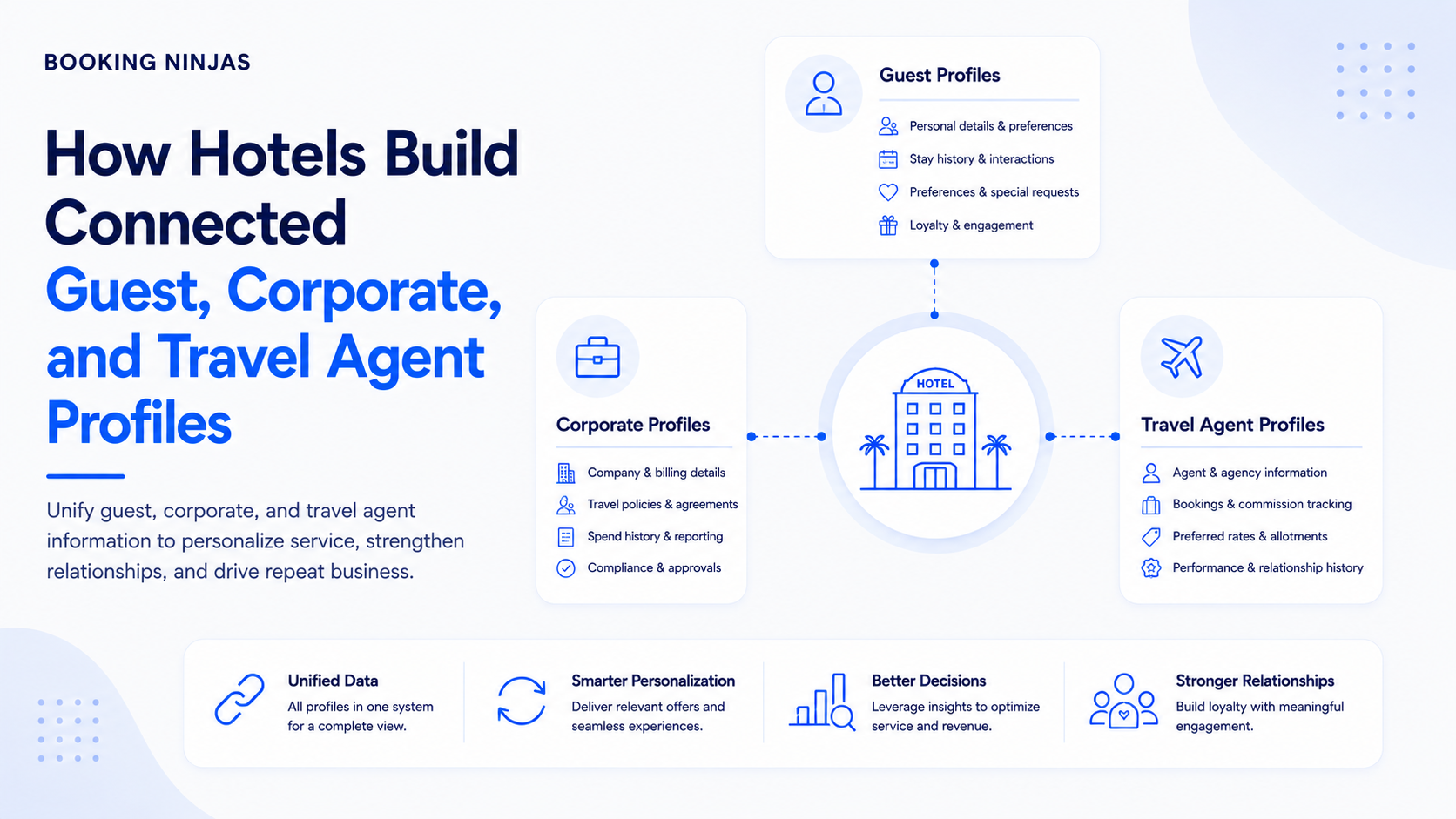
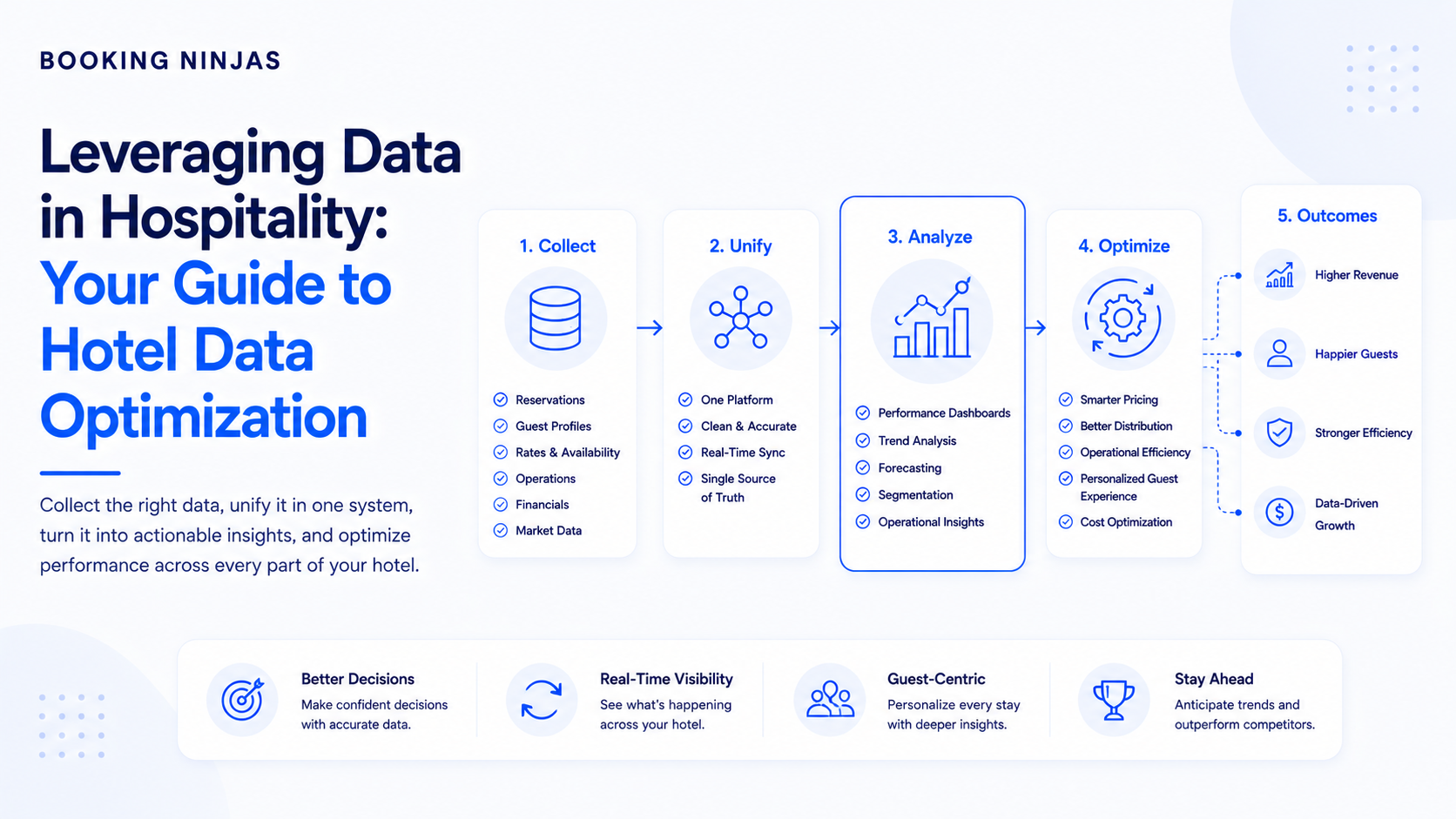
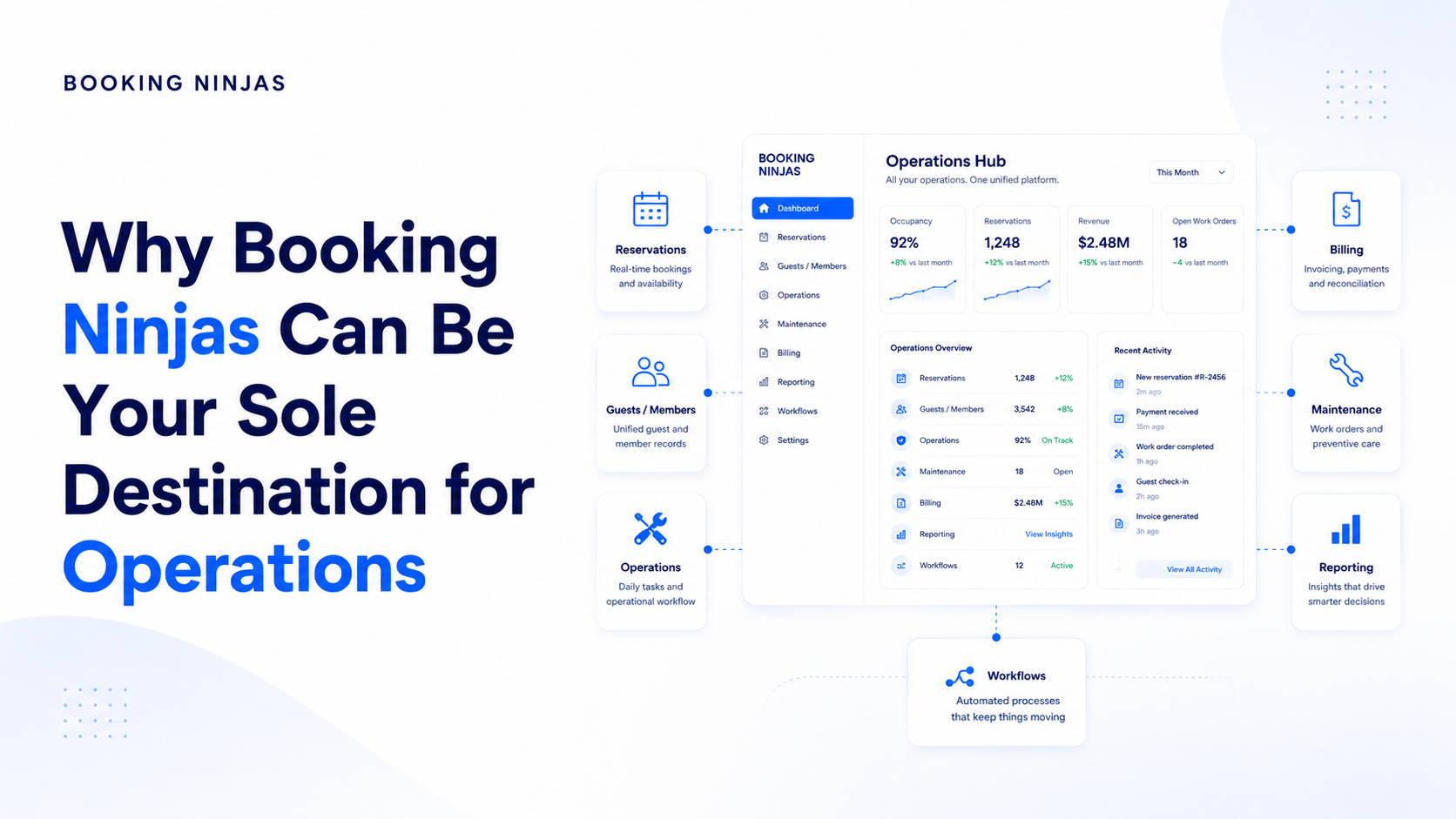
Booking Ninjas is a Salesforce-native platform for bookings and operations . Property records, bookings, customers, payments, operational workflows, reporting, permissions, portals, automation, and integrations can use the broader Salesforce platform foundation according to the configured implementation.
The main difference from a spreadsheet is not simply that the information appears in another interface. The data can be structured as connected records that participate in workflows, permissions, reporting, and integrations.
This also means the objective does not need to be “put everything in Booking Ninjas.” External accounting, ERP, analytics, payment, CRM, or specialist applications can remain part of the architecture when they have a clear role.
Structure property data, relationships, permissions, workflows, reporting, and integrations on the wider Salesforce platform foundation.
Explore Salesforce DNA →Replace manual status tracking with configured assignments, approvals, routing, notifications, escalation, and exception handling.
Explore Workflow & Process →Connect property operations with accounting, ERP, payments, CRM, analytics, communication, infrastructure, and other systems where required.
Explore Integrations →Build role-based KPI views, filters, comparisons, and drill-down reporting around structured records.
Explore Custom Dashboards →Connect bookings with availability, capacity, resources, rates, and operating workflows.
Explore Booking Management →Connect residential properties, residents, leasing, payments, maintenance, and ongoing operations.
Explore Residential Management →Structure invoices, digital payment collection, reconciliation, and financial reporting workflows.
Explore Billing & Payment →Frequently asked questions
Can Excel be used for property management?
Yes. Excel can be useful for property lists, calculations, budgeting, temporary trackers, data preparation, reporting, scenario modeling, and other relatively simple tasks. It becomes more restrictive when it must coordinate connected records, multi-user workflows, permissions, automation, integrations, and recurring operational processes.
Can Google Sheets be used for property management?
Yes. Google Sheets can support shared trackers, calculations, lists, lightweight collaboration, and analysis. Whether it is appropriate as the main operating tool depends on the complexity of the property records, users, workflows, permissions, integrations, and reporting requirements.
When should I move from Excel to property management software?
Consider property management software when critical workflows depend on repeated data entry, multiple spreadsheet versions, manual handoffs, complex record relationships, role-based access, recurring automation, external integrations, customer self-service, or reporting that is difficult to maintain reliably.
How many properties do I need before using a PMS?
There is no universal property-count threshold. Operational complexity can matter more than portfolio size. A relatively small operation can still require a PMS when it has complex bookings, leasing, billing, maintenance, permissions, integrations, reporting, or multi-department workflows.
Does using a PMS mean I should stop using spreadsheets?
No. Spreadsheets can remain useful for analysis, modeling, imports, exports, temporary projects, and other deliberate tasks. The important distinction is whether the spreadsheet is supporting the operational system or acting as an unmanaged replacement for it.
What is the main difference between a spreadsheet and a PMS?
A spreadsheet is a flexible general-purpose tool for organizing and calculating data. A property management system is designed to structure property-related records and connect them with permissions, workflows, automation, reporting, portals, and integrations.
Can spreadsheet data be moved into a property management system?
Yes, but migration normally requires decisions about which records should move, field mapping, data quality, duplicates, historical information, relationships, permissions, integrations, testing, and the workflows that will replace the spreadsheet process.
Is Booking Ninjas built on Salesforce?
Yes. Booking Ninjas is Salesforce-native, allowing property data, bookings, workflows, permissions, reporting, automation, portals, and integrations to use the broader Salesforce platform foundation.
Move the workflow, not just the spreadsheet
See how Booking Ninjas can turn property records currently managed across sheets, inboxes, and disconnected systems into connected Salesforce-native data, workflows, reporting, and integrations.