
Occupancy Management
Track how rooms, units, spaces, and other bookable areas are being used from the reservation and operational data already in Booking Ninjas.
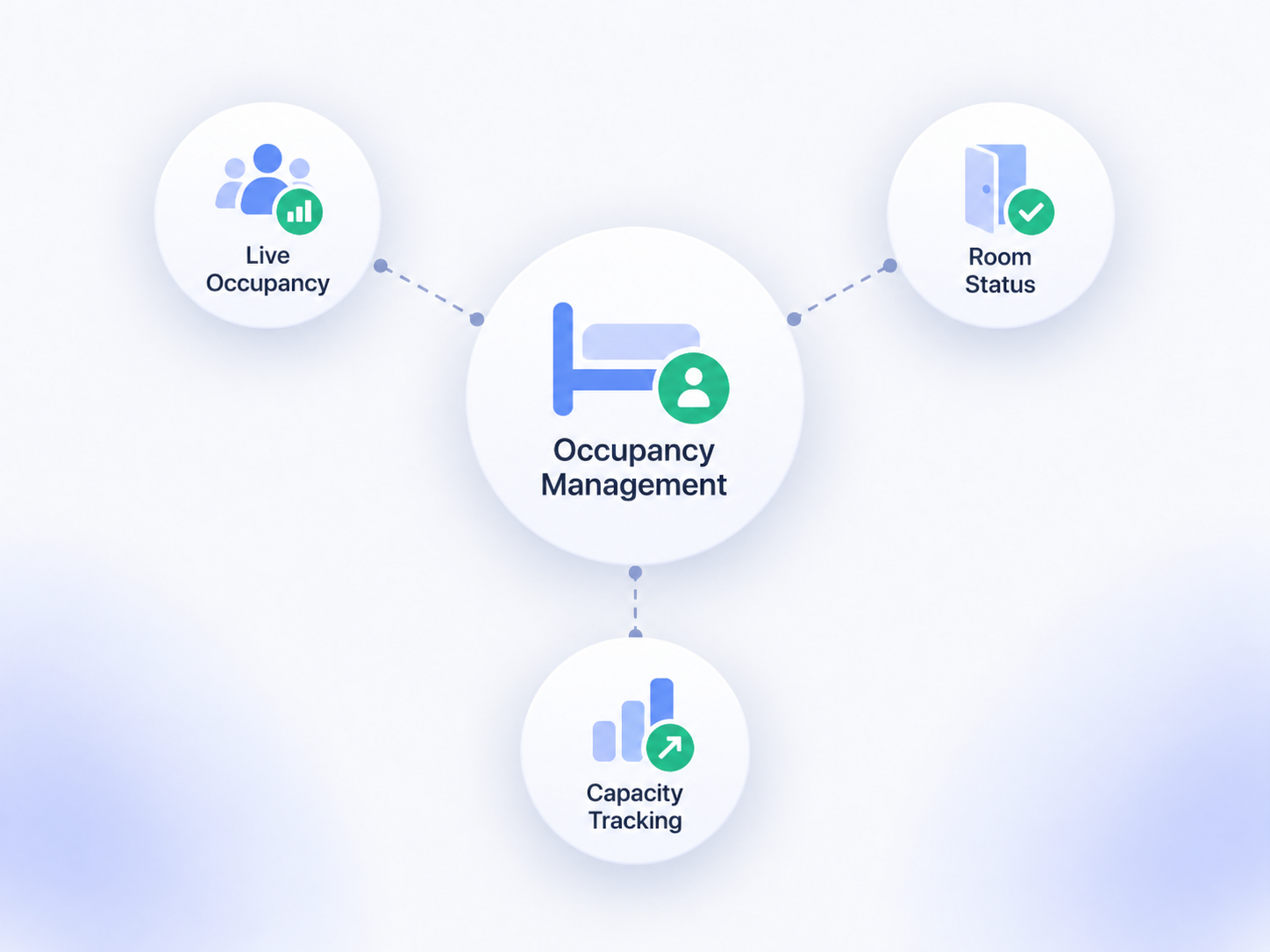
See How Your Bookable Spaces Are Being Used
Keep occupancy close to reservations, availability, check-in and check-out, capacity, and reporting.

Reserved
See which rooms, units, or spaces are reserved for a period.
Occupied
Use check-in, stay, or other configured status data to understand occupancy.
Available
Compare booked or occupied inventory with what remains available.
Capacity
Compare planned usage with configured capacity limits.
Occupancy Follows the Booking Workflow
The occupancy view depends on the records your team captures.

Reservation Status
Use reservation dates and status to understand what is booked.

Check-In / Check-Out
Use arrival and departure status when the workflow needs a clearer occupied-state view.
Capacity Rules
Compare occupancy or reservations with the configured capacity of the space or resource.
Reports & Dashboards
Review occupancy and utilization trends from captured data.
Use Occupancy for Different Booking Models
The same approach can support different kinds of bookable inventory.
- Guest rooms and lodging units
- Student or residential units
- Meeting rooms and coworking spaces
- Venues and event spaces
- Retreat accommodations and shared spaces
- Other supported bookable resources
Booking Occupancy Is Not the Same as Live People Counting
Booking Ninjas uses reservation, check-in/check-out, capacity, and other configured operational records. Live physical occupancy from sensors, turnstiles, access-control systems, or other external sources requires a supported integration or separate implementation scope.
Works With the Booking Flow
Occupancy stays connected to the booking tools that define what is reserved, available, and in use.
Reservation Management
Keep reservation dates, status, and customer context together.
View Reservation Management →Availability Management
See what remains available around existing bookings.
View Availability Management →Capacity Management
Set and review booking limits for spaces and resources.
View Capacity Management →Check-In / Check-Out
Track arrival and departure status when it is part of the booking workflow.
View Check-In / Check-Out →Verified in the Salesforce Ecosystem.
Booking Ninjas is listed on Salesforce AppExchange.
Pricing
Occupancy Management uses the booking and reporting foundation included in Core.
Core Package
Starts with 1–50 Active Bookable Units.
- Booking Engine + Reservation System
- Reservation and availability management
- Capacity and check-in/check-out workflows
- Standard reports and dashboards
External Occupancy Data
Scoped as neededSensor data, access-control events, turnstiles, specialized people-counting systems, or new facility integrations require a supported connection or separate implementation.
- No separate Occupancy Management SKU
- New integrations may require Product Expansion or Dedicated Customization
- Third-party hardware and vendor fees remain separate
- Implementation is scoped separately
Manual Occupancy Tracking vs Booking Ninjas
Keep occupancy close to the reservation data instead of rebuilding the same view in spreadsheets.
| Capability | Manual Tracking | Booking Ninjas |
|---|---|---|
| Reservation status | Separate spreadsheet | Connected booking records |
| Availability | Manual calculation | Connected availability workflow |
| Capacity | Manual comparison | Configured capacity rules |
| Check-in/out | Separate process | Connected to the reservation |
| Reporting | Manual roll-up | Salesforce reports and dashboards |
| Live sensor occupancy | Separate system | Integration required |
Frequently Asked Questions

Understand How Your Spaces Are Being Used
Connect occupancy, availability, capacity, check-in/check-out, and reporting to the same booking workflow.