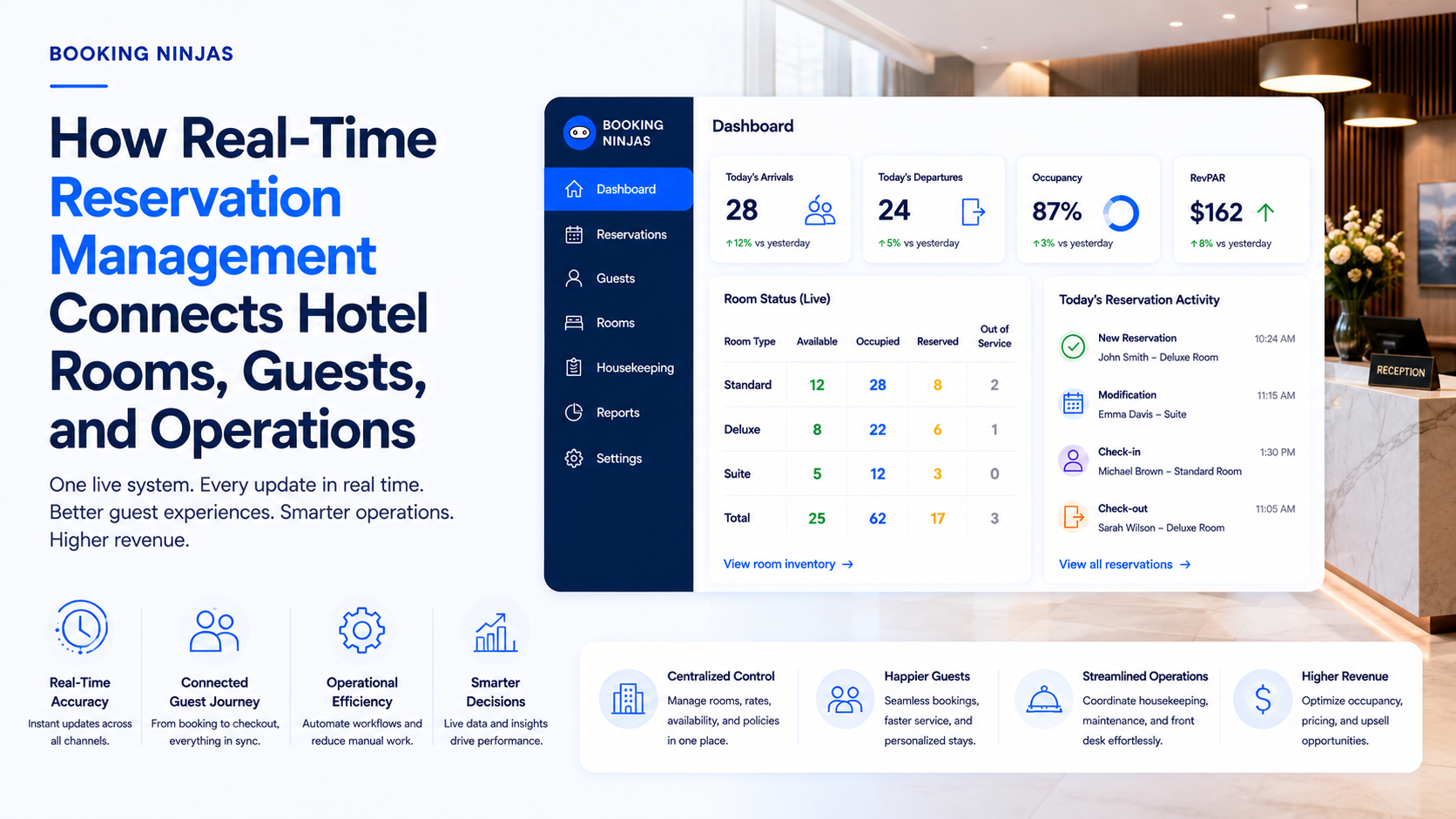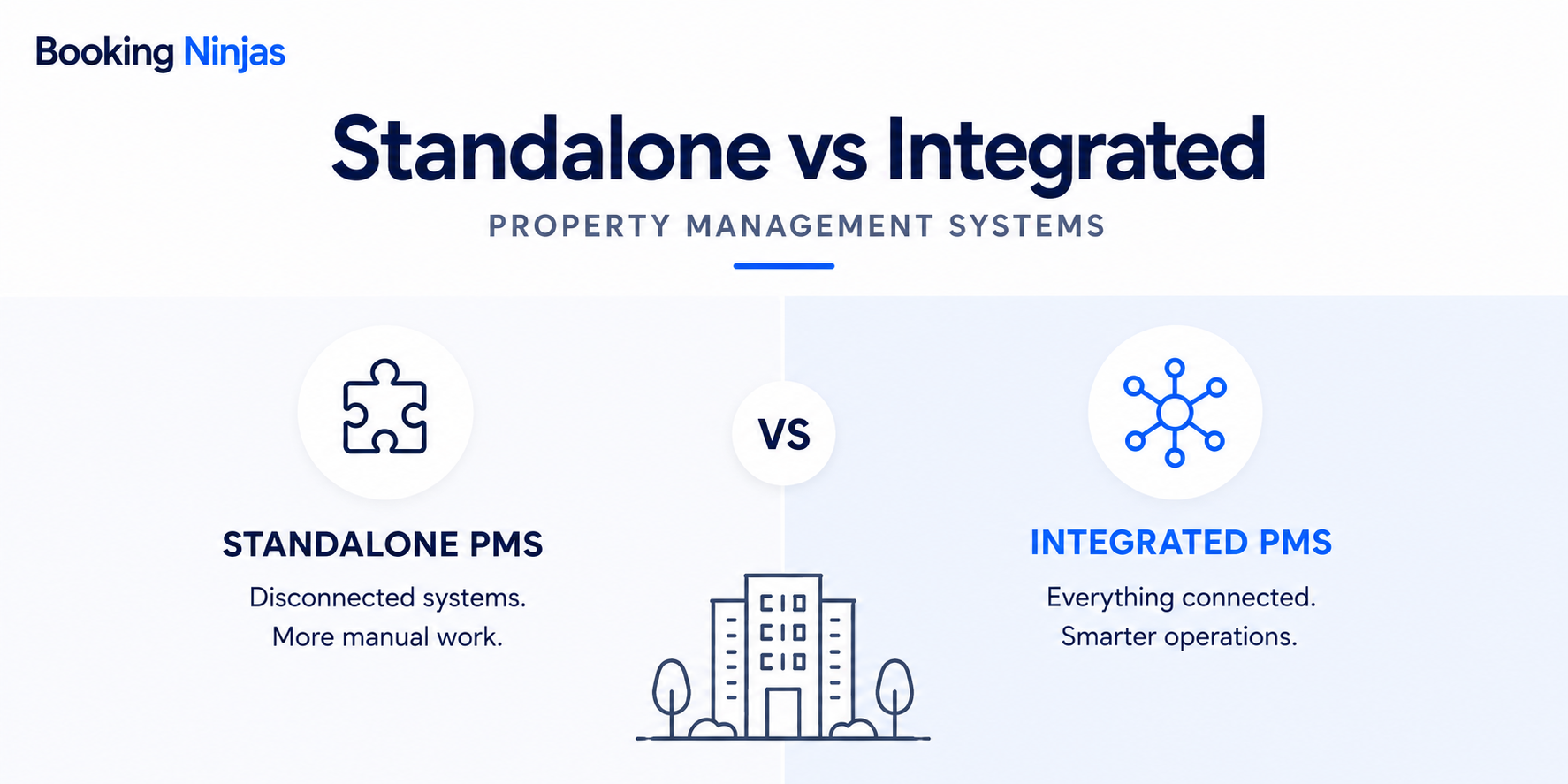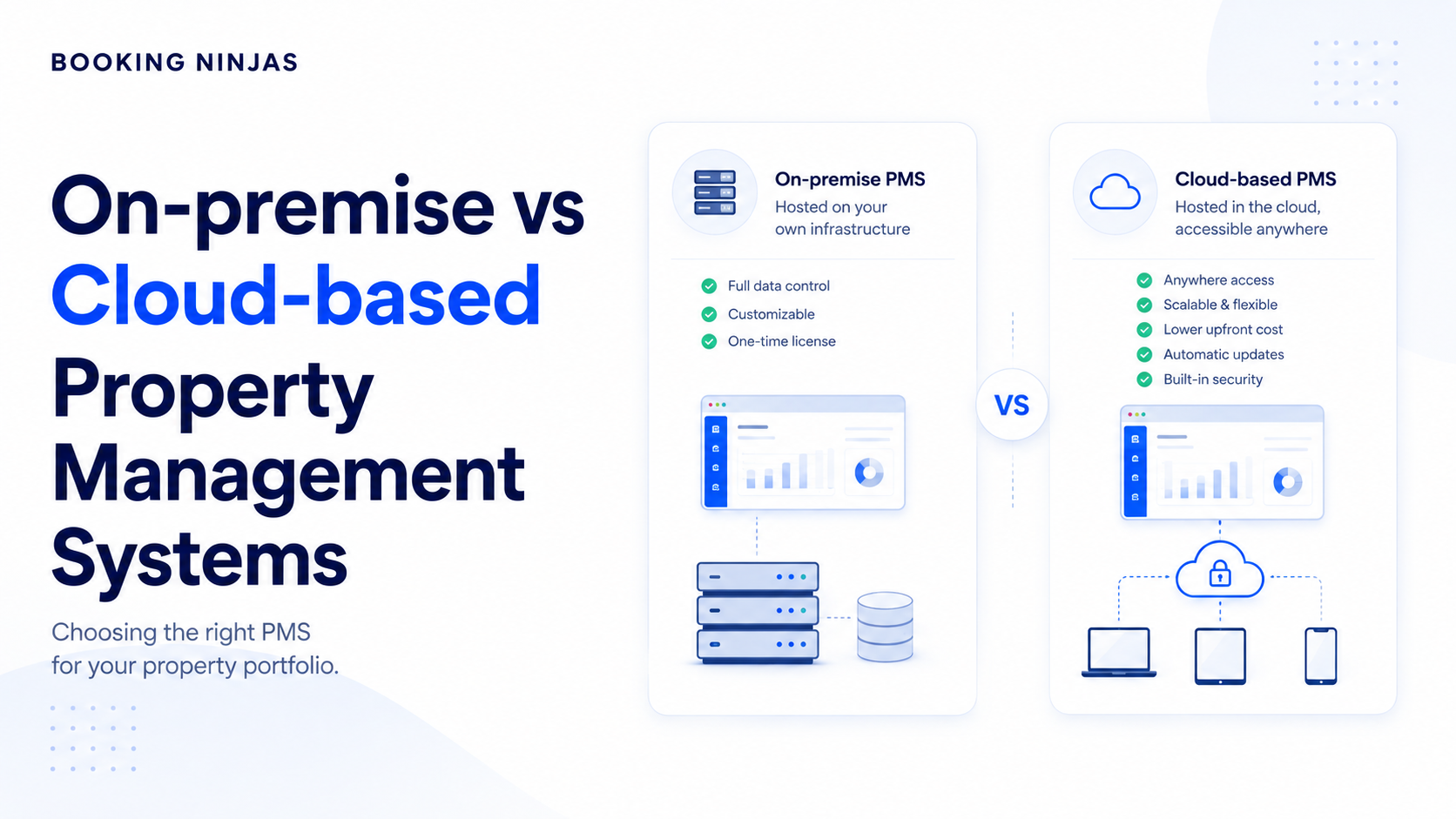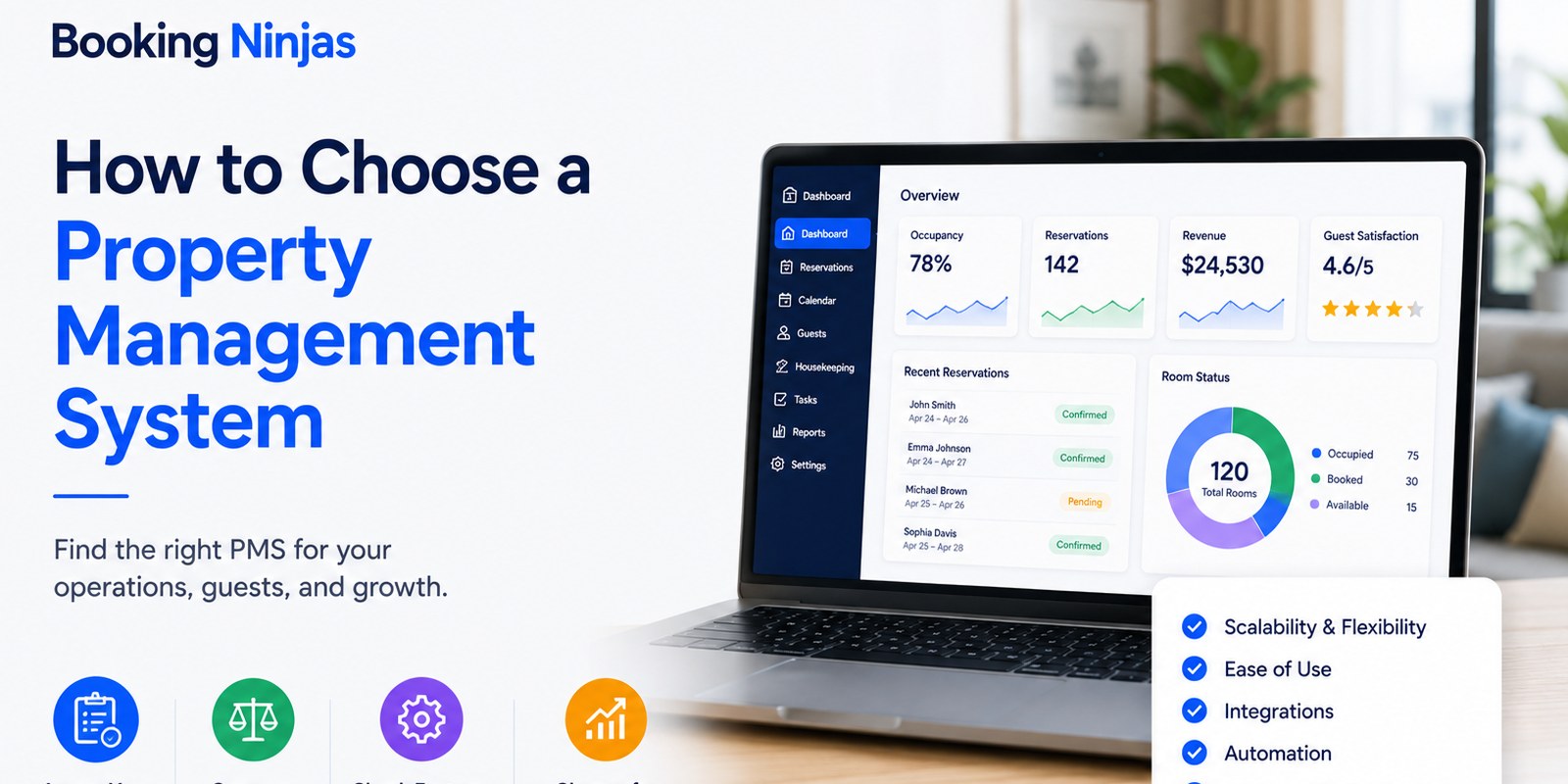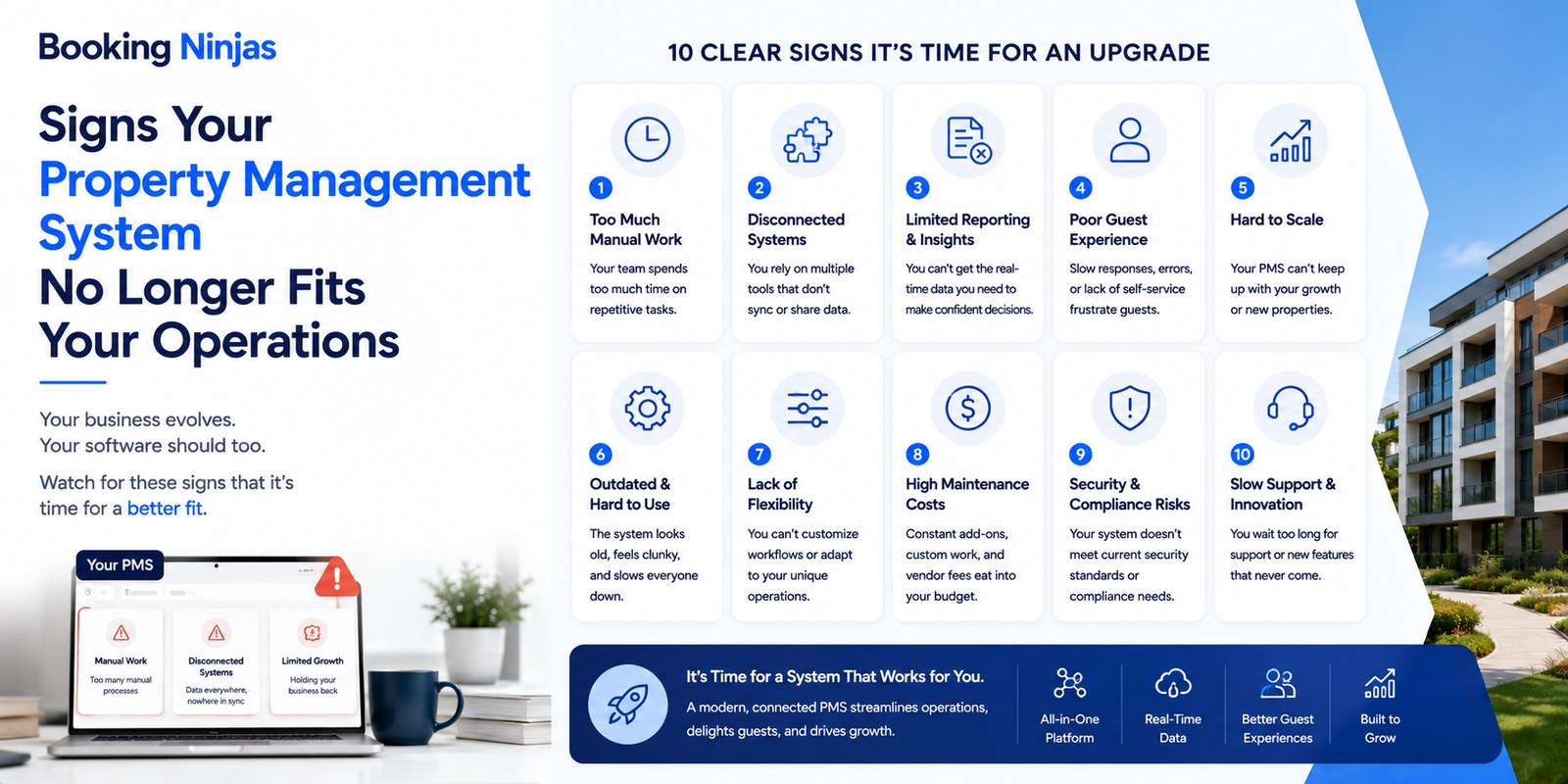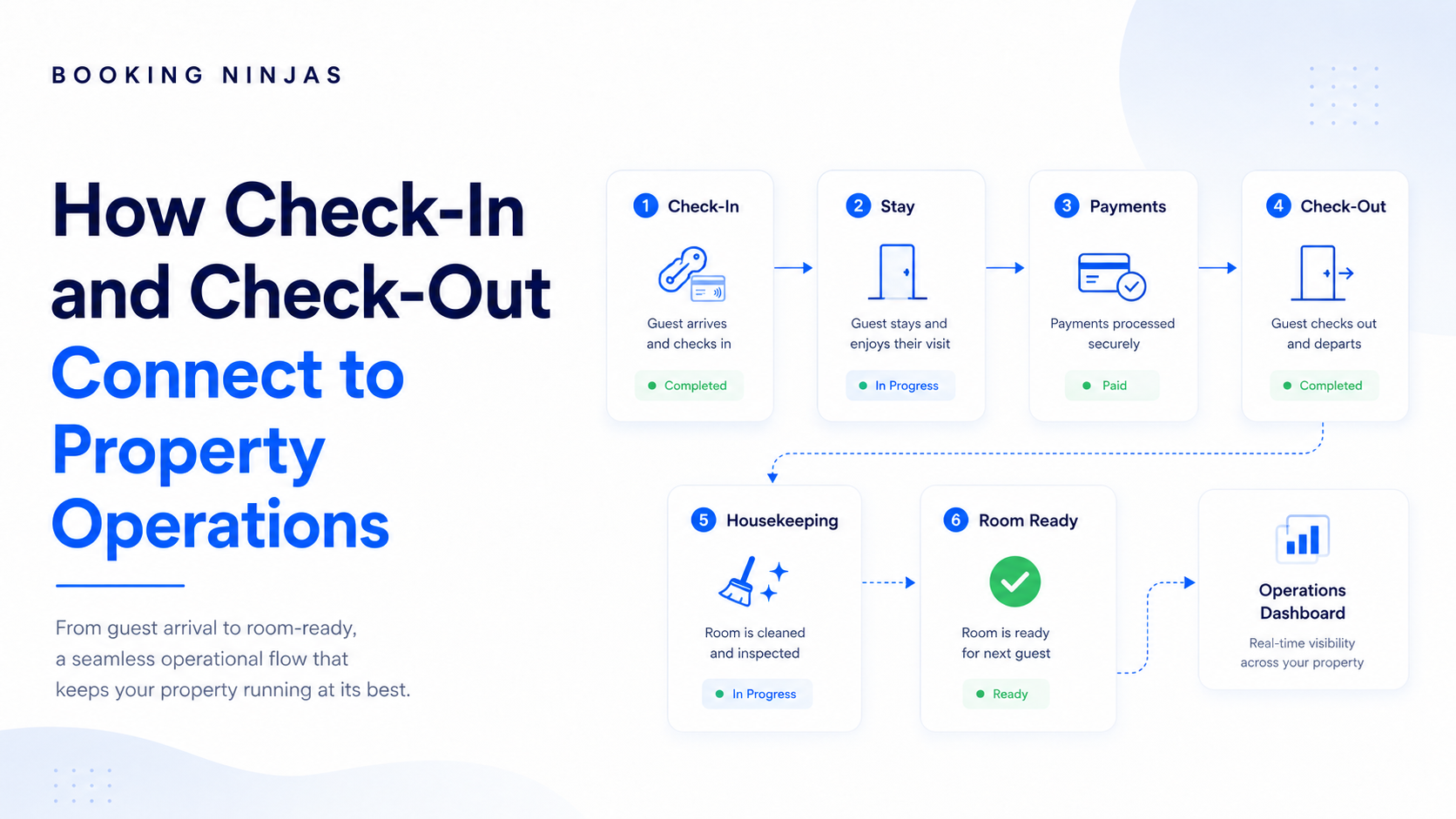
A good hotel check-in and check-out process connects much more than the front desk. It should keep the reservation, guest record, room status, access, payments, housekeeping, and service activity moving through one operational flow.
What is check-in and check-out management?
Check-in and check-out management coordinates a guest's arrival and departure with the operational work surrounding the stay.
Booking Ninjas' Check-In and Check-Out capability can form part of this process by keeping arrival and departure activity connected to the wider operating workflow, depending on the property's configuration.
- Confirm the reservation
- Review guest information
- Confirm room readiness
- Review payment requirements
- Provide appropriate access
- Record the guest's arrival
- Confirm departure
- Review final charges
- Update access according to the configured process
- Release the room for turnover
- Trigger housekeeping or maintenance work
- Update the stay and guest history
The front-desk action is therefore only one part of the process. Within a broader hotel management operation , arrival and departure sit between reservations, availability, guest service, housekeeping, billing, access, and the next booking.
What should a connected check-in and check-out workflow look like?
A connected hospitality workflow carries the same operational context from the original reservation through departure and room turnover.
Booking Ninjas' Reservation Management can provide the booking record, Availability Management can keep bookable capacity aligned with reservation activity, and Workflow & Process Management can support the handoffs that need to happen as the stay changes status.
| Stage | Main information | Operational connection |
|---|---|---|
| Reservation | Guest, dates, rate, room | Reservation and availability records |
| Pre-arrival | Instructions, guest details, payment | Guest communication and account activity |
| Room preparation | Cleaning and readiness | Housekeeping operations |
| Check-in | Arrival and required verification | Stay status and access workflow |
| During stay | Requests, charges, changes | Guest and operational records |
| Check-out | Departure and final charges | Billing, access, and turnover |
| Turnover | Cleaning or maintenance | Housekeeping and work orders |
| Ready again | Updated operational status | Availability and next reservation |
Listen: Improving hospitality check-in and check-out
How should the reservation connect to check-in?
The reservation should be the starting record for the arrival workflow rather than information staff have to recreate when the guest reaches the property.
Information that may already be available from the reservation
- Guest information
- Arrival and departure dates
- Room or unit
- Booking status
- Rate and charges
- Additional guests
- Special requests
- Relevant booking notes
A connected Reservation Management workflow can carry the same booking and stay information into arrival, service activity, payment, and departure instead of maintaining separate versions of the stay.
Our guide to connected hotel data goes deeper into why shared booking, guest, payment, and operational records matter.
What can happen before the guest arrives?
Many predictable administrative steps can happen before the guest reaches the property, reducing the amount of information the front desk has to collect at the point of arrival.
Common pre-arrival activities
- Send arrival instructions
- Confirm guest information
- Confirm expected check-in time
- Request an outstanding payment
- Collect required information
- Prepare special requests
- Complete required forms
- Verify identity where the workflow requires it
Where digital collection is appropriate, Online Payment Collection can support pre-arrival payment workflows. Where identity verification is required and included in the implementation, Digital Identity Verification can form part of the relevant process.
A Guest Portal can also give guests a structured place to review booking information, payments, documents, and service activity according to the configured experience.
Why should check-in connect to room readiness?
A reservation can be valid while the assigned room is still not operationally ready for the guest.
Questions staff may need answered before completing arrival
- Has the previous guest checked out?
- Has housekeeping started?
- Has cleaning been completed?
- Is there an open maintenance issue?
- Has the required inspection happened?
- Is the room ready for an early arrival?
Booking Ninjas' Housekeeping Management can connect room-turnover activity with the wider operation, while Availability Management supports the booking-side view of which resources can be offered.
Example: an early arrival
Reservation found → room status checked → housekeeping progress visible → room becomes ready → front desk can complete arrival
The exact workflow depends on the property's configuration. The operating principle is that the people managing arrival should be able to see the status that affects it.
How should access connect to check-in?
Access should follow the guest's actual stay status and the property's access policies rather than being handled as a completely separate process.
Reservation confirmed → required arrival steps completed → guest checked in → appropriate access provided
At departure, the property's configured process can then determine what should happen to that access.
Booking Ninjas' Access Control can form part of this operating model. The exact connection to physical locks, cards, credentials, or third-party access systems depends on the available integration and implementation scope.
How should payments connect to arrival and departure?
Payments create unnecessary delays when staff cannot easily see what has already been paid, what is still due, and which charges belong to the stay.
- Reservation balance
- Deposits
- Required payment
- Authorization status
- Pre-arrival collections
- Final balance
- Additional services
- Adjustments
- Refunds or reversals where applicable
- Payment status
- Final invoice or receipt
Booking Ninjas' Billing & Payment Management provides the wider financial layer, while Payment Processing and Online Payment Collection can support relevant transaction and digital-collection workflows.
What happens to the guest record during the stay?
Check-in should not end the guest-management process. The guest's service activity should continue to create useful operational context during the stay.
During the stay, a guest might
- Request housekeeping
- Report a maintenance problem
- Purchase another service
- Change rooms
- Request additional nights
- Ask for a late check-out
- Submit a service request
- Contact staff with a question
Booking Ninjas' Request Management can capture, route, assign, and track requests instead of leaving operational follow-up inside disconnected messages.
Where self-service fits the property model, the Guest Portal can provide another structured way for guests to interact with bookings, payments, information, and service requests.
Why is check-out more than closing a reservation?
Check-out is an operational trigger because the departure changes what several teams can or should do next.
Booking Ninjas' Check-In and Check-Out and Workflow & Process Management can support the status changes and configured handoffs around this point in the stay.
The guest may have left, but property operations are still continuing.
How should housekeeping connect to check-out?
Housekeeping needs reliable departure information so room turnover does not depend on calls, handwritten lists, or someone remembering to send an update.
A connected turnover handoff
Check-out recorded → turnover status changes → housekeeping can act → cleaning completed → readiness status updated
Booking Ninjas' Housekeeping Management can keep cleaning assignments and room readiness visible to the wider operation.
If housekeeping discovers a more substantial issue, it can move into Work Order Management so ownership, status, follow-up, and completion remain trackable.
Issue found → work order created → maintenance assigned → work completed → operational status updated
Where do disconnected check-in and check-out processes fail?
Many check-in and check-out problems happen between teams rather than inside one department.
“The guest checked out.”
“We did not know the room was free.”
“Nobody assigned us the room issue.”
“There is still an unresolved charge.”
“Can we release this room for the next stay?”
Each team may have accurate information. The problem is that the information is not moving with the workflow.
This is one reason Booking Ninjas connects operational capabilities through a Salesforce-native data and workflow foundation rather than treating each function as a completely separate system.
Our guide on connected hotel operations and staff efficiency looks more broadly at how shared workflows affect daily staff work.
Which parts of check-in and check-out should hotels automate?
Hotels should automate predictable work first and make exceptions easy for staff to identify and manage.
- Pre-arrival notifications
- Standard payment requests
- Configured status changes
- Housekeeping handoffs
- Routine task creation
- Standard confirmations
- Operational alerts
- Post-stay messages
- Room problems
- Payment disputes
- Guest complaints
- Unusual access requirements
- Special accommodations
- Reservation conflicts
- Unexpected stay changes
- Other high-impact exceptions
Booking Ninjas' Workflow & Process Management is designed for structured routing, status changes, approvals, assignment, escalation, and exception handling around configured operational processes.
Is self-service always better than front-desk check-in?
No. Self-service is one operating option, not the goal itself. Hotels should choose the right balance between automation and staff interaction for their property model.
- Digital arrival workflows
- Self-service kiosk
- Guest portal
- Online payment
- Automated communication
- Property type
- Guest expectations
- Staffing
- Arrival volume
- Physical access
- Payment requirements
- Operational complexity
Booking Ninjas' Self-Service Kiosk can support kiosk-based check-in workflows, while the Guest Portal provides a broader guest-facing layer for bookings, payments, documents, and requests.
What should you look for in check-in and check-out software?
Do not evaluate the system only by whether it contains a Check In or Check Out button. Evaluate what those actions connect to.
| Question | Why it matters | Relevant Booking Ninjas capability |
|---|---|---|
| Does it connect to the reservation? | Staff need the correct stay record. | Reservation Management |
| Can staff see operational room status? | Arrival depends on room readiness. | Housekeeping |
| Does availability update with booking activity? | Teams need reliable bookable capacity. | Availability Management |
| Can arrival and departure become workflow events? | The rest of the operation may depend on those events. | Check-In / Check-Out |
| Can it support access workflows? | Stay status may affect access. | Access Control |
| Does it connect to billing and payment activity? | Staff need clear financial information. | Billing & Payment |
| Can guests use self-service where appropriate? | Routine interactions do not always require staff. | Guest Portal |
| Can guest issues become trackable requests? | Problems should not disappear into messages. | Request Management |
| Can maintenance issues become assigned work? | Operational problems need ownership and status. | Work Orders |
| Can handoffs move automatically? | Teams should not need to manually relay every change. | Workflow & Process |
The important question is therefore not how many individual features a platform lists. It is whether the relevant capabilities can work together around the same reservation, guest, payment, room, and operational records.
How does Booking Ninjas connect the check-in and check-out workflow?
Booking Ninjas is a Salesforce-native platform for bookings and operations . The relevant capabilities can therefore sit around the same operational data and configured workflows instead of acting only as isolated front-desk tools.
A hotel does not necessarily need every capability below. The appropriate combination depends on the property's operating model, existing systems, guest experience, payment setup, access technology, and implementation scope.
Booking and preparation
Guest interaction
Operational follow-through
The value is not simply that these capabilities exist. It is that reservations, availability, guest interactions, financial activity, operational requests, room turnover, and follow-up can be designed around a connected operating model.
The exact setup depends on the property, required workflows, external systems, access technology, payment provider, permissions, integrations, and implementation scope.
What does one connected guest departure look like?
Consider a guest checking out of a hotel room. The difference between a disconnected and connected process becomes visible in the handoffs that follow.
- Front desk records departure.
- Someone tells housekeeping.
- Housekeeping updates another list.
- A room problem is sent through a message.
- Billing checks a separate record.
- Reservations waits for room confirmation.
- The guest checks out.
- The stay status changes.
- Final payment status is visible.
- Access follows the configured departure process.
- The room moves into turnover.
- Housekeeping sees the work.
- A discovered issue can become a work order.
- Cleaning and maintenance status are recorded.
- The room becomes ready again.
Frequently asked questions
What is hotel check-in and check-out management?
Hotel check-in and check-out management coordinates guest arrival and departure with reservations, guest records, room status, access, payments, housekeeping, and the operational work surrounding the stay.
Can a hotel automate check-in and check-out?
Parts of the process can be automated. Common candidates include notifications, payment requests, configured status updates, confirmations, task creation, and operational handoffs. Exceptions may still require staff involvement.
Which Booking Ninjas features support hotel check-in and check-out?
Depending on the property and implementation, relevant Booking Ninjas capabilities can include Reservation Management, Availability Management, Check-In and Check-Out, Self-Service Kiosk, Guest Portal, Billing and Payment, Access Control, Housekeeping, Request Management, Work Orders, and Workflow and Process Management.
Does Booking Ninjas support self-service check-in?
Booking Ninjas provides self-service kiosk, portal, and check-in/check-out capabilities. The exact guest-facing workflow depends on the property's configuration, required hardware, integrations, access setup, and implementation scope.
How does check-out affect housekeeping?
Guest departure can become the start of the room-turnover workflow. Connecting departure status with housekeeping reduces the need to manually tell another team that a room is available for cleaning.
Can check-in connect with access control?
Yes. Access can form part of the wider check-in workflow. The exact connection depends on the property's physical or digital access system, available integrations, policies, and implementation setup.
Why should payments be connected to check-out?
Staff need to understand charges, payments, adjustments, and remaining balances before closing the stay. Connecting financial activity with the stay provides a clearer record at departure.
Does every hotel need contactless check-in?
No. Contactless or self-service check-in is an operating choice. Hotels should decide which steps to automate based on guest expectations, staffing, technology, access requirements, payment requirements, and the level of personal service they want to provide.
Connect the entire stay, not just the front desk
Better check-in and check-out comes from connecting reservations, availability, payments, guest service, access, housekeeping, maintenance, and the handoffs that happen between them.
Booking Ninjas can bring these workflows together within one Salesforce-native bookings and operations platform, with the final setup shaped around the property's requirements and existing systems.
Schedule a Call