
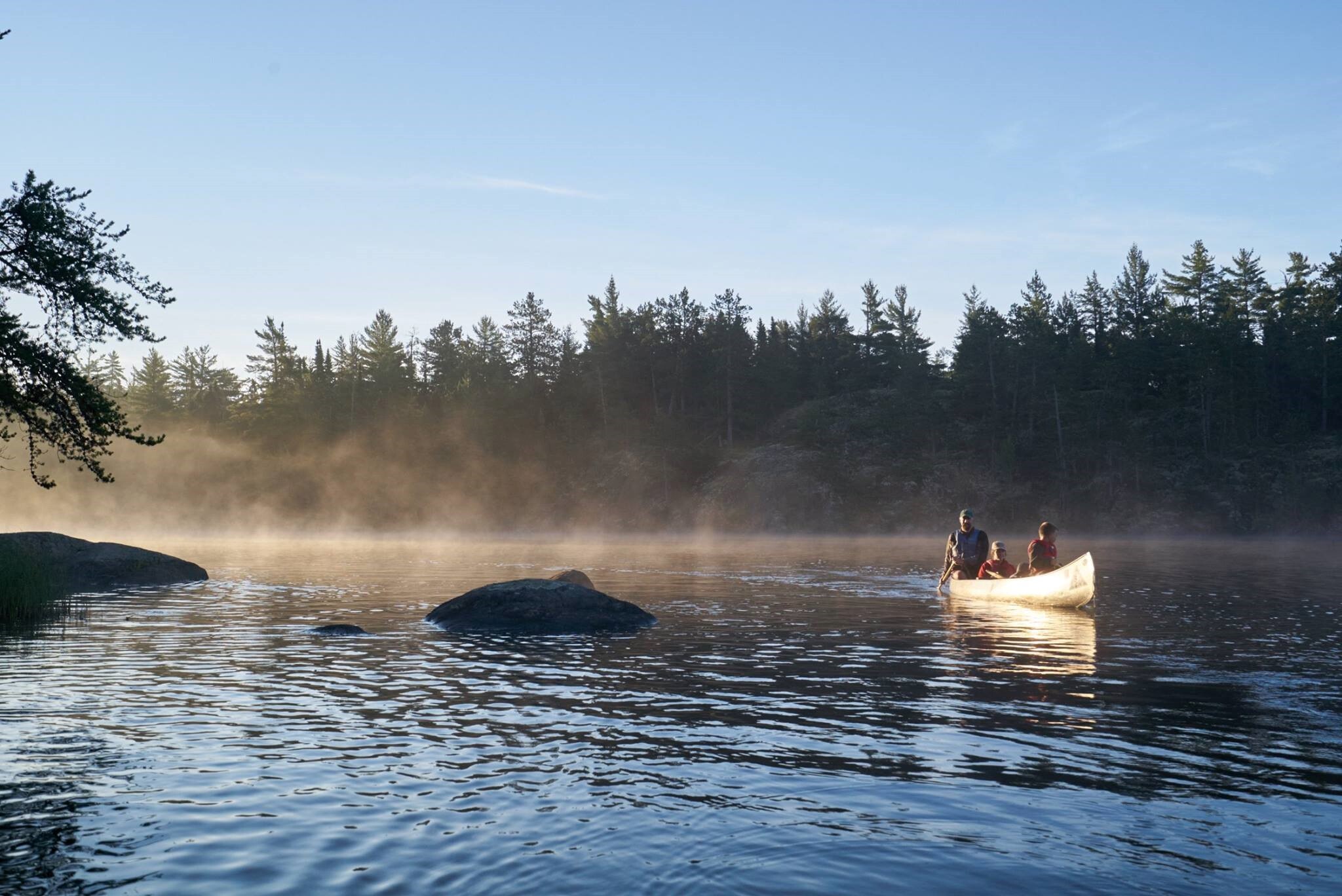
YMCA of the North rents cabins at its Minnesota camps and outdoor centers, especially during the off-season when those spaces can welcome families and bring in extra revenue.
The old booking setup made that harder than it needed to be. Cabin reservations lived outside Salesforce, seasonal availability needed staff attention, and the two-part payment schedule was tracked by hand.
The challenge: cabin rentals had their own rules, but the old system did not
These are not year-round hotel rooms. Cabins open for booking during specific off-season windows, and those dates have to work around YMCA camp programs and schedules.
The reservation process also had several moving parts:
- Seasonal cabin availability
- Camp program schedules
- Cabin type and capacity
- Amenities
- Guest information
- 50% booking deposits
- Final payment deadlines
- Booking and revenue reports
At the same time, the YMCA already used Salesforce for member and program data. Cabin reservations lived somewhere else, so staff had to keep information moving between the systems.
Payments added another regular job. Guests normally paid 50% when booking and the other 50% 30 days before arrival. Staff used spreadsheets to keep track of the second payment and follow up when it was due.
The solution: put cabin booking where the YMCA's data already lives
Booking Ninjas built the cabin reservation flow on Salesforce instead of adding another disconnected booking database.
Families can book through the YMCA's branded online booking experience, while staff can work with reservations, guest information, payments, and reporting from the same Salesforce-based setup.
The booking rules can also follow the YMCA's real operation. Cabins can open or close around the dates the YMCA chooses instead of staff having to remember every seasonal exception.
The Booking Engine supports rules around availability, capacity, restricted dates, and other booking limits.
How a cabin booking moves through the system
The family looks for a cabin that fits the dates and needs of the stay.
Seasonal dates, availability, capacity, and other rules decide what can be booked.
The booking and guest information enter the same Salesforce-based flow.
The correct deposit or full payment is applied from the arrival date.
Balances, booking activity, and reporting stay connected after the first payment.
For more detail on the rules behind bookable inventory, see How Availability Is Managed .
How the setup solved the daily problems
| YMCA need | Booking Ninjas setup | What became easier |
|---|---|---|
| Seasonal cabin booking | Booking Engine + Reservation Management | The YMCA can apply its own booking windows and keep cabin reservations in the same Salesforce environment. |
| Changing availability | Availability Management | Bookings and changes can update availability without maintaining a separate spreadsheet calendar. |
| 50/50 payment schedule | Payment Automation | Bookings more than 30 days out can take 50% first and schedule the remaining balance. Closer bookings can require full payment. |
| Disconnected Salesforce data | Salesforce-native records | Reservations, guests, and payment history can stay with the wider Salesforce data instead of needing the same manual syncing. |
| Cabin performance | Reports + Dashboards | Booking volume, revenue, occupancy, and payment activity can be viewed from the records already created by the booking flow. |
| Booking journey data | Google Analytics | Marketing can see how visitors reach and move through the booking journey. |
The payment schedule no longer needs its own spreadsheet
The YMCA's payment rule is simple to explain but easy to turn into repeat work.
If a guest books more than 30 days before arrival, 50% is due at booking and the other 50% is due 30 days before the stay. If the booking is made within 30 days, the full amount is due.
Booking Ninjas can apply that rule from the booking date and arrival date. Staff do not need a separate list just to remember which balance should be collected next.
This also helps protect revenue already tied to a cabin booking. The second payment can follow the reservation instead of depending on somebody noticing the right spreadsheet row at the right time.
The Knowledge Center explains the wider relationship in How Bookings Connect to Invoices .
The booking rules belong to the YMCA
YMCA of the North did not need to turn its camp calendar into a generic hotel calendar.
Its cabins, seasonal windows, program dates, payment rules, guest journey, and reporting needs can be reflected in its own Salesforce environment.
That is one useful part of a Salesforce org . The records, workflows, rules, users, and reporting can be set up around the organization using it.
What became easier for the YMCA team
The two-part payment schedule can follow the booking instead of a separate spreadsheet.
Cabin booking windows can follow camp schedules without staff checking every request by hand.
Guest, reservation, and payment records no longer need the same manual movement between systems.
Guests can search and reserve cabins online instead of needing staff to begin every reservation.
The same reservation and payment activity can support booking, occupancy, revenue, and payment views.
Staff can focus more on guests, programs, facilities, and the camp experience instead of routine booking admin.
Next: make the booking experience easier to use and easier to explore
The first job was getting the foundation right: seasonal rules, reservations, payments, guest data, and reporting now have a connected place to work.
The next improvements focus more directly on the family making the booking.
The booking experience is being improved so more guests can comfortably find, understand, and complete the booking steps. The goal is to remove avoidable barriers while keeping the YMCA's booking rules working underneath.
The upgraded layout is planned to let families explore cabin locations visually and move into booking from the cabin they choose on the map. This can make it easier to understand where each cabin is before comparing dates, details, and availability.
This is also where a better guest experience can help the revenue side of the project. When families can understand the choices, find an available cabin, and move into booking with fewer confusing steps, there are fewer chances to lose an interested guest along the way.
These accessibility and map-booking improvements are the next stage of the experience and are not presented here as completed results.
Cabin booking can be the starting point, not the limit
The core setup starts with Booking Engine and Reservation Management because that was the main problem the YMCA needed to solve.
From there, the same platform can extend into other apps and workflows when there is a real need, such as POS, surveys, programs, portals, reporting, or other YMCA operations.
That becomes especially useful when programs, facilities, customers, payments, and reporting need to start sharing more of the same information.
See the wider YMCA solution for how Booking Ninjas can extend beyond cabin reservations.
Learn more about this booking setup
See how dates, restrictions, capacity, and existing bookings decide what guests can reserve.
How Availability Is Managed →See how a reservation can stay connected to the invoices and payments that follow it.
How Bookings Connect to Invoices →See how an organization's own data, workflows, users, rules, and reporting can live in its Salesforce environment.
What Is a Salesforce Org? →Make seasonal booking easier for guests and easier for staff.
See how Booking Ninjas can connect availability, reservations, payments, customer data, and the rules that make your booking operation different.


.jpeg)



.jpg)
















.png)