
Tax Calculation
Apply configured tax rules to invoices and billing records while keeping the tax amount connected to the transaction.
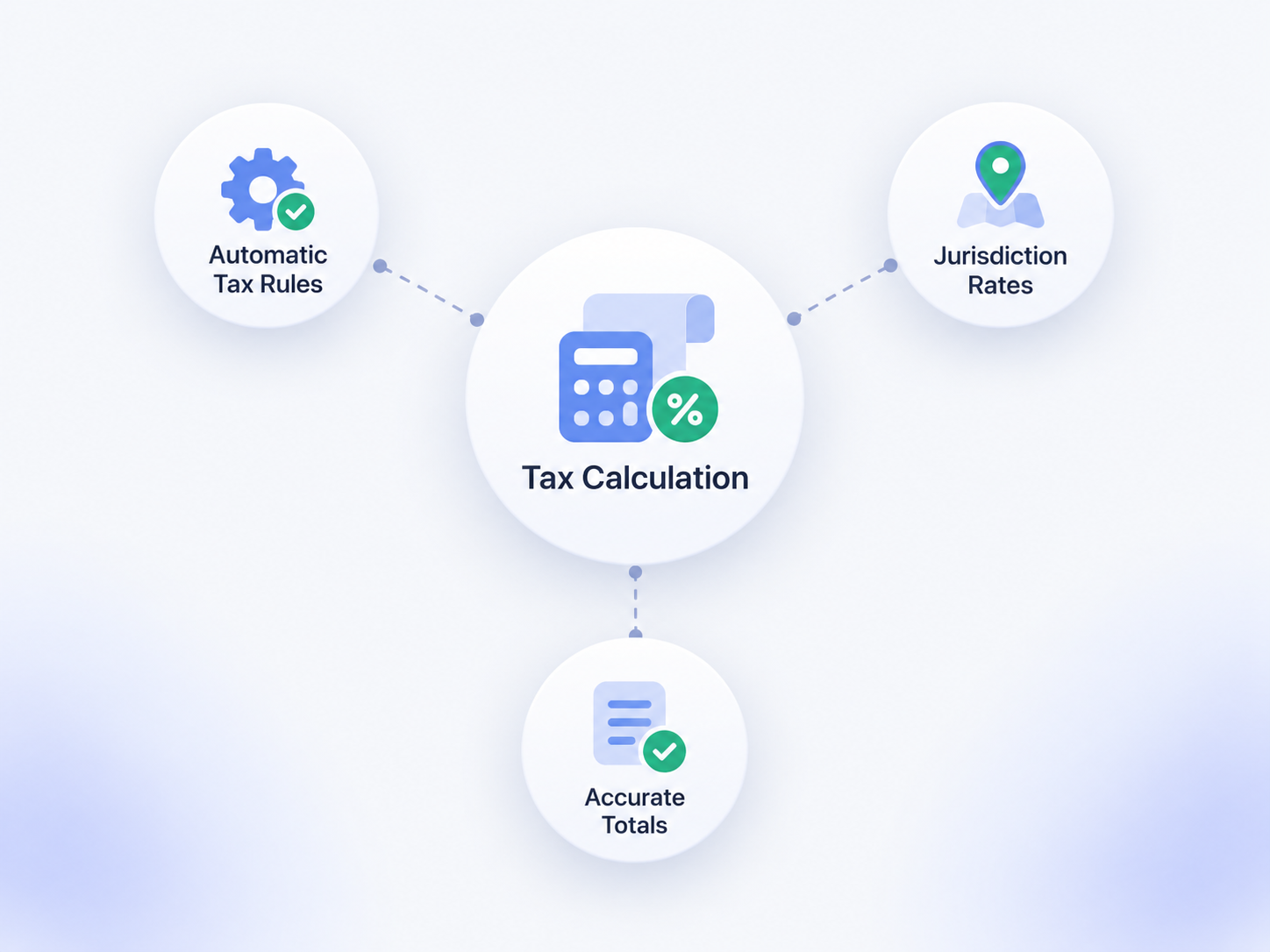
Configure the Tax Rules Used in Billing
Set the tax logic your organization uses, then apply it consistently in the billing workflow.

Tax Rate
Store the rate used for the applicable billing scenario.
Location
Use location or property context when different operating areas use different configured tax rules.
Product or Service
Apply different configured tax treatment to selected items, services, or fees where needed.
Tax Exemption
Support configured exempt or non-taxable treatment when the business process requires it.
Apply Tax During the Billing Workflow
Keep tax calculation close to the invoice, line items, and final amount due.
Invoice Creation
Apply the configured tax rule when the invoice or charge is created.
Line Items
Keep the tax amount connected to the taxable item or billing line where configured.
Recurring Billing
Reuse the configured tax treatment on recurring billing records where applicable.
Adjustments
Recalculate or adjust tax when the underlying taxable amount changes according to the configured workflow.
Keep Tax Visible on the Financial Record
Make it easier to understand how the final invoice total was built.

Invoice Tax Amount
Show the calculated tax amount with the related invoice or billing record.

Taxable Base
Keep the taxable amount available so staff can review how the tax was derived.
Rate Used
Keep the configured rate or tax treatment associated with the billing record where supported.
Reporting
Use captured tax fields in Salesforce reports and dashboards according to the implementation.
Use Different Rules Where the Business Requires Them
Tax treatment can vary by location, item, customer, or billing scenario.
- Location-specific configured tax rates
- Different tax treatment for products, services, or fees
- Exempt or non-taxable customer scenarios where configured
- Recurring billing using the applicable tax setup
- Refunds or adjustments using the related billing context
- Custom tax logic where standard configuration is not enough
Tax Accuracy Depends on the Rules You Configure
Booking Ninjas applies configured tax logic. Your organization remains responsible for determining the correct tax treatment for its business.
Client Tax Policy
Your organization defines which rates, exemptions, and tax treatments should apply.
Booking Ninjas Configuration
Booking Ninjas uses the agreed billing setup to apply the configured tax logic.
Tax Provider
If an external tax service is needed, its rules, licensing, and fees remain separate.
Implementation
Complex tax structures or new tax-service integrations may require additional implementation or customization.
Works With the Billing Flow
Tax calculation stays connected to invoicing, recurring billing, refunds, and financial reporting.
Invoice Management
Keep tax amounts with the invoice and related billing lines.
View Invoice Management →Recurring Billing
Apply the configured tax treatment to repeat billing records where appropriate.
View Recurring Billing →Refund Management
Keep refund and adjustment tax treatment connected to the original billing context.
View Refund Management →Financial Reporting
Use captured tax data in Salesforce reports and dashboards.
View Financial Reporting →Pricing
Standard configured tax calculation is part of the Core billing workflow.
Core Package
Starts with 1–50 Active Bookable Units.
- Booking Engine + Reservation System
- Invoicing and Billing
- Recurring Billing
- Configured tax calculation
- Standard reports and dashboards
Advanced Tax Setup
Scoped as neededComplex multi-jurisdiction rules, external tax engines, specialized exemptions, or new accounting/tax integrations may require additional implementation or customization.
- No separate Tax Calculation SKU
- External tax-provider fees remain separate
- New integrations may require separate scope
- Implementation is priced separately
Manual Tax Tables vs Booking Ninjas
Keep tax logic connected to the billing record instead of recalculating it outside the system.
| Capability | Manual Tables | Booking Ninjas | External Tax Engine |
|---|---|---|---|
| Invoice context | Manual calculation | Same billing workflow | Needs integration |
| Configured rates | Manual maintenance | Stored in billing setup | Provider-managed |
| Recurring billing | Repeated manually | Uses configured tax treatment | Depends on integration |
| Custom tax logic | Manual formulas | Configurable / scoped | Usually specialized |
| Tax determination | Client responsibility | Client-defined rules | Provider-specific |
| Separate BN subscription | Not applicable | No | Usually yes |
Frequently Asked Questions

Keep Tax Calculation Connected to Billing
Apply configured tax rules to invoices, recurring charges, adjustments, and reporting in the same workflow.