
Customer Segmentation
Group customers using the booking, membership, location, customer-type, and other operational data already available in Booking Ninjas.
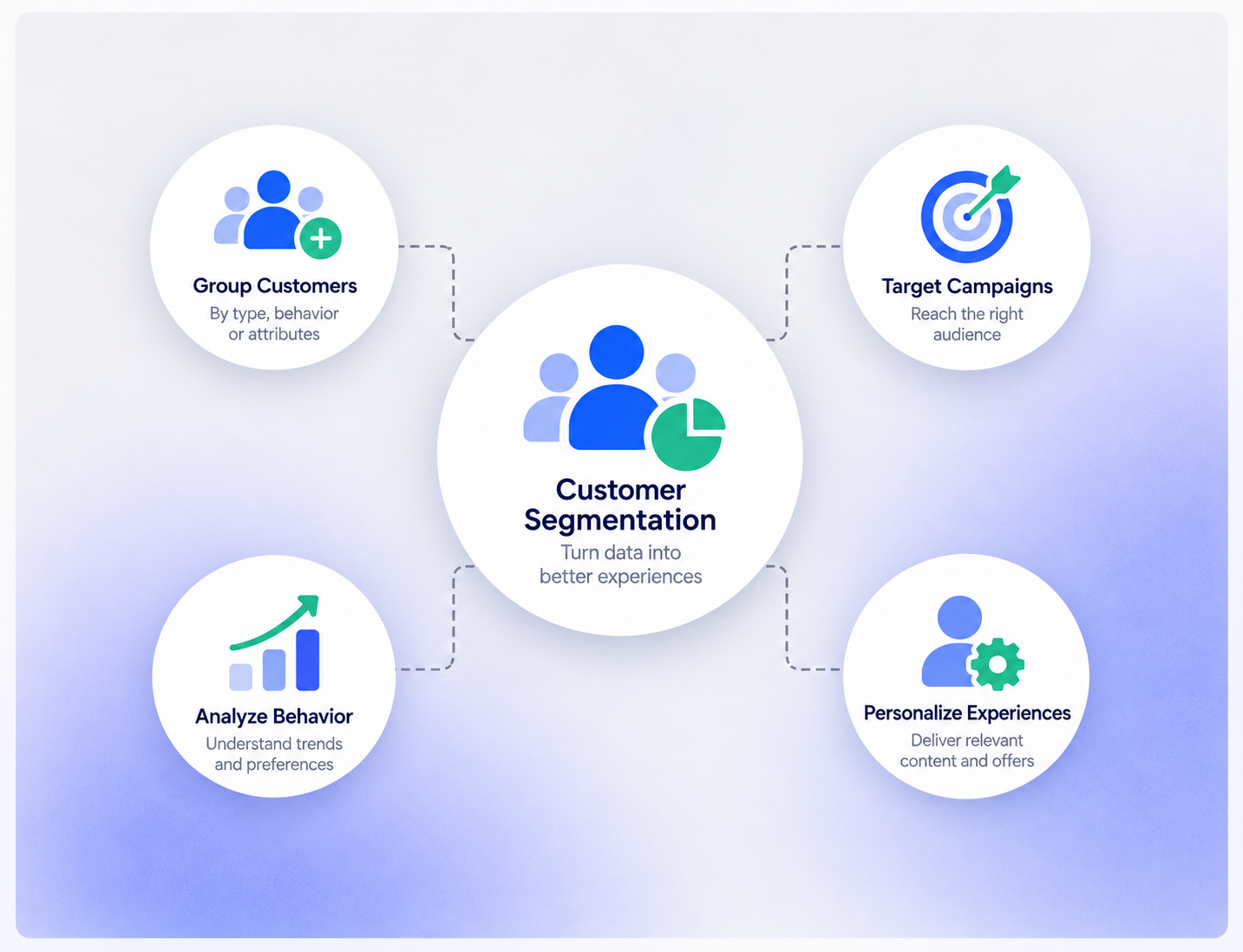
Build Segments From the Data You Already Have
Use available customer and operational fields to create groups that are easier to report on, compare, and follow up with.

Customer Type
Separate guests, members, residents, students, corporate contacts, or other supported groups.
Booking Behavior
Group customers by booking frequency, recency, location, offering, or other captured booking attributes.
Membership Status
Use member type, status, renewal context, or other available membership fields.
Location & Profile Fields
Use geography, account type, preferences, or other fields the organization actually captures.
Use Segments to Compare Customer Behavior
Once customers are grouped consistently, teams can compare activity across segments using the data available in the platform.

Booking Frequency
Compare how often different groups make reservations or return.

Booking or Billing Value
Compare captured booking or billing value across groups where the underlying data supports it.
Activity Over Time
Review how selected groups change across available date ranges or lifecycle stages.
Location or Offering
Compare customer groups by property, location, product, space, or other supported dimensions.
Support Cohort and Lifecycle Analysis
Create groups based on when or how customers entered the relationship, then review how those groups behave over time.
- Customers grouped by first booking date
- Members grouped by join or renewal period
- Returning vs. first-time customers
- Active vs. inactive customer groups
- Location- or offering-based cohorts
- Custom lifecycle stages defined by business rules
Works With the Customer Insights Layer
Customer Segmentation becomes more useful when paired with the features that explain customer history and change over time.
Customer Intelligence
Use the broader customer record and operational history as the foundation for segmentation.
View Customer Intelligence →Customer Journey Analytics
Review how selected customer groups move through the relationship over time.
View Customer Journey Analytics →Churn Analytics
Analyze inactivity and retention-related patterns for selected groups when enough historical data exists.
View Churn Analytics →Custom Dashboard
Put selected segment metrics into a dashboard view for reporting and review.
View Custom Dashboard →Segmentation Depends on the Fields and History Available
Booking Ninjas can group customers using available Salesforce and operational data. The quality of the segment depends on the fields, history, integrations, and business rules behind it. Automatic high-value discovery, churn prediction, external market data, lifetime-value modeling, and AI-generated segment recommendations are not assumed by default and may require additional analytics or implementation.
Verified in the Salesforce Ecosystem.
Booking Ninjas is listed on Salesforce AppExchange.
Pricing
Customer Segmentation starts with the customer and operational data already available in the Booking Ninjas Core foundation.
Core Package
Starts with 1–50 Active Bookable Units.
- Contact Management
- Reservation and booking records
- Invoicing and billing context
- Standard reports and dashboards
- Salesforce-native operational data
Configured as Needed
Scoped to the use caseCustom segment logic depends on the fields, history, rules, external data, reporting requirements, and activation workflow.
- No separate public Customer Segmentation SKU shown here
- Custom fields and segment rules can be configured
- External customer data may require integration
- Predictive or AI-assisted segmentation is scoped separately
Manual Lists vs Booking Ninjas Segmentation
Keep customer groups tied to the same operational records used for bookings, billing, memberships, and reporting.
| Capability | Manual Lists / Spreadsheets | Booking Ninjas |
|---|---|---|
| Customer data | Copied manually | Connected Salesforce records |
| Segment rules | Manual filtering | Can use configured fields and rules |
| Booking behavior | Separate analysis | Connected reservation context |
| Membership context | Separate member list | Can use membership data where available |
| Reporting | Manual roll-up | Salesforce reports and dashboards |
| Advanced modeling | Separate analytics project | Can be scoped on the same data foundation |
Frequently Asked Questions

Build Customer Groups From Connected Data
Use booking, membership, customer, and operational fields to create segments that are easier to report on and act on.