
Split Billing
Divide shared charges across multiple payers while keeping each share connected to the same booking and billing context.
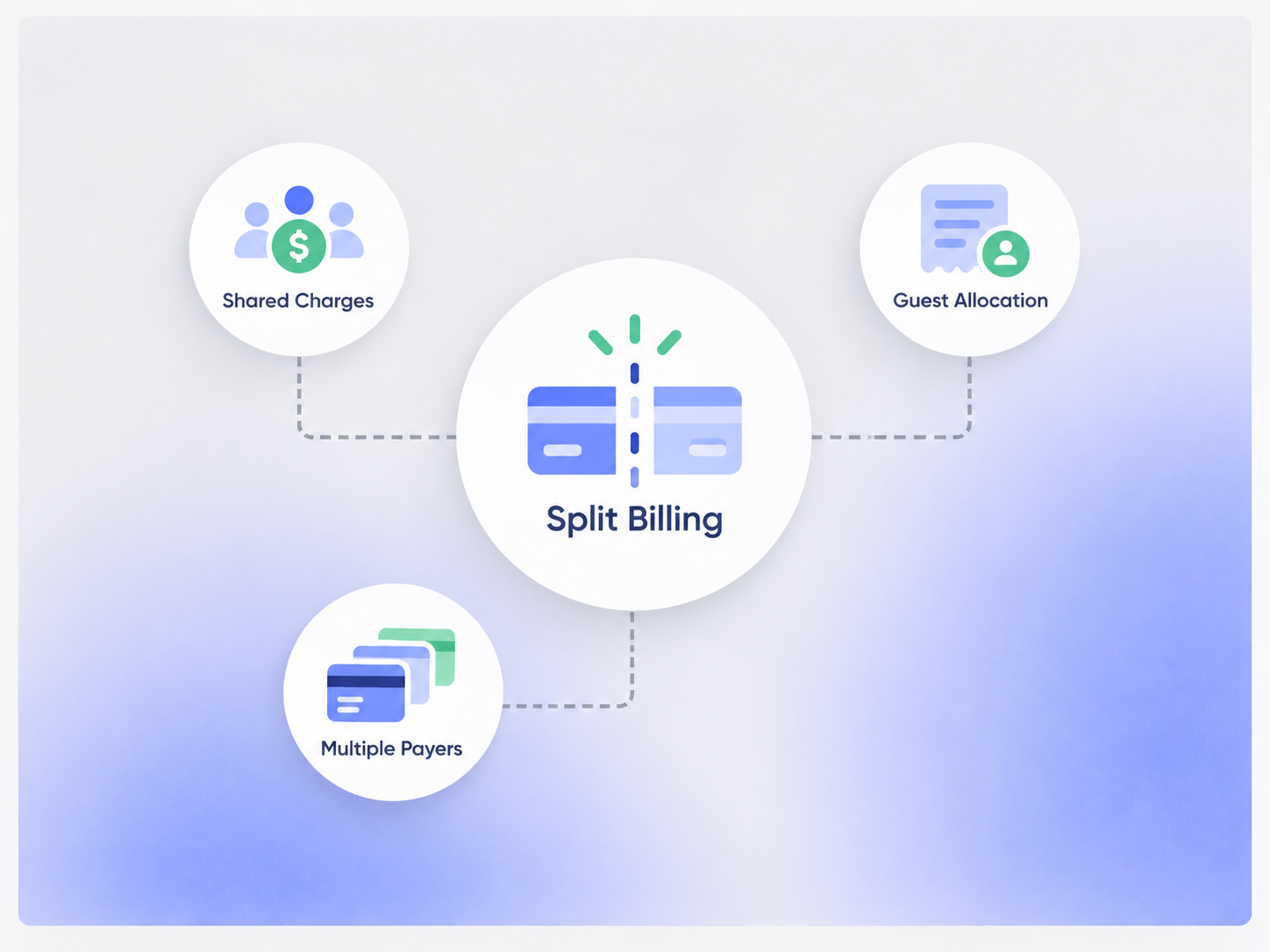
Split the Charge the Way the Business Needs
Use configured billing rules to divide a shared charge without losing the original booking context.

Equal Split
Divide a charge evenly across the payers included in the billing setup.
Fixed Amount
Assign a defined amount to each payer when the shares are not equal.
Percentage Split
Allocate the total by percentage when the billing workflow uses proportional shares.
Item-Based Allocation
Assign selected charges or line items to different payers where configured.
Keep Every Share Connected to the Same Booking
Split billing should change who pays — not break the operational record into disconnected pieces.
Shared Booking
Keep the original reservation, event, or service record as the common operational reference.
Payer Record
Associate each billing share with the person, organization, or account responsible for it.
Billing Share
Keep each payer's amount visible in the related billing workflow.
Payment Status
Track what has been paid and what remains due for each billing share where configured.
Present the Billing Clearly
The billing format can be configured around how the organization wants each payer to receive and understand the charge.

Separate Billing Records
Create separate payer-level billing records where the implementation requires independent balances or payments.

Shared Billing Context
Keep payer-level charges connected to the same booking or group transaction.
Line-Item Detail
Show the allocated items or amounts that belong to each payer when that detail is part of the invoice setup.
Tax & Fee Treatment
Apply the configured tax and fee logic to the billing records rather than assuming every payer follows the same rule.
Useful for Multi-Payer Bookings
Split billing is most useful when one booking or service involves more than one payer.
- Group reservations where guests pay their own share
- Events with multiple sponsors or departments
- Corporate bookings with company and guest portions
- Membership or account-based cost sharing
- Shared spaces or services billed to multiple accounts
- Bookings that mix deposits, balances, or payer responsibilities
Track Each Payer Without Losing the Total
Keep individual balances visible while maintaining the wider billing picture.
Payer Balance
See the amount assigned to each payer and the remaining balance where configured.
Partial Payments
Record partial payments against the appropriate payer or billing record when supported by the workflow.
Reminder Context
Use each payer's balance and due date in reminder workflows where configured.
Reconciliation
Keep payer-level payment records available for reconciliation and financial review.
Works With the Billing Flow
Split Billing works with invoicing, payments, reminders, and reconciliation inside the same Core workflow.
Invoice Management
Keep payer-level charges and balances connected to the billing record.
View Invoice Management →Payment Processing
Process each payer's payment through the configured payment provider.
View Payment Processing →Payment Reminder
Use payer-level balances and due dates in reminder workflows.
View Payment Reminder →Payment Reconciliation
Review payment activity against the payer and related billing records.
View Payment Reconciliation →Pricing
Split Billing is part of the Core billing workflow. There is no separate Split Billing subscription.
Core Package
Starts with 1–50 Active Bookable Units.
- Booking Engine + Reservation System
- Invoicing and Billing
- Group Booking
- Payment and balance tracking
- Standard reports and dashboards
Complex Allocation Rules
Scoped as neededUnusual payer hierarchies, custom allocation logic, accounting exports, or new integrations can require additional implementation or customization.
- No separate Split Billing SKU
- Custom allocation logic may require implementation work
- Payment-provider fees remain separate
- New integrations may require separate scope
Manual Split Tracking vs Booking Ninjas
Keep each payer's share connected to the original booking and billing records instead of rebuilding the split in a spreadsheet.
| Capability | Spreadsheet / Manual | Booking Ninjas | Standalone Billing Tool |
|---|---|---|---|
| Booking context | Separate tracking | Connected to the booking | Needs integration |
| Multiple payers | Manual calculation | Configured allocation rules | Depends on product |
| Payer balances | Manual updates | Connected billing records | Usually supported |
| Payment tracking | Manual matching | Connected to payer and invoice | Depends on integration |
| Reconciliation | Manual review | Same payment context | Depends on integration |
| Separate BN subscription | Not applicable | No | Usually yes |
Frequently Asked Questions

Split the Bill Without Losing the Booking Context
Keep payer shares, invoices, payments, and balances connected to the same operational record.