Payment Reconciliation
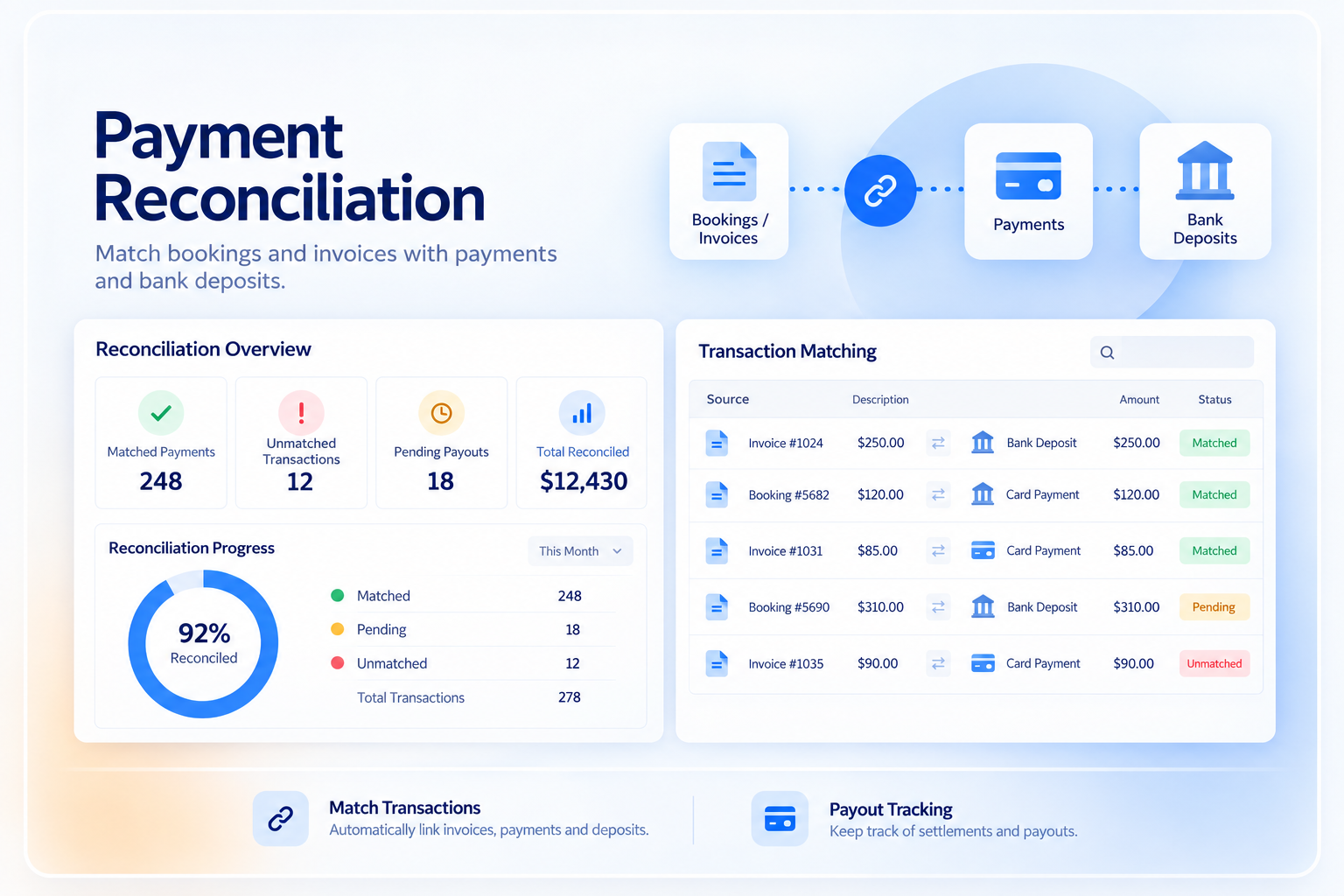
Compare payment activity with invoices and billing records, then review anything that does not match.
Match Payments to the Right Records
Keep payment records connected to invoices, bookings, customers, and balances.

Invoice Match
Connect a recorded payment to the invoice it belongs to.
Booking Context
Keep the payment tied to the booking or service that created the charge.
Customer Context
Keep payment history connected to the customer or account.
Remaining Balance
Update the amount still due after the recorded payment is applied.
Review What Does Not Match
Use the available payment and billing data to find records that need attention.
Unmatched Payment
Review a payment that has not been connected to the expected invoice or record.
Amount Difference
Compare the recorded amount with the amount expected on the billing record.
Duplicate Record
Review records that appear to represent the same payment activity.
Refund or Reversal
Keep refunds, reversals, and corrections tied to the original payment context.
Reconciliation Depends on the Data Available
The level of reconciliation depends on the payment processor, integration, settlement data, and accounting workflow used.

Processor Transactions
Use transaction details returned by the supported processor or payment integration.

Settlement Data
Compare settlement or payout information when the provider and integration make that data available.
Accounting Handoff
Use supported accounting integrations or exports when reconciled payment data needs to move into accounting.
Manual Review
Keep exceptions visible for staff review when the system cannot confidently match the records.
Keep a Clear Reconciliation Trail
Make it easier to understand what was paid, what was applied, and what still needs review.
- Payment amount and payment status
- Related invoice or billing record
- Customer or account context
- Refunds, reversals, or corrections
- Outstanding balance after payment
- Reporting fields for unresolved exceptions
Works With the Billing & Payment Flow
Reconciliation sits between payment processing, invoices, refunds, and financial reporting.
Payment Processing
Bring the processor result into the wider billing workflow.
View Payment Processing →Invoice Management
Match payment activity to the invoice and remaining balance.
View Invoice Management →Refund Management
Keep refunds connected to the payment and billing record.
View Refund Management →Financial Reporting
Use reconciled billing and payment records in reports and dashboards.
View Financial Reporting →Pricing
Payment Reconciliation uses the Core billing records and the payment data available through the configured integrations.
Core Package
Starts with 1–50 Active Bookable Units.
- Booking Engine + Reservation System
- Invoicing and Billing
- Recurring Billing
- Standard reports and dashboards
- Supported built-in integrations where relevant
Reconciliation Scope
Implementation scopeMatching rules, settlement data, accounting handoff, data cleanup, and exception workflows are reviewed during implementation.
- No separate Payment Reconciliation subscription
- Processor and transaction fees are separate
- New accounting or payment integrations may require separate scope
- Custom reconciliation logic may require implementation work
Manual Reconciliation vs Booking Ninjas
Keep payment, invoice, and booking context together instead of rebuilding the match in a spreadsheet.
| Capability | Spreadsheet / Manual | Booking Ninjas | Standalone Reconciliation Tool |
|---|---|---|---|
| Invoice context | Manual lookup | Same billing workflow | Needs integration |
| Booking context | Separate records | Connected to operations | Needs integration |
| Payment status | Manual updates | Connected record | Imported or integrated |
| Exceptions | Found manually | Review from available payment data | Usually supported |
| Reporting | Manual reporting | Salesforce reporting context | Separate reports |
| Separate subscription | No | No separate Reconciliation SKU | Usually yes |
Frequently Asked Questions

Keep Payments and Billing Records Aligned
Connect payment activity to invoices, bookings, balances, and reporting in one workflow.