
Discount Management
Set discount rules, limits, and approvals so teams can adjust pricing without losing control.
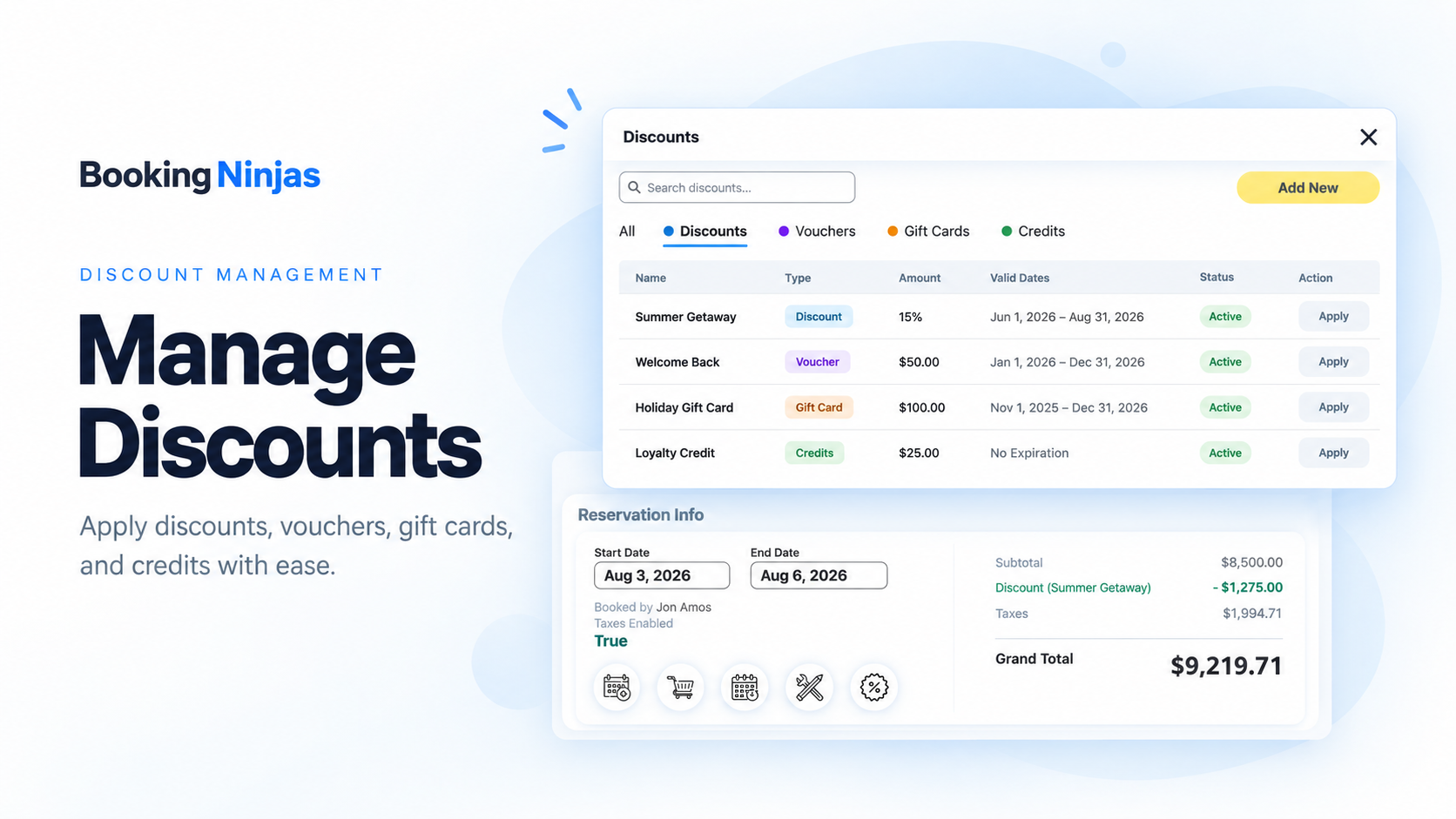
Set Clear Discount Rules
Control who can apply discounts, how much they can give, and when approval is needed.

Discount Types
Use percentage or fixed-amount discounts.
Discount Limits
Set the maximum discount a user can apply.
Permissions
Choose which users or roles can apply discounts.
Approval Rules
Require review when a discount goes above the allowed limit.
Keep Discounts Controlled
Use simple approval rules to keep larger discounts visible before they are applied.
Set a Limit
Define how much a user can discount without approval.
Route for Review
Send larger discount requests to the right person.
Keep the History
Keep approval and pricing changes in the record history.
Apply the Final Price
Use the approved discount on the related invoice or charge.
See Where Discounts Are Used
Keep discount activity visible in the same Salesforce records and reports.

By Customer
See discounts tied to the customer or account record.

By Booking or Service
Track discounts used on the booking, service, or charge.
By User
See who applied or approved a discount.
In Reports
Use discount records in Salesforce reports and dashboards.
Works With the Core Billing Flow
Discounts stay connected to the same rates, invoices, and charges used by Booking Ninjas.
Invoice Management
Apply the approved discount to the invoice and keep the final amount on the same record.
View Invoice Management →Fee Management
Keep discounts and configured fees clear when the final amount is calculated.
View Fee Management →Core Package
Core includes billing, invoicing, recurring billing, Rate Controller, and standard reporting.
View Core Package →Pricing
Discount Management is part of the Core billing and rate-control setup. There is no separate discount add-on.
Core Package
Starts with 1–50 Active Bookable Units.
- Booking Engine + Reservation System
- Rate Controller
- Invoicing and Billing
- Recurring Billing
- Standard reports and dashboards
Discount Rules
Implementation scopeApproval limits, user permissions, special pricing rules, data migration, and custom workflow logic are reviewed during implementation.
- No separate Discount Management subscription
- Rules depend on the pricing workflow
- Permissions and approvals are configured as needed
- Custom integrations may require separate scope
Manual Discounts vs Booking Ninjas
Keep discounts tied to the same pricing, customer, and billing records instead of tracking them separately.
| Capability | Manual / Spreadsheet | Booking Ninjas | Separate Discount Tool |
|---|---|---|---|
| Discount limits | Manual checks | Configured rules | Usually supported |
| Approvals | Email or manual review | Connected workflow | Separate workflow |
| Customer context | Manual lookup | Same Salesforce records | Needs integration |
| Invoice connection | Manual update | Same billing workflow | Needs integration |
| Reporting | Manual reporting | Salesforce reporting context | Separate reports |
| Separate subscription | No | No separate Discount SKU | Usually yes |
Frequently Asked Questions

Need Better Discount Control?
Start with Core, then configure the discount limits, permissions, and approvals your team needs.