
Audit Trail Management
Track configured changes, approvals, access updates, and key events in one place. Keep audit history connected to the Booking Ninjas records your team already uses in Salesforce.
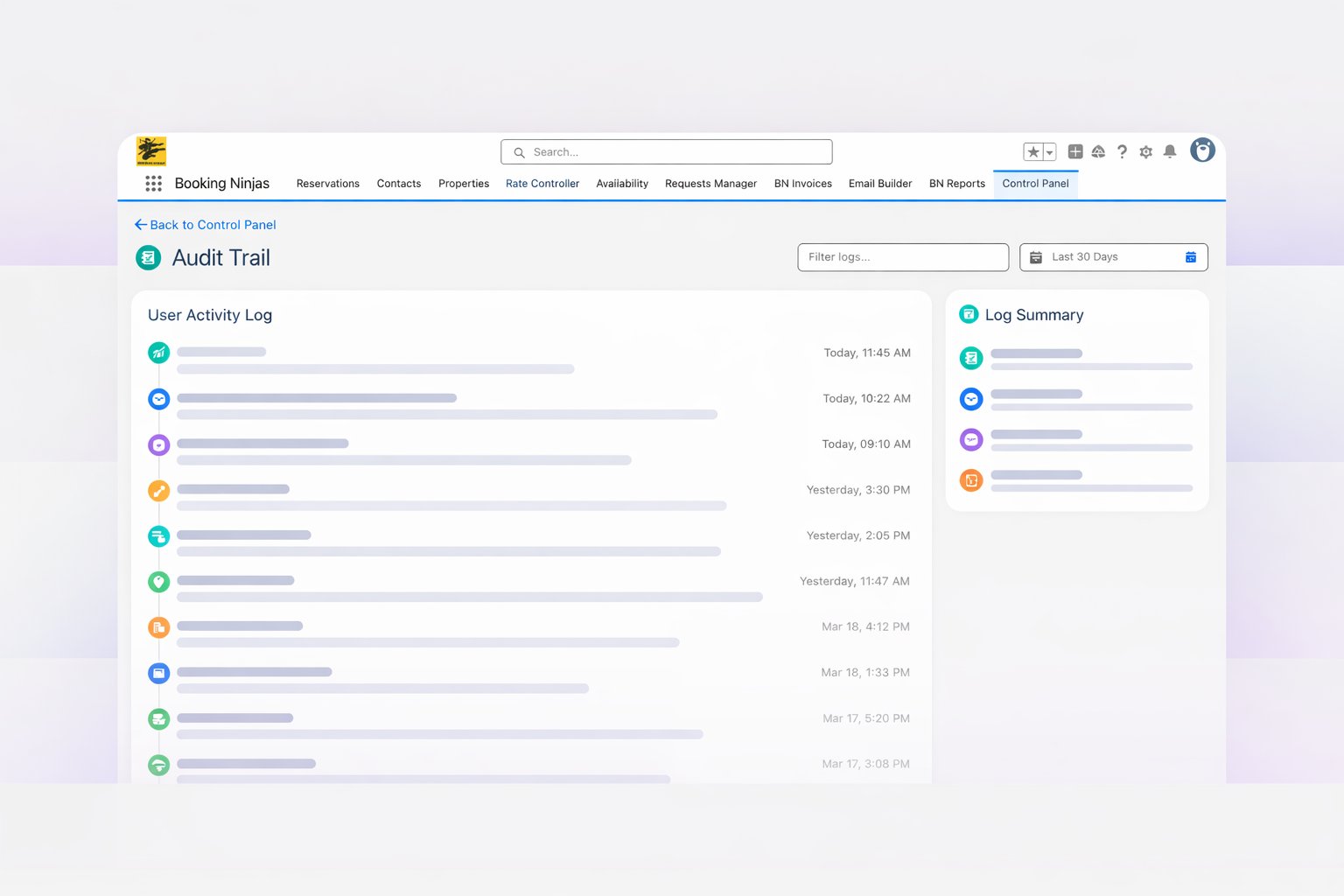
Keep Activity Connected to the Record
Tie each captured event to the customer, booking, invoice, request, user, or record behind it.

Configured Record Changes
Track selected changes across booking, billing, requests, customers, memberships, POS, and other records.
User & Access Context
Review supported user, role, permission, and approval activity.
Time-Stamped History
See the available user, date, time, record, and change details.
Search & Reporting
Use Salesforce views, reports, and dashboards to review captured activity.
Turn Audit History Into a Review Workflow
Choose what to track and who can review it during implementation.
Define the Scope
Choose the records, fields, workflows, and important events to track.
Capture Supported Events
Configure available history, approval, and automation records.
Review Exceptions
Filter activity that needs operational, financial, or administrative review.
Document Follow-Up
Keep notes, approvals, corrections, and follow-up tied to the record.
Support Stronger Internal Controls
Audit history supports review. Permissions, approval rules, and staff decisions still control the workflow.

Apply Role-Based Access
Match record access to each user's configured role and permissions.

Review Overrides & Exceptions
Surface selected overrides, financial changes, and exceptions for review.
Preserve Approval Context
Keep approvals, rejections, escalations, and follow-up with the record.
Support Documented Reviews
Use activity history and reports to support internal, financial, or compliance reviews.
Support Audit and Compliance Review
Use configured history to prepare evidence and investigate activity. It does not guarantee compliance, fraud prevention, or audit results.
Documented Review Evidence
Organize activity history, approvals, corrections, and follow-up around the records being reviewed.
Financial Review Preparation
Review available invoice, payment, approval, and adjustment details together.
Approval Path Context
Keep approvals, escalations, and decisions connected to the record.
Cross-Team Oversight
Give authorized operations, finance, and admin teams one shared view.
Built on the Booking Ninjas Salesforce Foundation
Keep audit context close to your operational records and permissions.
Connected Audit Architecture
Configure audit history around your Booking Ninjas records, workflows, reports, and access model.
Connected Records
Keep activity tied to the booking, customer, billing, request, membership, POS, or other record.
Defined Permissions
Control access to history and reports through configured permissions.
Operational Reporting
Review captured activity in Salesforce views, reports, and dashboards.
Supported Integrations
Use confirmed built-in integrations with no separate BN connector fee. Vendor costs stay separate.
Optional AI-Assisted Exception Review
When configured, AI can summarize and flag selected activity for staff review. Results depend on the data, model, permissions, controls, and implementation. AI does not guarantee fraud or compliance findings.
- Summarize selected activity and change history.
- Flag unusual patterns or approval overrides.
- Group recurring exceptions for faster review.
- Prepare context while staff keep final control.




Audit Trail Pricing
Booking Ninjas starts at $400/month. Add $100 monthly extensions only when the workflow needs them. Audit trail requirements and implementation are scoped separately.
Core Package
Core is the Booking Engine + Reservation System. The minimum Booking Ninjas subscription is $400/month, even when a use case does not require Core.
- Priced per organization/package
- Includes invoicing and billing
- Includes standard reports and dashboards
- Includes supported built-in integrations where relevant
Configured to the Workflow
Records, fields, events, permissions, retention, reports, and integrations are confirmed during the Proposal Review Call.
- Implementation is separate from the monthly subscription
- Salesforce and third-party licenses remain separate where applicable
- New integrations and custom development are quoted separately
- Premium AI or AI-provider usage may be separate
Official $100 Monthly Extensions
Each extension uses its natural pricing unit. Included capabilities are not charged twice.
Prices shown are monthly Booking Ninjas subscriptions. Implementation, Salesforce licenses, payment processing, vendor services, transaction costs, and applicable AI usage are separate.
Why Connect Audit History to Booking Ninjas
Keep activity history close to the records your team already uses.
Salesforce-Native Records
Keep history and reports connected to Booking Ninjas records.
Configured Change History
Track the records, fields, and events selected for the workflow.
Permission-Aware Review
Control access through configured users, roles, and permissions.
Operational Reporting
Review activity in Salesforce views, reports, and dashboards.
Approval Context
Keep approvals, overrides, corrections, and follow-up together.
Optional AI Assistance
Add AI summaries or exception review when the setup supports it.
Supported Connections
Use built-in integrations or scope new connections when needed.
Implementation-Defined Scope
Match the setup to your records, retention needs, and review process.
Frequently Asked Questions

Build the Audit History Your Team Needs
Choose the records, changes, permissions, and reports that matter most. We will scope the right products and implementation around them.