
Sentiment Analysis
Organize customer feedback, classify sentiment where the analysis supports it, and review patterns across customers, locations, services, and time periods.
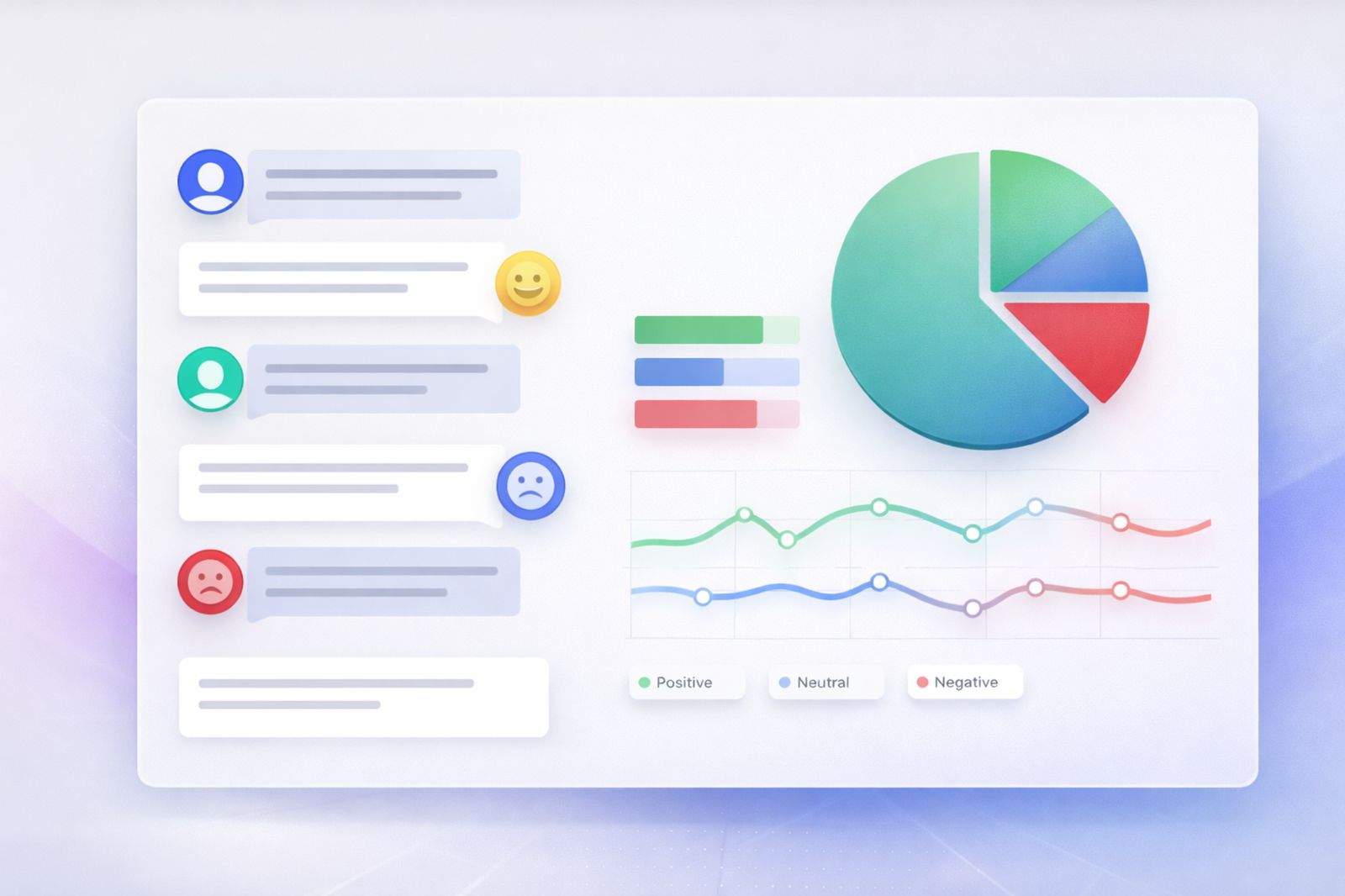
Bring Feedback Into a Consistent Analysis Workflow
Use available feedback records to compare customer sentiment without relying on scattered notes or disconnected spreadsheets.

Survey Feedback
Use survey responses and ratings when they are captured in the reporting model.
Service Feedback
Connect customer comments to requests, service activity, or related operational records where available.
Customer Context
Keep sentiment close to the customer, booking, membership, location, or other relevant records.
External Feedback
Bring in outside feedback sources when a supported integration or implementation makes that data available.
Review Sentiment Patterns
Use consistent classifications and reporting to understand how feedback changes across the operation.

Positive, Neutral, and Negative
Classify feedback into useful sentiment categories when the analysis method supports it.

By Location or Offering
Compare feedback across properties, locations, services, products, or other supported dimensions.
By Customer Group
Compare sentiment across customer types or segments where those fields are available.
Over Time
Review how feedback patterns change across selected reporting periods.
Use Feedback Themes to Guide Follow-Up
Sentiment is most useful when teams can connect recurring feedback themes to the operational records behind them.
- Recurring service complaints
- Positive feedback themes
- Location-specific feedback patterns
- Feedback tied to customer segments
- Changes after operational or service updates
- Feedback history connected to customer records
Works With the Customer Insights Layer
Sentiment Analysis works best with the features that organize feedback, customer history, segments, and retention-related patterns.
Feedback Analytics
Organize feedback metrics and reporting before applying deeper sentiment analysis.
View Feedback Analytics →Customer Intelligence
Keep sentiment close to the wider customer and operational history.
View Customer Intelligence →Customer Journey Analytics
Compare sentiment with stages or interactions across the customer relationship.
View Customer Journey Analytics →Churn Analytics
Review retention-related patterns alongside sentiment when enough historical data is available.
View Churn Analytics →Sentiment Analysis Is an Interpretation of the Data
Booking Ninjas can support feedback records, classifications, reporting, and customer context. Sentiment results depend on the quality of the source text, language, sample size, labeling method, model or rules used, and the feedback channels connected. Automatic churn prediction, brand-risk scoring, satisfaction forecasting, and AI-generated recommendations are not assumed by default and may require additional analytics or implementation.
Verified in the Salesforce Ecosystem.
Booking Ninjas is listed on Salesforce AppExchange.
Pricing
Sentiment Analysis starts with customer, feedback, and reporting data available in the Booking Ninjas platform.
Core Package
Starts with 1–50 Active Bookable Units.
- Contact Management
- Request and operational records
- Standard reports and dashboards
- Salesforce-native customer context
- Basic transactional communication
Configured as Needed
Scoped to the use caseAutomated sentiment classification, custom taxonomies, external feedback sources, multilingual analysis, or predictive models depend on the data and implementation.
- No separate public Sentiment Analysis SKU shown here
- Custom sentiment categories and reporting can be configured
- External review or survey data may require integration
- AI-assisted or predictive analysis is scoped separately
Manual Feedback Review vs Booking Ninjas
Keep feedback analysis closer to the customer and operational records your team already uses.
| Capability | Manual Review / Spreadsheet | Booking Ninjas |
|---|---|---|
| Feedback record | Stored separately | Can stay connected to customer context |
| Classification | Manual labeling | Can use configured sentiment rules or models |
| Location comparison | Manual roll-up | Can use available location fields |
| Customer segments | Separate lists | Can use connected segment data |
| Reporting | Manual consolidation | Salesforce reports and dashboards |
| Advanced analysis | Separate analytics project | Can be scoped on the same data foundation |
Frequently Asked Questions

Understand Customer Feedback in Context
Keep feedback, sentiment, customer context, and reporting connected in the same Booking Ninjas data foundation.