YouTube video coming soon
From Inquiry to Confirmed Conference
Show the team checking dates, rooms, capacity, client details, and reservation status before confirming the event.

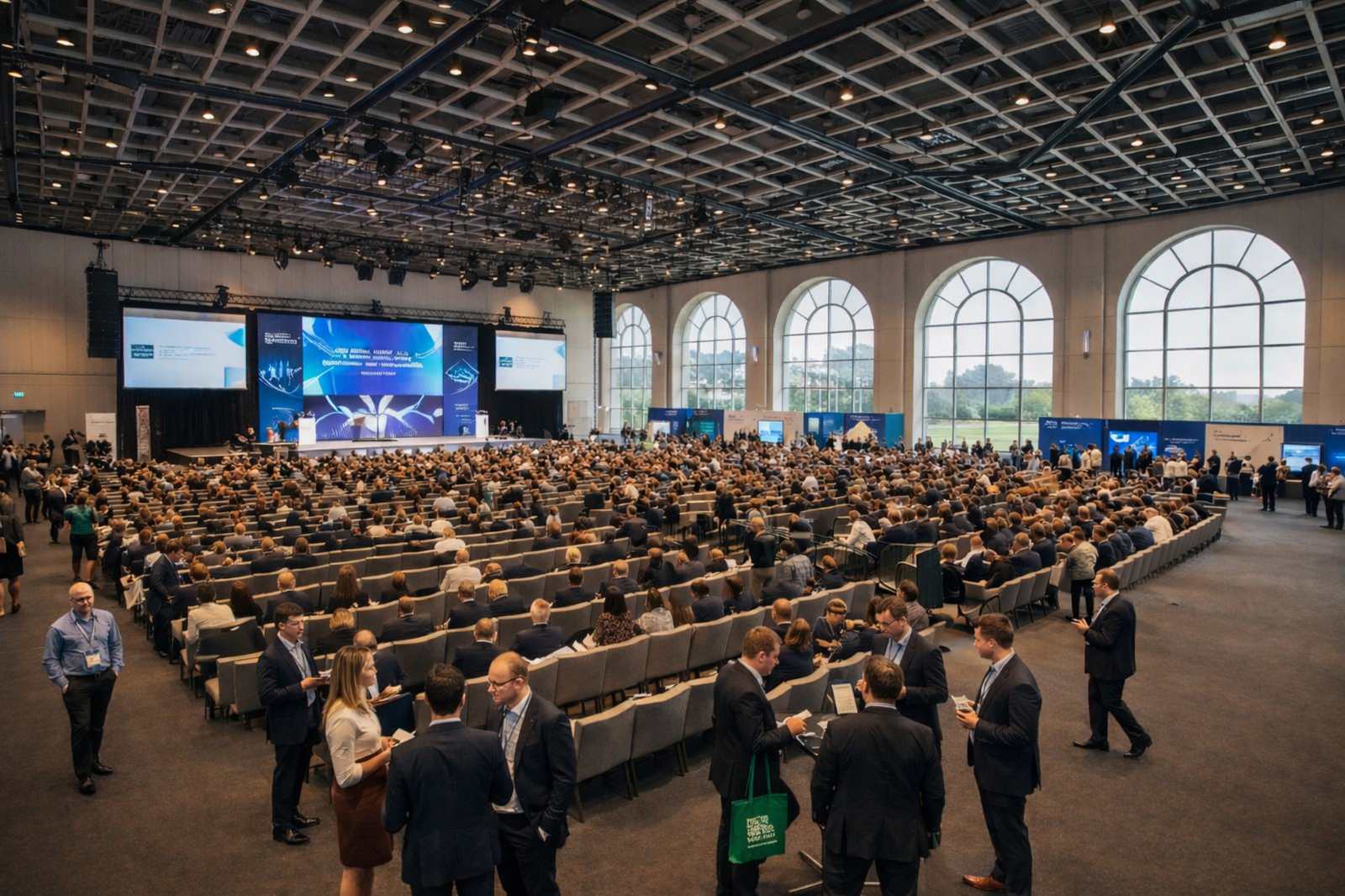
Start with room and event reservations, availability, capacity, invoicing, and daily operating workflows. Add BEOs, POS, portals, communications, integrations, reporting, and automation as the conference operation grows.
Learn more →Short walkthroughs will show how room availability, multi-room bookings, BEOs, billing, and event-day operations can work together.
Show the team checking dates, rooms, capacity, client details, and reservation status before confirming the event.
Show several rooms, dates, capacities, setup time, and related reservations staying connected under the same conference.
Show event details moving into BEO instructions, invoices, operational handoffs, and POS activity where needed.
Replace these placeholders with the final YouTube posters and links when the videos are ready. Keep the supporting text visible so the workflow remains understandable without playing the video.
Conference operating models built around meeting rooms, multi-room events, multi-day schedules, event orders, billing, services, and operational handoffs.
Illustrative operating-model references only. Display does not imply endorsement, client status, or partnership.
AppExchange is not an open directory. Salesforce reviews the product and technical setup, and public packages must pass its security review before listing.
Conference centers coordinate overlapping events, multiple rooms, changing layouts, event requirements, deposits, services, and staff handoffs. Disconnected calendars and spreadsheets make those moving parts harder to control.
Keep sales, booking, event planning, billing, and the operational handoff connected around the same event.
Use the Booking Engine where direct booking fits, or create the reservation internally.
Use Availability Management and Capacity Management to match rooms to the event.
Use Reservation Management and Group Booking for multi-room or multi-day requirements.
Use BEO Software to organize the operational details that need to reach venue teams.
Use Invoice Management for event charges and add Point of Sale where onsite sales are part of the operation.
A conference center does not stop at putting an event on a calendar. Rooms, configurations, group bookings, event details, BEOs, invoices, onsite sales, and staff handoffs all need to stay connected.

Use Availability Management with Capacity Management so teams can see whether the space fits the date and the event requirement.

Use Group Booking with Reservation Management for events spanning multiple rooms or dates.
Use BEO Software to keep event requirements, service details, and handoff information structured for the teams delivering the event.
Use Invoice Management for deposits and event charges, with Point of Sale available where onsite transactions are needed.
Connect the event lifecycle from inquiry and availability through multi-room booking, BEO preparation, billing, and event-day operations.
Provide a direct booking path for configured conference spaces where self-service booking fits the operating model.
Keep event dates, rooms, client records, status, notes, changes, and reservation history connected in one workflow.
See which rooms and spaces are available across the event calendar before committing inventory.
Match spaces to attendance requirements and configured capacity limits instead of relying on separate reference sheets.
Organize multi-room and multi-day conference requirements around the same client and event.
Keep operational event details organized for catering, AV, setup, service, and internal handoffs.
Keep deposits, room charges, service charges, adjustments, invoices, and balances tied to the correct event.
Add POS where the conference center needs onsite sales for food, beverages, retail, or other event-day transactions.
Use Salesforce workflows to reduce repetitive scheduling, follow-up, and handoff work. AI can be added separately when a defined forecasting or recommendation use case is worth implementing.
Keep reservations, availability, room assignments, and event changes connected instead of reconciling separate calendars.
See room availability, capacity, and conference activity before committing space.
Keep BEO details and operational requirements structured for the teams delivering the event.
Build reporting around bookings, occupancy, event revenue, invoices, and historical activity using connected data.
Best suited to organizations that manage bookable conference spaces, multi-room events, client requirements, billing, BEOs, and the operational work around them.
Most conference centers need room and event reservations, availability, group booking, billing, BEOs, reporting, and operational handoffs. Add more only when the venue needs it.
For venues managing conference rooms, availability, multi-room and multi-day events, BEOs, invoices, reporting, and operational handoffs.
Booking Engine, reservations, availability, capacity, group booking, invoicing, billing, requests, reporting, and the main booking workflows.
Per location. Event planning, multi-room and multi-day workflows, operational handoffs, reporting, and BEO included.
Available when your conference operation needs them.
Priced based on your rooms, layouts, event rules, migration, integrations, and configuration.
$500/month assumes Core and Event Management for one conference-center location. Third-party and Salesforce costs may apply where relevant.
See Booking Ninjas customer work around conference spaces, meeting rooms, group reservations, availability, agreements, billing, and connected operational workflows.
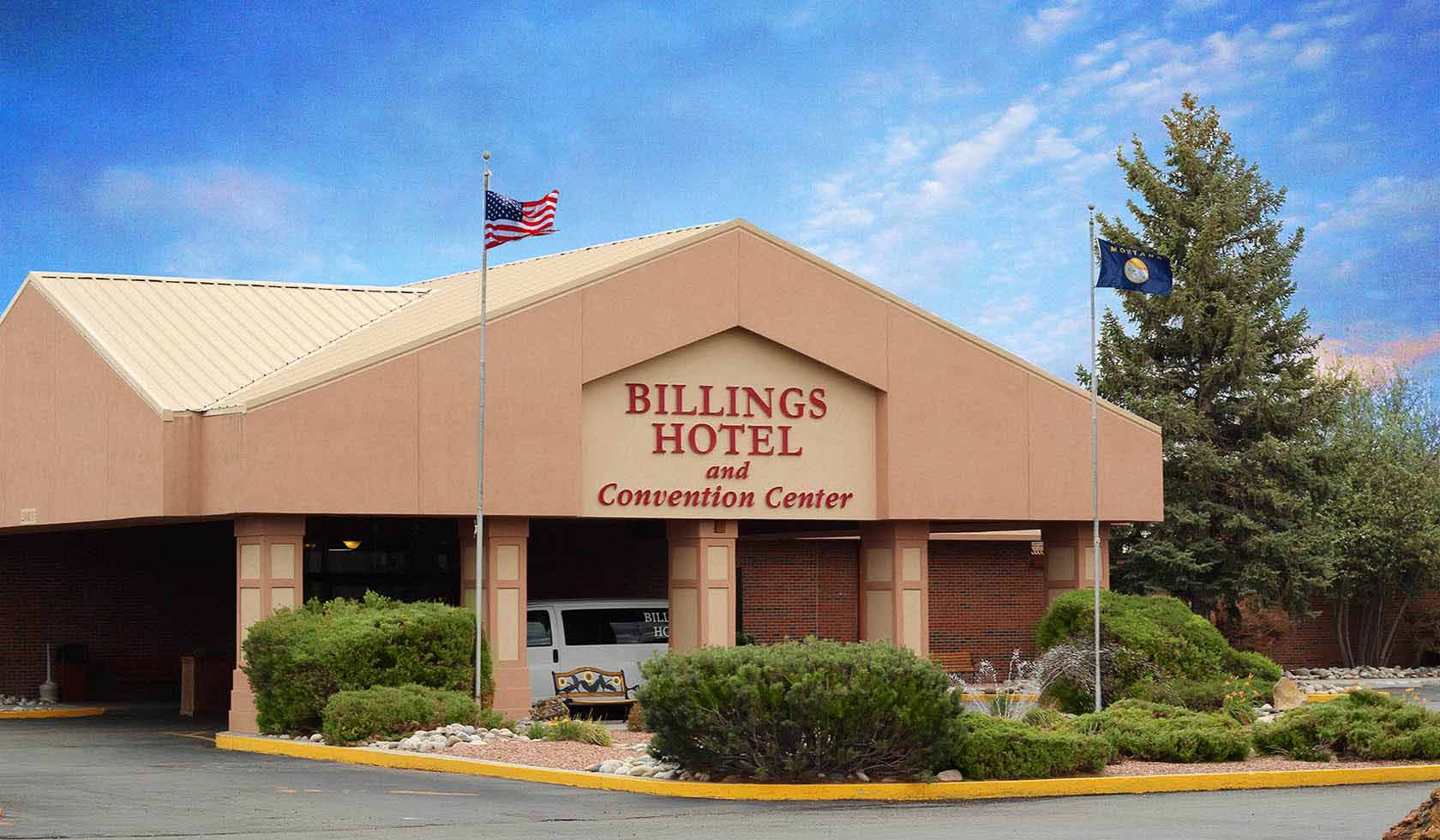
Conference spaces, reservation details, availability, status, and agreements connected in one event workflow.
See the story →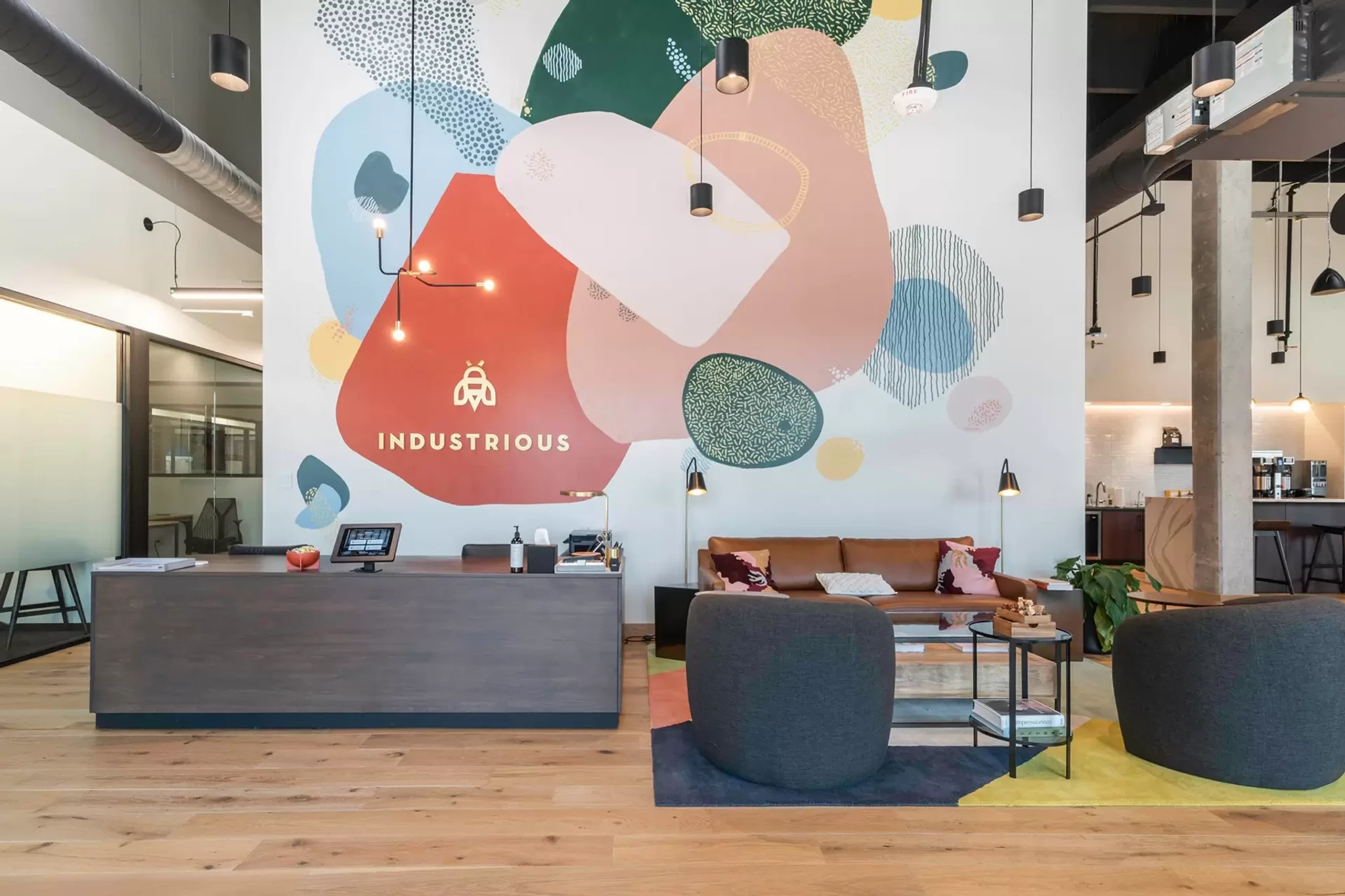
Meeting and conference spaces, time slots, availability, and reservations connected in one booking flow.
See the story →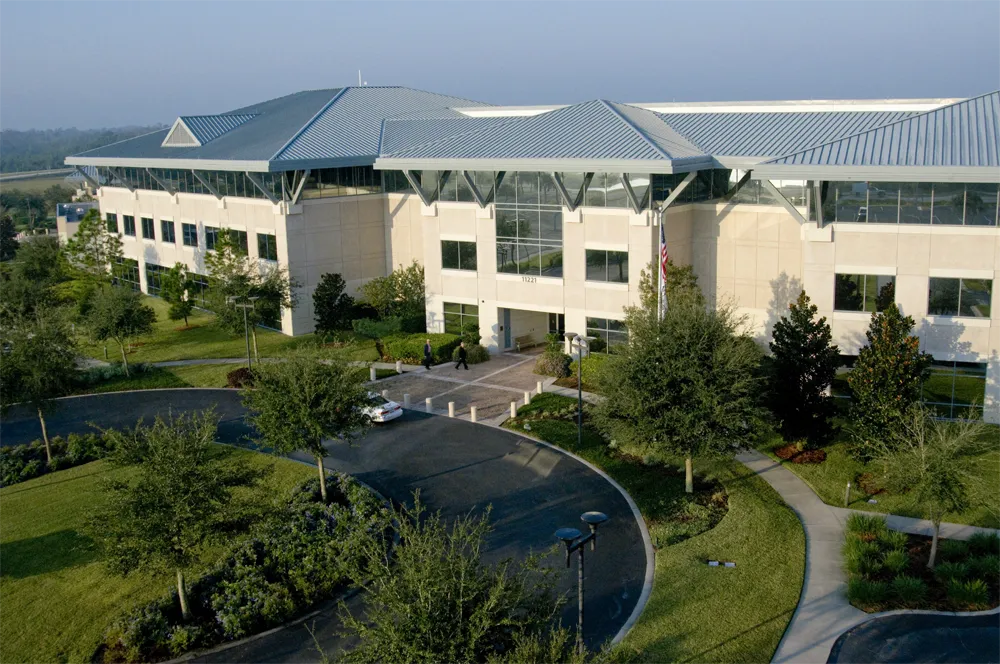
Availability, group bookings, assignments, invoices, split billing, requests, and reporting connected in Salesforce.
See the story →Traditional Tools vs Booking Ninjas
| Capability | Traditional Tools | Booking Ninjas |
|---|---|---|
| Salesforce-native platform | Usually not included | Yes |
| Room availability & reservations | Usually included | Connected availability and reservation workflows |
| Capacity-aware booking | Varies | Capacity Management available |
| Multi-room & multi-day events | Varies by product | Group Booking available |
| BEO-driven event operations | May require separate event software | BEO Software available with Event Management |
| Invoices & event charges | Varies | Invoice Management connected to the event record |
| Onsite POS | Often separate | POS extension available |
| Multi-location visibility | Depends on product and plan | Shared Salesforce data and reporting foundation |
| AI capability | Varies | Available as a separately scoped extension |
Booking Ninjas connects spaces, availability, reservations, group bookings, capacity, BEOs, invoices, POS, client records, and reporting on Salesforce so conference teams can manage the event from booking through operational delivery in one system.
WhatsApp Us
WhatsApp Us