
Customer Journey Analytics
Follow the customer relationship across bookings, requests, payments, memberships, and other captured interactions to understand where engagement grows, slows, or changes.
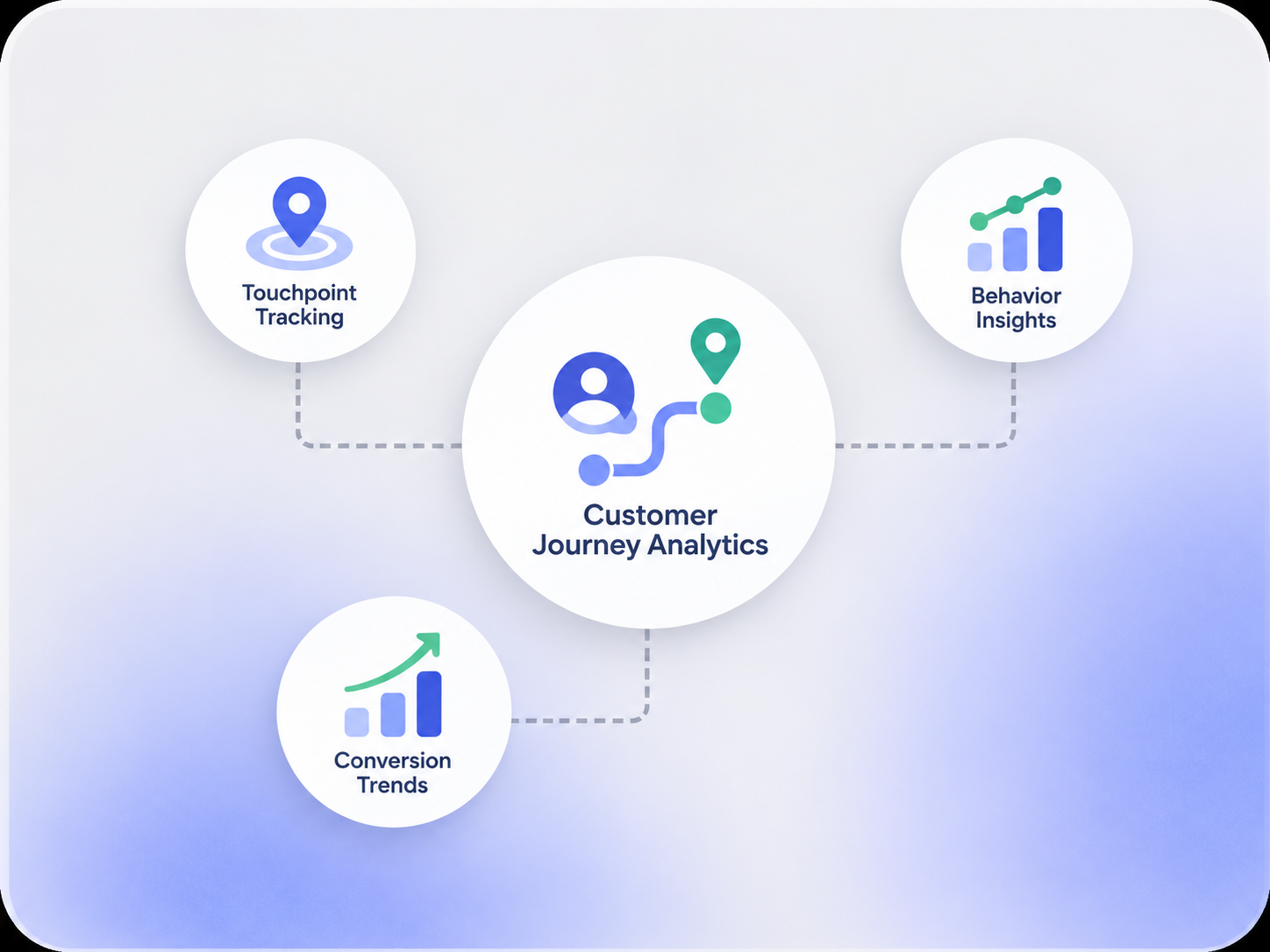
Connect the Customer Journey to Operational Data
Use the customer record together with the bookings, requests, payments, memberships, and interactions already captured in Booking Ninjas.

Booking Activity
Review reservations, dates, locations, offerings, and repeat booking behavior.
Requests & Service
Use request or service history to understand where support and operational follow-up occur.
Billing & Payments
Keep invoice and payment context close to the customer journey where relevant.
Membership & Engagement
Include membership, portal, and communication records when those workflows are part of the setup.
Define the Stages That Matter to Your Organization
The customer journey is not one fixed funnel. Use available fields and business rules to define the stages that match your operation.

New Customer
Identify customers entering the relationship through a first booking, inquiry, membership, or other configured starting point.

Active Relationship
Track the bookings, requests, payments, memberships, and other activity that make up the ongoing relationship.
Returning Customer
Separate repeat customers or renewed memberships from first-time activity where the data supports it.
Inactive or At-Risk Stage
Use configured inactivity rules or historical patterns to flag groups for review rather than assuming predictive churn scoring.
Compare Journey Patterns Over Time
Use reporting and segmentation to understand how customer groups behave across different periods and stages.
- First-time vs. returning customers
- Activity before and after a booking or stay
- Repeat booking or renewal patterns
- Customer groups by location or offering
- Request or service activity across stages
- Billing or booking-value context by stage
Works With the Customer Insights Layer
Customer Journey Analytics works best alongside the features that organize customer data, groups, and retention-related analysis.
Customer Intelligence
Use the wider customer and operational record as the foundation for journey analysis.
View Customer Intelligence →Customer Segmentation
Compare journey behavior across groups built from available customer and operational fields.
View Customer Segmentation →Churn Analytics
Review inactivity and retention-related patterns where enough historical data is available.
View Churn Analytics →Custom Dashboard
Bring selected journey metrics into a role-specific reporting view.
View Custom Dashboard →Journey Analysis Depends on the Data You Capture
Booking Ninjas can organize customer and operational records and support reporting across configured journey stages. The quality of the analysis depends on the fields, history, integrations, and business rules available. Automatic churn prediction, lifetime-value modeling, campaign attribution, external market data, and AI-generated recommendations are not assumed by default and may require additional analytics or implementation.
Verified in the Salesforce Ecosystem.
Booking Ninjas is listed on Salesforce AppExchange.
Pricing
Customer Journey Analytics starts with the customer and operational data already available in the Booking Ninjas Core foundation.
Core Package
Starts with 1–50 Active Bookable Units.
- Contact Management
- Reservation and booking records
- Invoicing and billing context
- Request and operational records
- Standard reports and dashboards
Configured as Needed
Scoped to the use caseCustom stages, reporting logic, lifecycle rules, advanced metrics, external data, or predictive models depend on the data and implementation.
- No separate public Customer Journey Analytics SKU shown here
- Journey stages and business rules can be configured
- External customer data may require integration
- Predictive or AI-assisted analysis is scoped separately
Disconnected Journey Tracking vs Booking Ninjas
Keep journey analysis close to the same records your team uses for bookings, billing, memberships, requests, and reporting.
| Capability | Separate Spreadsheets / Tools | Booking Ninjas |
|---|---|---|
| Customer record | Split across systems | Connected Salesforce record |
| Booking history | Separate booking export | Connected reservation context |
| Journey stages | Manual definitions | Can use configured fields and rules |
| Requests and service | Separate support records | Can stay connected to the customer record |
| Reporting | Manual consolidation | Salesforce reports and dashboards |
| Advanced modeling | Separate analytics project | Can be scoped on the same data foundation |
Frequently Asked Questions

Understand the Customer Journey From Connected Data
Bring booking, request, payment, membership, and customer history together for clearer journey reporting and follow-up.