
Resource Scheduling
Schedule rooms, spaces, and other bookable resources around availability, capacity, dates, and booking rules in Booking Ninjas.
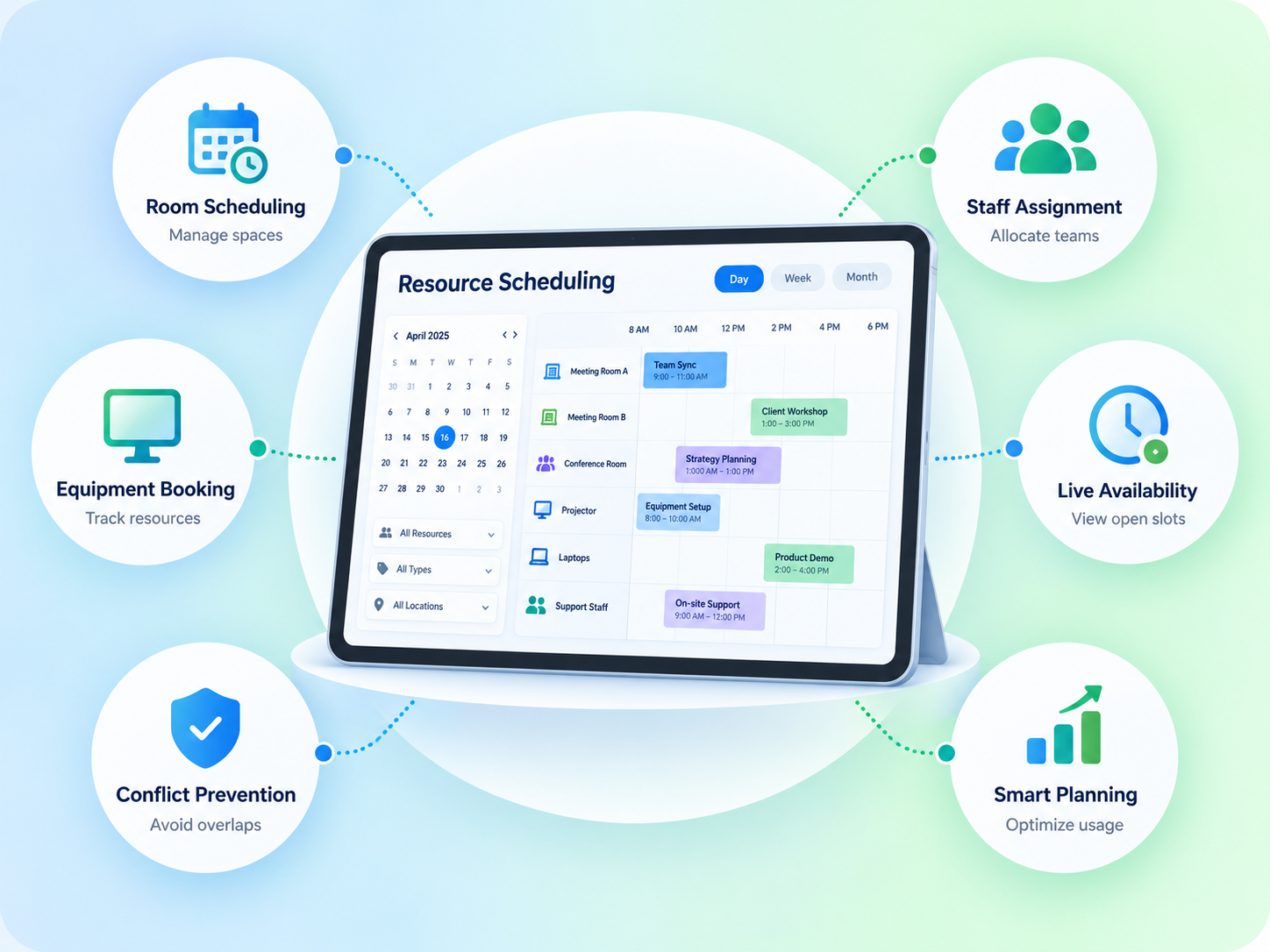
Schedule Bookable Resources in One Place
Keep the resource, date, time, availability, capacity, and reservation connected in the same workflow.

Rooms & Spaces
Schedule rooms, meeting spaces, venues, desks, or other supported bookable inventory.
Availability
Use availability rules to determine when a resource can be booked.
Capacity
Keep resource scheduling aligned with configured booking limits.
Reservation Record
Keep the scheduled resource connected to the customer and reservation.
Use Rules That Match the Booking Process
Resource scheduling can follow the availability and booking rules configured for the operation.

Available Times
Define when the resource can be offered for booking.

Booking Limits
Apply capacity, date, duration, or other supported booking constraints.
Multi-Resource Booking
Coordinate more than one supported resource when the booking workflow requires it.
Recurring Use
Support repeat or series-based bookings where the configured reservation flow allows them.
Keep Scheduling Close to Availability
Use the same booking data to understand what is reserved and what remains available.
- Resource availability by date or time
- Existing reservation context
- Configured capacity limits
- Multi-space or multi-resource bookings
- Repeat or series bookings where supported
- Standard reports and dashboards
Works With the Booking Flow
Resource Scheduling stays connected to the booking tools that define availability, limits, and reservation status.
Reservation Management
Keep the scheduled resource connected to the reservation.
View Reservation Management →Group Booking
Coordinate several rooms, spaces, or resources within a larger booking.
View Group Booking →Where Resource Scheduling Fits
Use Resource Scheduling when the operation manages rooms, spaces, desks, venues, or other bookable resources.
-
Retreat Center
Coordinate accommodations, meeting spaces, sessions, and shared resources.
-
Conference Center
Schedule rooms and event spaces around dates, times, capacity, and existing bookings.
-
Coworking Space
Manage meeting rooms, desks, and shared spaces around member demand.
-
Hotel
Coordinate guest rooms and other bookable property spaces.
-
Banquet Hall
Schedule event spaces around availability, capacity, and event timing.
-
Vacation Rental
Keep units and booking dates organized across the reservation calendar.
Focused on Bookable Resources
Resource Scheduling is positioned around rooms, spaces, units, desks, venues, and other resources managed through the Booking Ninjas booking workflow. It is not positioned as workforce scheduling, field-service dispatch, fleet scheduling, warehouse planning, or enterprise asset-management software.
Verified in the Salesforce Ecosystem.
Booking Ninjas is listed on Salesforce AppExchange.
Pricing
Resource Scheduling uses the Booking Ninjas booking foundation. The exact setup depends on the resources and booking rules.
Core Package
Starts with 1–50 Active Bookable Units.
- Booking Engine + Reservation System
- Availability Management
- Capacity Management
- Reservation Management
- Group Booking
- Standard reports and dashboards
Resource Scheduling Setup
Scoped as neededSetup depends on resource types, availability rules, capacity, booking duration, recurring use, multi-resource workflows, integrations, testing, and rollout.
- No separate public Resource Scheduling SKU shown here
- Complex scheduling rules may require configuration
- New integrations are scoped separately
- Third-party system costs remain separate
Spreadsheet Scheduling vs Booking Ninjas
Keep resource schedules connected to availability and reservations instead of rebuilding them in separate calendars.
| Capability | Spreadsheet / Separate Calendar | Booking Ninjas |
|---|---|---|
| Resource availability | Checked manually | Connected availability rules |
| Reservation context | Separate record | Connected to the booking |
| Capacity | Manual comparison | Configured booking limits |
| Multi-resource booking | Manual coordination | Can be configured in one workflow |
| Recurring use | Repeated manual entries | Supported where configured |
| Reporting | Manual roll-up | Salesforce reports and dashboards |
Frequently Asked Questions

Keep Resource Scheduling Connected to the Booking
Manage availability, capacity, resource selection, and reservation status in the same Booking Ninjas workflow.