
Billing for Agreements & Recurring Services
Set billing schedules, rates, and invoice rules around the customer, booking, membership, or service record.
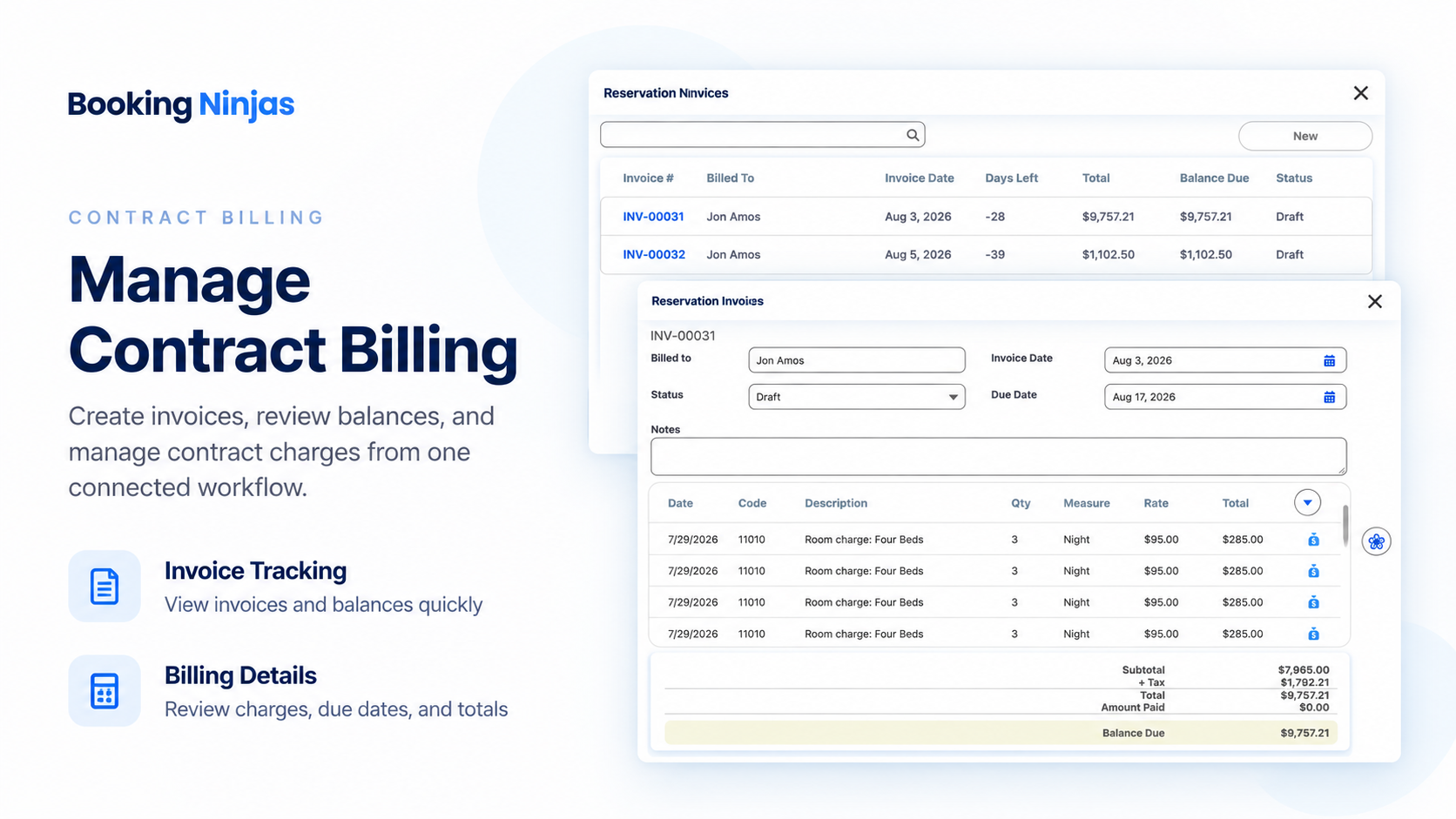
Set the Billing Schedule
Set when charges should run and how they should be billed.

Recurring Schedules
Run monthly, quarterly, annual, or custom billing schedules.
Custom Intervals
Use custom dates, periods, or milestones.
Agreed Rates
Keep agreed rates tied to the right customer or service.
Invoice Creation
Create invoices from the schedule and keep them tied to the source record.
Keep Rates and Terms Clear
Use the agreed rate, dates, and billing schedule.
Agreed Rates
Use the agreed customer or service rate.
Service Dates
Bill within the agreed service period.
Renewal Dates
Track renewal dates when needed.
Change History
Keep billing changes in the record history.
Update Billing Without Losing History
Update rates, dates, and charges while keeping the history.

Change the Rate
Change the agreed rate when needed.

Change the Schedule
Change billing dates or frequency.
Add or Remove Charges
Add or remove billed items.
Keep the Change History
Keep adjustments and credits in the record history.
Built on Core Billing
Agreement-based billing uses the same Core invoicing and recurring billing tools.
Recurring Billing
Set repeat schedules and keep invoices tied to the right records.
View Recurring Billing →Core Package
Core includes invoicing, recurring billing, standard reporting, and the Booking Engine + Reservation System.
View Core Package →Pricing
Contract Billing is not a separate add-on. It uses Core billing with the rules configured during implementation.
Core Package
Starts with 1–50 Active Bookable Units.
- Booking Engine + Reservation System
- Invoicing and Billing
- Recurring Billing
- Standard reports and dashboards
- Unlimited Managed Units
Custom Billing Rules
Implementation scopeCustom rates, billing periods, approvals, integrations, and special billing rules are reviewed during implementation.
- No separate Contract Billing subscription
- Configuration depends on the billing workflow
- Third-party payment or accounting fees stay separate
- New integrations may require separate scope
Contract Billing Tool vs Booking Ninjas
Booking Ninjas keeps recurring billing inside the same operational workflow.
| Capability | Standalone Contract Billing | Booking Ninjas | Spreadsheet / Manual |
|---|---|---|---|
| Recurring schedules | Usually supported | Included in Core | Manual tracking |
| Invoice connection | Billing-system record | Connected to BN operations | Separate files |
| Customer context | Depends on integration | Same Salesforce records | Manual lookup |
| Rate changes | Billing configuration | Configured workflow + record history | Manual edits |
| Reporting | Billing reports | BN / Salesforce reporting context | Manual reconciliation |
| Separate subscription | Yes | No separate Contract Billing SKU | No software fee |
Frequently Asked Questions

Need Agreement-Based Billing?
Start with Core, then configure the rates, dates, and rules you need.