
Payment Processing
Connect payments to bookings, invoices, balances, and customer records through a supported payment processor.
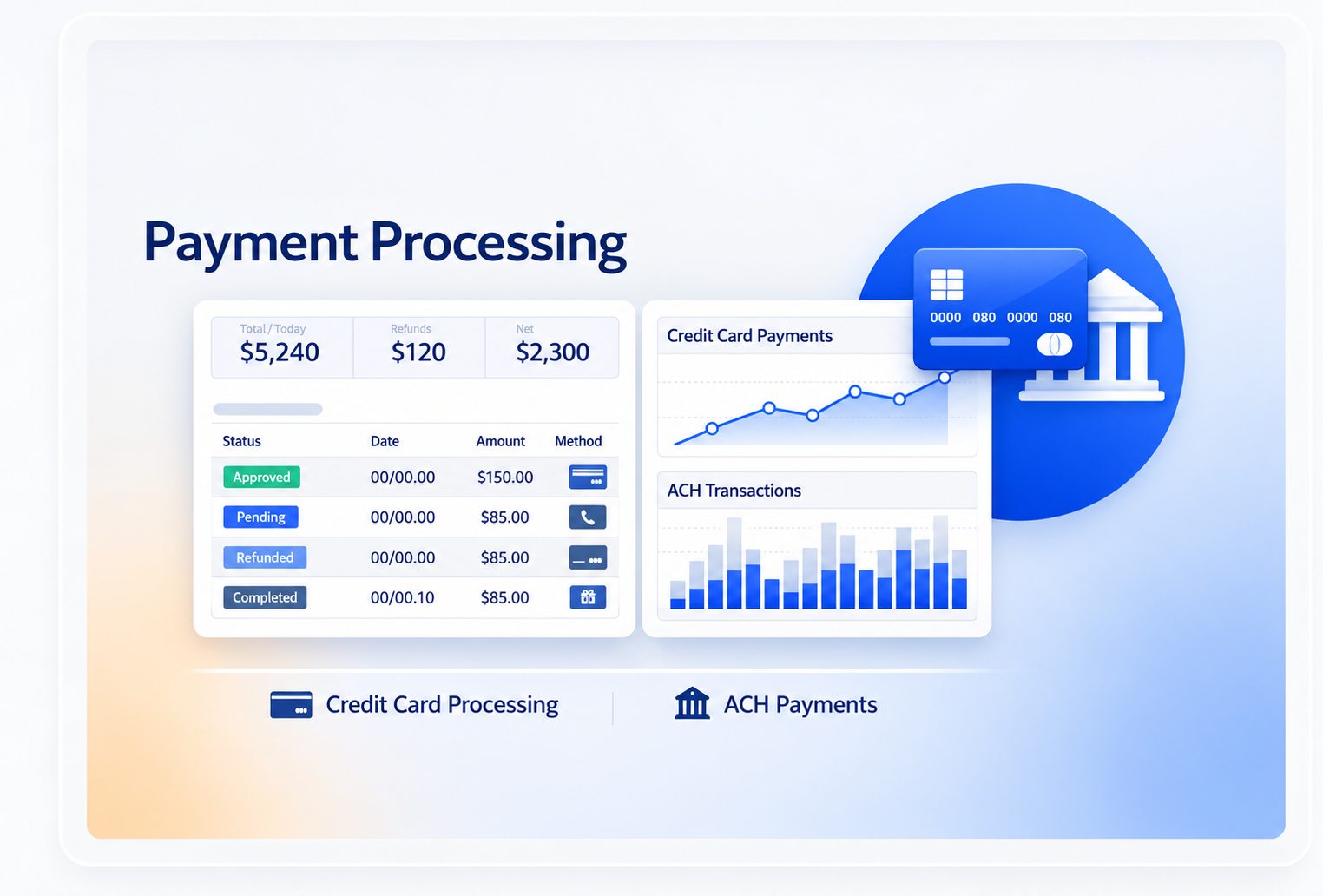
Connect the Payment to the Operation
Keep payment activity tied to the booking, invoice, customer, or billing record that created it.

One-Time Payments
Process a one-time payment through the configured provider.
Deposits
Collect deposits where the booking or billing workflow requires them.
Recurring Charges
Use recurring billing for repeat payment schedules where configured.
Invoice Balance
Keep the payment and remaining balance connected to the invoice.
Follow the Payment Status
Use the response from the payment provider in the billing workflow.
Authorization
Keep the authorization result returned by the configured processor.
Payment Status
Keep approved, declined, pending, or other supported statuses visible.
Refunds
Handle refund activity through the configured payment and refund workflow.
History
Keep recorded payment activity available for later review and reporting.
Payment Methods Depend on the Provider
Available cards, bank payments, wallets, fraud controls, and transaction rules depend on the processor and integration used.

Cards
Card support and transaction behavior follow the configured payment processor.

Bank Payments
ACH or other bank-payment support depends on the provider and implementation.
Processor Fees
Processor, gateway, and transaction fees are separate from the Booking Ninjas subscription.
New Providers
A provider not already supported may require a separate integration scope.
Works With the Billing Flow
Payment Processing sits between authorization, collection, reconciliation, and refunds.
Payment Authorization
Keep the processor's authorization result connected to the payment record.
View Payment Authorization →Online Payment Collection
Let customers pay invoices, deposits, and balances online.
View Online Payment Collection →Payment Reconciliation
Review payment records against related invoices and billing activity.
View Payment Reconciliation →Refund Management
Keep refunds tied to the original payment and billing record.
View Refund Management →Pricing
Booking Ninjas connects the billing workflow to a supported payment processor.
Core Package
Starts with 1–50 Active Bookable Units.
- Booking Engine + Reservation System
- Invoicing and Billing
- Recurring Billing
- Standard reports and dashboards
- Supported built-in integrations where relevant
Payment Processor
Provider pricingPayment methods, authorization, transaction pricing, settlement, and gateway costs depend on the provider used.
- Processor and transaction fees are separate
- Payment methods depend on the provider
- Provider fraud controls remain provider-managed
- New integrations may require separate scope
Standalone Processor vs Booking Ninjas
The processor handles the transaction. Booking Ninjas keeps it connected to the wider booking and billing workflow.
| Capability | Manual Tracking | Booking Ninjas | Standalone Processor |
|---|---|---|---|
| Transaction processing | Handled separately | Through configured processor | Core function |
| Booking context | Manual lookup | Connected to operations | Needs integration |
| Invoice context | Manual update | Same billing workflow | Needs integration |
| Recurring billing | Manual schedule | Included in Core | Depends on provider/product |
| Refund context | Manual tracking | Connected billing record | Processor record |
| Processor fees | Depends on method | Separate provider cost | Provider pricing |
Frequently Asked Questions

Keep Payments Connected to the Booking
Use a supported processor while keeping payment status connected to invoices, balances, bookings, and customer records.