
Check-In / Check-Out
Track arrivals and departures as part of the reservation workflow, with status connected to the guest, booking, room, or unit.
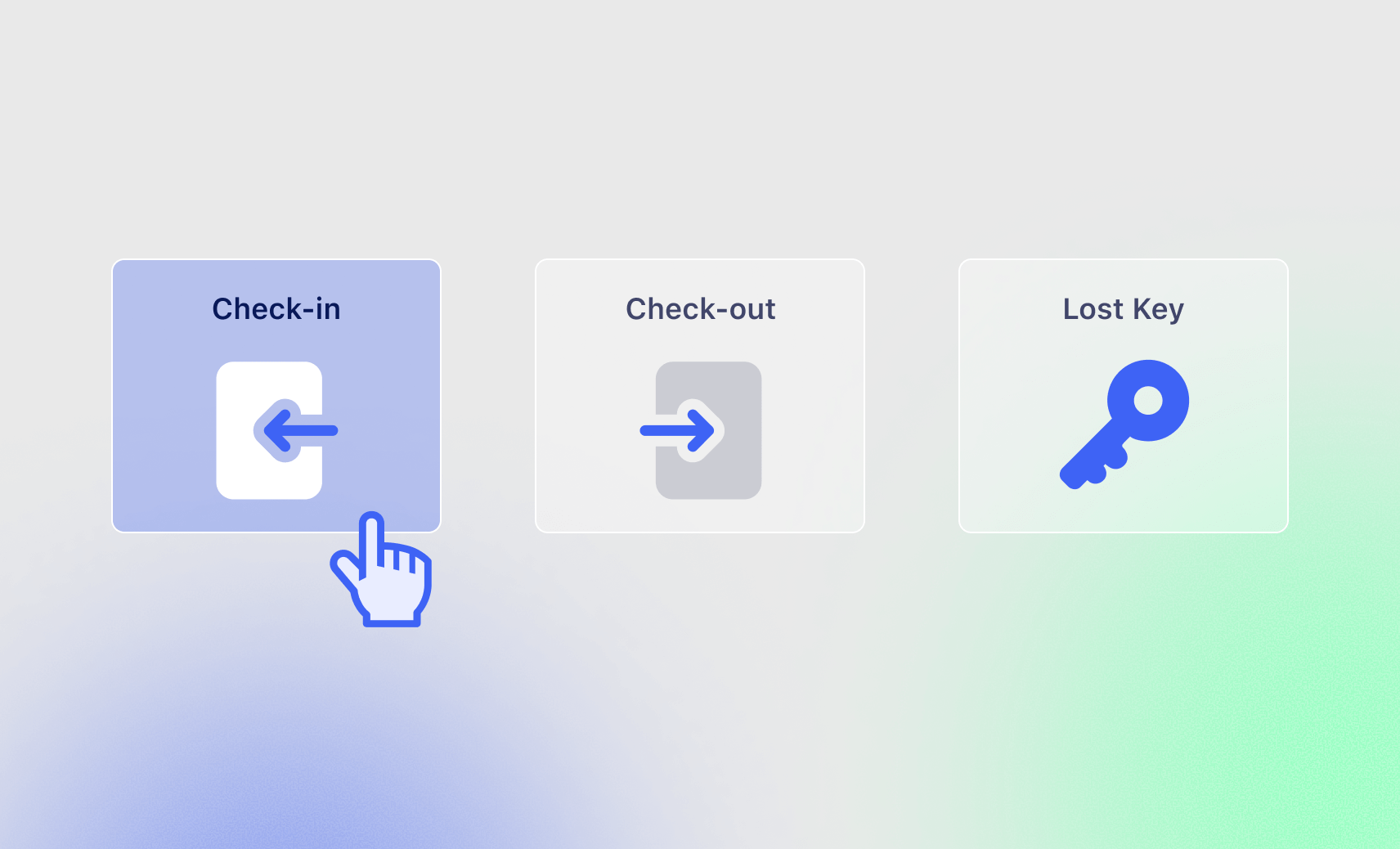
Keep Arrival and Departure Status Connected
Check-in and check-out stay part of the same booking record your team already uses.

Arrival Status
Mark the guest or reservation as checked in when the arrival workflow is complete.
Departure Status
Record check-out and keep the reservation status up to date.
Room or Unit
Keep arrival and departure tied to the room, unit, or other booked inventory.
Guest Record
Keep check-in and check-out connected to the customer or guest record in Salesforce.
Part of the Reservation Workflow
Use the same operational record from booking through departure.

Before Arrival
Review the reservation, guest details, payment status, and any required arrival steps.

At Check-In
Update the reservation status and complete the configured arrival workflow.
During the Stay
Keep requests, charges, room or unit status, and other configured activity connected to the reservation.
At Check-Out
Record departure and complete the configured billing, room-status, or follow-up steps.
Support Different Check-In Models
The exact workflow can be configured around the type of booking you manage.
- Guest rooms and lodging units
- Student or residential units
- Retreat and group accommodations
- Vacation rentals and villas
- Other supported stay-based reservations
- Front-desk or self-service processes where configured
Focused on Reservation Check-In and Check-Out
This feature is for booking and stay workflows. Booking Ninjas is not positioning Check-In / Check-Out as an inventory, equipment, workforce, fleet, or enterprise asset-tracking system.
Works With the Booking Flow
Check-in and check-out stay connected to the core booking tools around the reservation.
Reservation Management
Keep reservation dates, status, and customer context together.
View Reservation Management →Availability Management
Keep availability aligned with the reservation workflow.
View Availability Management →Occupancy Management
Use booking and status data to understand how units or spaces are being used.
View Occupancy Management →Housekeeping
Connect room readiness and cleaning work to the stay workflow where needed.
View Housekeeping →Where Check-In / Check-Out Fits
Use the same arrival and departure workflow across stay-based Booking Ninjas solutions.
-
Hotel
Connect guest arrivals, departures, room status, and front-desk work.
-
Retreat Center
Manage arrivals, room assignments, group stays, and departures.
-
Villa
Keep guest arrival and departure status connected to each villa reservation.
-
Bed & Breakfast
Coordinate guest check-ins, check-outs, and room readiness with a small team.
-
Hostel
Support frequent arrivals and departures across beds, dorms, and private rooms.
-
Lodge
Keep arrivals, departures, housekeeping, and guest stays connected.
Verified in the Salesforce Ecosystem.
Booking Ninjas is listed on Salesforce AppExchange.
Pricing
Check-In / Check-Out is part of the Core reservation workflow.
Core Package
Starts with 1–50 Active Bookable Units.
- Booking Engine + Reservation System
- Reservation Management
- Availability Management
- Front Desk Operations
- Check-In / Check-Out
- Standard reports and dashboards
Configured Arrival & Departure Flow
Scoped as neededImplementation depends on arrival steps, payment rules, room or unit status, housekeeping handoffs, integrations, data, testing, and rollout.
- No separate Check-In / Check-Out SKU
- Specialized self-service flows may require additional scope
- New integrations may require separate implementation
- Third-party hardware or vendor costs remain separate
Manual Front Desk Tracking vs Booking Ninjas
Keep arrival and departure status in the same system as the reservation.
| Capability | Manual / Separate Tools | Booking Ninjas |
|---|---|---|
| Reservation status | Updated separately | Connected to the booking |
| Guest record | Separate lookup | Connected in Salesforce |
| Room or unit | Manual coordination | Connected to the reservation |
| Availability context | Separate calendar | Connected booking workflow |
| Housekeeping handoff | Manual message | Configurable workflow |
| Reporting | Manual roll-up | Salesforce reports and dashboards |
Frequently Asked Questions

Keep Check-In and Check-Out Connected to the Booking
Manage arrivals, departures, occupancy status, and operational handoffs in the same reservation workflow.