
Recurring Revenue Visibility
Use recurring billing records to track repeat charges, payment status, renewals, and recurring revenue reporting in Salesforce.
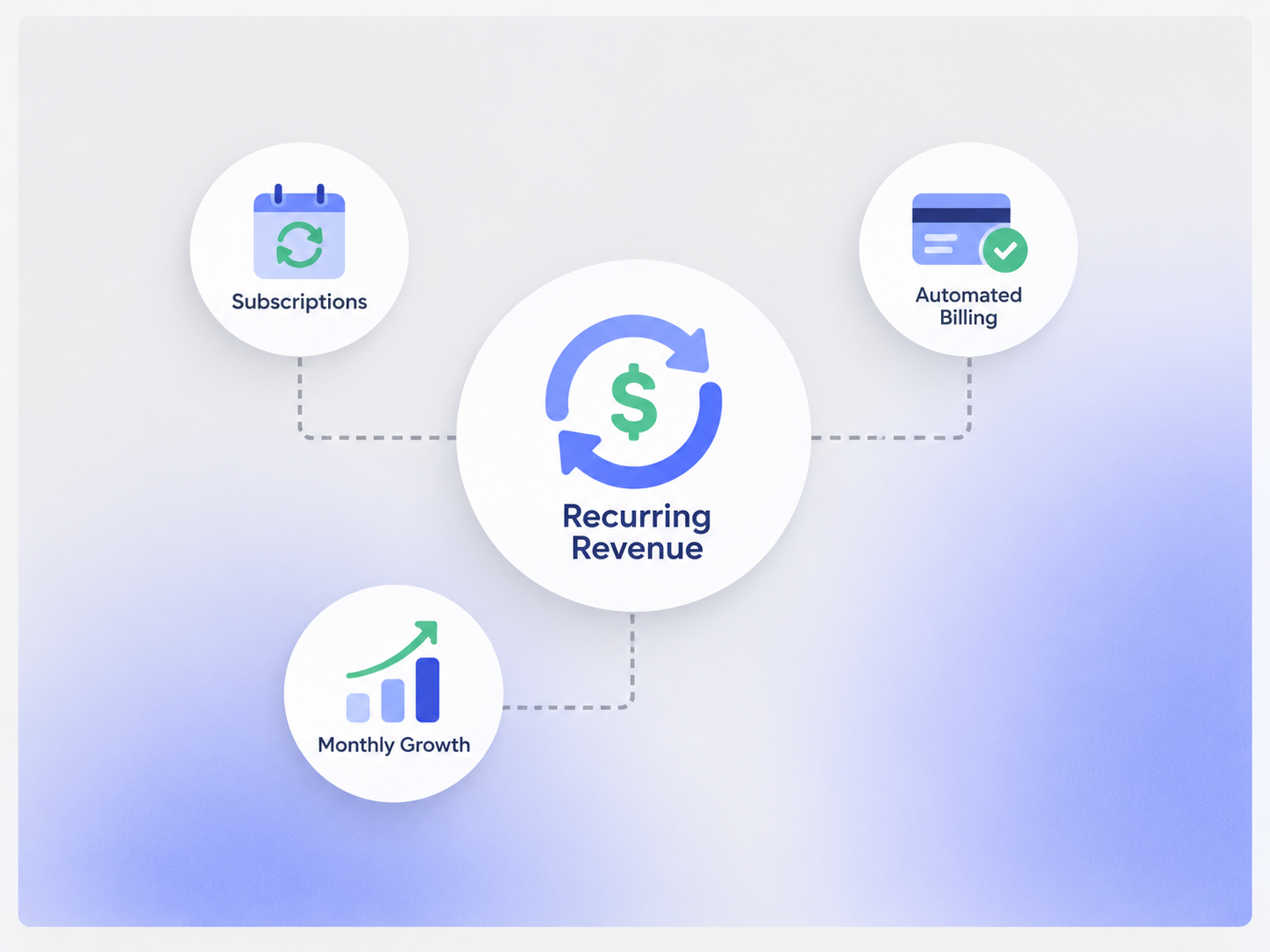
Start With the Recurring Billing Record
This is not a separate recurring revenue product. It is reporting and visibility built around the recurring billing data already in Core.

Recurring Charges
Track repeat charges created through the configured recurring billing workflow.
Payment Status
See what has been billed, paid, or left outstanding.
Customer Context
Keep recurring billing activity connected to the customer, member, guest, or account.
Reporting
Use recurring billing fields in Salesforce reports and dashboards where configured.
Track the Recurring Billing Lifecycle
Keep important changes visible without turning the page into a separate subscription-management system.
Start Date
Track when the recurring billing arrangement begins.
Billing Schedule
Keep the configured frequency and next billing date visible.
Status Changes
Track active, paused, ended, or other configured statuses when they are part of the workflow.
Renewal or End Date
Keep renewal, expiration, or end-date information where the business process uses it.
Report on Recurring Revenue Data
Build reports from the recurring billing data your implementation actually captures.

Recurring Billing Totals
Summarize recurring charges from the records included in the report.

Open & Paid Amounts
Compare billed amounts with payment status and outstanding balances.
Customer or Segment View
Group recurring billing data by customer, membership type, service, location, or other supported fields.
Custom Metrics
Metrics such as MRR, ARR, churn, or renewal rates can be configured when the required source data and definitions are available.
Keep the Boundaries Clear
Recurring revenue reporting is only as complete as the billing and lifecycle data captured in the system.
- No separate Recurring Revenue subscription
- No guaranteed revenue forecasting
- No automatic churn prediction by default
- MRR and ARR require agreed definitions and source data
- Renewal reporting depends on the implemented lifecycle fields
- Custom dashboards or integrations can be scoped separately
Works With the Billing Flow
Recurring revenue visibility comes from connected billing, invoice, reminder, and reporting records.
Recurring Billing
Create and manage the recurring billing schedule that produces the revenue records.
View Recurring Billing →Invoice Management
Keep repeat charges connected to invoices and outstanding balances.
View Invoice Management →Payment Reminder
Use due dates and payment status to support reminder workflows.
View Payment Reminder →Financial Reporting
Use billing and payment data in reports and dashboards.
View Financial Reporting →Pricing
Recurring revenue visibility is built from Core recurring billing, invoicing, and reporting — not a separate subscription.
Core Package
Starts with 1–50 Active Bookable Units.
- Booking Engine + Reservation System
- Recurring Billing
- Invoicing and Billing
- Standard reports and dashboards
- Supported built-in integrations where relevant
Custom Revenue Reporting
Scoped as neededCustom MRR, ARR, churn, renewal, cohort, or forecast reporting may require additional data modeling, definitions, integrations, or dashboard work.
- No separate Recurring Revenue Management SKU
- Custom metrics depend on the available data
- New integrations may require separate scope
- Implementation is priced separately
Spreadsheet Tracking vs Booking Ninjas
Keep recurring billing and revenue reporting closer to the underlying customer and payment records.
| Capability | Spreadsheet | Booking Ninjas | Standalone Subscription Tool |
|---|---|---|---|
| Recurring billing | Manual schedule | Included in Core | Usually supported |
| Invoice context | Separate records | Same billing workflow | Depends on integration |
| Customer context | Manual lookup | Connected Salesforce record | Depends on integration |
| MRR / ARR | Manual formulas | Configurable when data supports it | Often built in |
| Renewal reporting | Manual tracking | Based on configured lifecycle fields | Often built in |
| Separate BN subscription | Not applicable | No | Usually yes |
Frequently Asked Questions

Keep Recurring Billing and Reporting Connected
Use Core to connect repeat charges, invoices, payments, customer records, and reporting in Salesforce.