
Waitlist Management
Capture demand when availability is full, keep waitlist records organized, and move customers into open spots through a configured booking workflow.
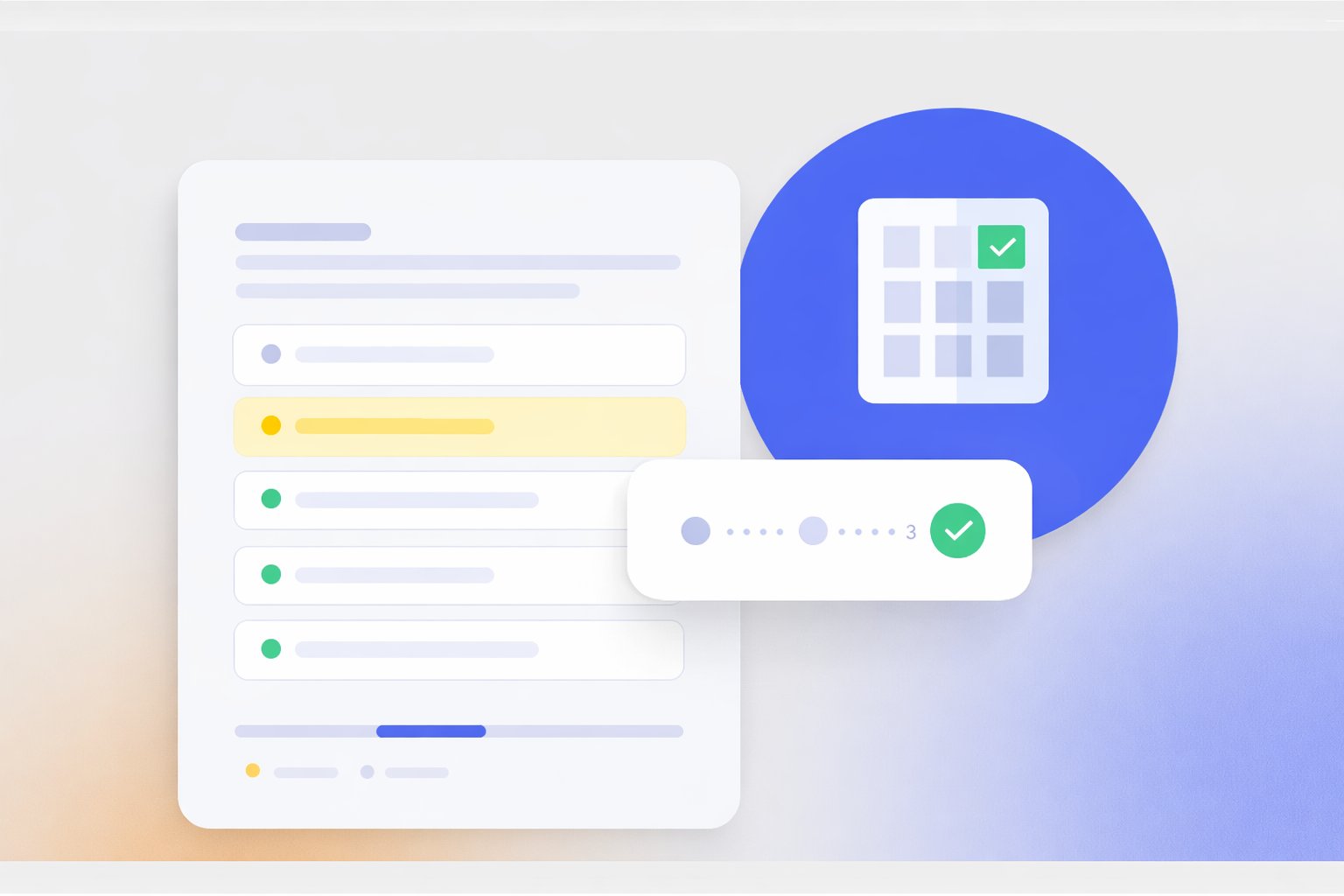
Keep Waitlist Demand in One Place
Store the customer, requested date or resource, status, and priority information with the rest of the booking data.

Customer
Keep the waitlist entry connected to the customer or guest record.
Requested Inventory
Record the room, space, session, date, or other requested booking context.
Priority
Use configured priority or eligibility fields where the workflow needs them.
Status
Track whether the entry is waiting, offered, booked, declined, or closed.
Define How the Waitlist Should Work
Priority and promotion rules can be configured around the actual booking process.

Priority Rules
Use the fields and ordering rules that make sense for the organization.

Availability Opens
Use the configured workflow to identify the next suitable waitlist entry.
Offer Window
Define how long an offer remains open before the workflow moves on.
Human Review
Keep approval or review steps in the process when the business rules require them.
Move Demand Into Available Spots
When availability changes, use configured workflows to contact or promote suitable waitlist entries.
- Review newly available inventory
- Identify eligible waitlist entries
- Send standard transactional notifications where configured
- Track offer, acceptance, decline, and expiration status
- Create or update the reservation when the customer accepts
- Keep the result connected to the customer record
Keep the History
Use Salesforce records to keep the important waitlist activity available for reporting and review.
- Entry date and status
- Priority or eligibility fields
- Offer and response history
- Reservation outcome
- Standard reports and dashboards
Works With the Booking Flow
Waitlist Management stays close to the availability, capacity, reservation, and communication workflows around it.
Availability Management
Know when the requested room, space, session, or resource becomes available.
View Availability Management →Capacity Management
Keep waitlist demand connected to the booking limits around the resource.
View Capacity Management →Reservation Management
Convert an accepted offer into the normal reservation workflow.
View Reservation Management →Communication Hub
Add broader email, SMS, or WhatsApp communication when the use case needs it.
View Communication Hub →Where Waitlist Management Fits
Waitlists are useful when demand regularly exceeds available rooms, spaces, sessions, or event capacity.
-
Hotel
Capture demand for rooms, dates, or other bookable hotel inventory when availability is full.
-
Retreat Center
Manage demand for accommodations, programs, or sessions with limited capacity.
-
Conference Center
Track demand for rooms, sessions, and event capacity when the preferred option is full.
-
Lodge
Keep demand organized when seasonal or limited lodging inventory fills up.
-
Bed & Breakfast
Capture guests who want a room or date that is currently unavailable.
-
Motel
Keep excess demand organized around room and date availability.
Waitlist Automation Depends on the Rules You Configure
Booking Ninjas can support waitlist records, priority fields, availability-based workflows, notifications, and reservation conversion. The exact promotion order, offer timing, approval steps, and communication flow depend on the implementation. Booking Ninjas should not be positioned as making autonomous fairness, compliance, or allocation decisions by itself.
Verified in the Salesforce Ecosystem.
Booking Ninjas is listed on Salesforce AppExchange.
Pricing
Waitlist Management uses the Booking Ninjas booking foundation. Rules and automation are configured around the use case.
Core Package
Starts with 1–50 Active Bookable Units.
- Booking Engine + Reservation System
- Availability Management
- Capacity Management
- Reservation Management
- Basic transactional communication
- Standard reports and dashboards
Communication Hub
Use when the waitlist process needs broader multichannel communication beyond standard transactional messages.
- Up to 5,000 emails
- Up to 500 SMS messages
- Up to 500 WhatsApp messages
- Provider or usage costs may remain separate where relevant
Spreadsheet Waitlist vs Booking Ninjas
Keep waitlist demand connected to the booking records and availability around it.
| Capability | Spreadsheet / Manual List | Booking Ninjas |
|---|---|---|
| Customer record | Separate list | Connected in Salesforce |
| Requested inventory | Manual notes | Connected booking context |
| Priority | Manual ordering | Configurable fields and rules |
| Availability changes | Manual checking | Can trigger configured workflow |
| Notifications | Manual follow-up | Transactional or multichannel options |
| Outcome | Separate update | Connected to reservation status |
Frequently Asked Questions

Keep Demand Connected to Availability
Capture waitlist demand, apply your rules, and move customers into available spots through the same booking workflow.