
Subscription Billing
Use recurring billing to create repeat invoices, track payment status, and keep subscription-style charges connected to customer records.
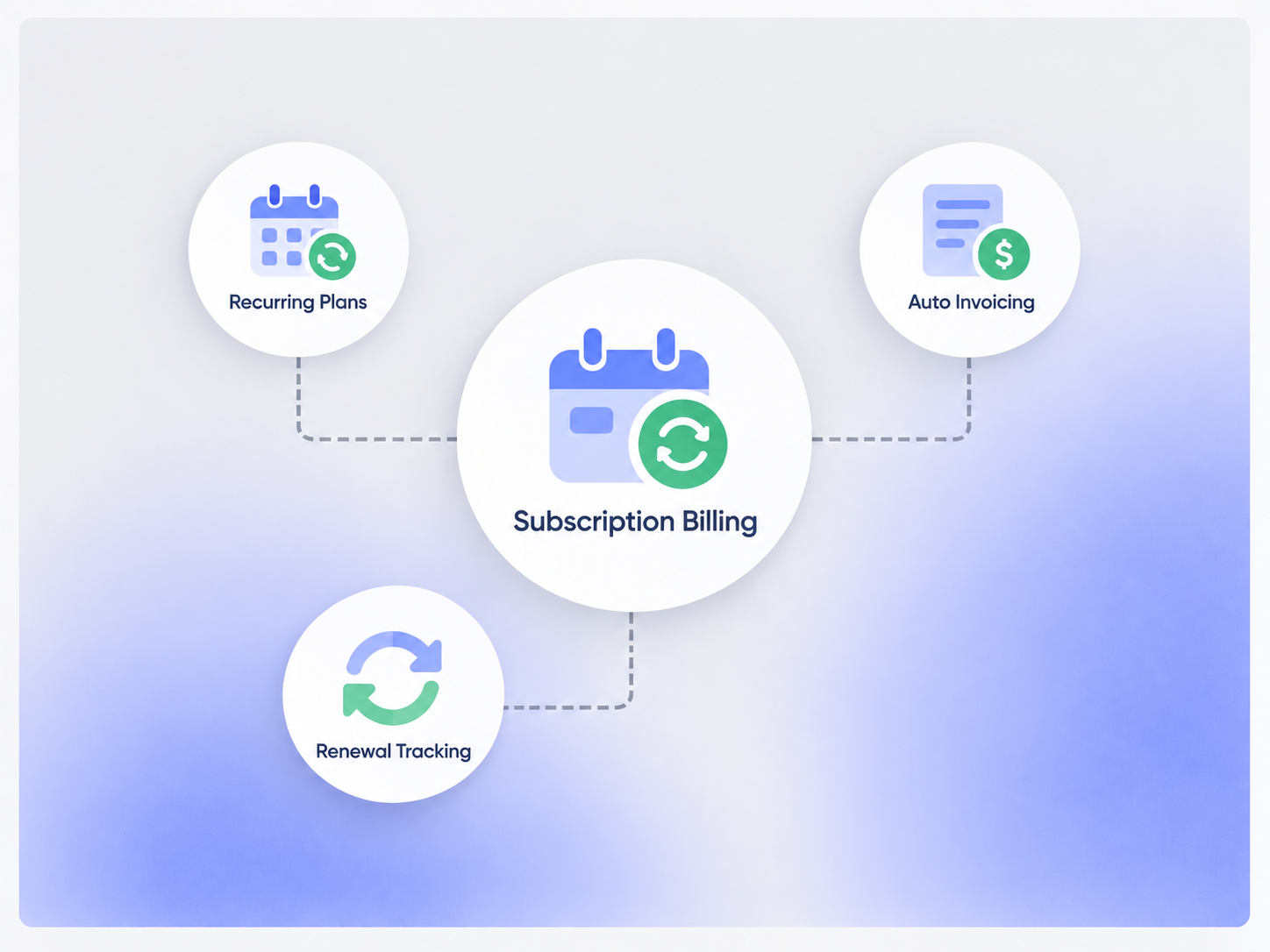
Built on Recurring Billing
Subscription Billing is a use case of the recurring billing capability already included in Core — not a separate Booking Ninjas product.

Monthly Billing
Use a monthly schedule for repeat charges where that cadence fits the service.
Quarterly Billing
Use a quarterly schedule when billing terms are based on longer service periods.
Annual Billing
Bill annually when the agreement or service plan uses a yearly cycle.
Custom Schedule
Configure other repeat billing schedules when the business process requires them.
From Billing Terms to Repeat Invoices
Define the billing schedule once, then use it to create the next billing record according to the configured workflow.
Billing Frequency
Set how often the recurring charge should be created.
Amount & Line Items
Keep the repeat charge tied to the configured service, fee, or billing item.
Next Billing Date
Use the schedule to determine when the next billing record is due.
Customer Context
Keep repeat billing tied to the customer, member, guest, or account.
Handle Changes Without Losing the Billing History
Subscription-style arrangements change over time. Keep those changes connected to the same customer and billing record.

Change the Amount
Update the recurring charge when pricing or service terms change.

Change the Frequency
Adjust the billing cadence when the agreement moves to a different schedule.
Pause or End
Use configured status or end-date rules when repeat billing should stop or be paused.
Discounts & Adjustments
Apply configured discounts or billing adjustments when the recurring workflow calls for them.
Connect Billing to Payment Collection
The recurring billing record stays in Booking Ninjas while payment behavior depends on the configured payment provider.
- Generate the recurring invoice or billing record
- Use the configured processor for payment collection where supported
- Keep payment status tied to the related invoice
- Use reminders when a balance remains outstanding
- Processor and transaction fees remain separate
- New payment providers may require a separate integration scope
Report on the Data You Actually Capture
Use Salesforce reports and dashboards to review recurring billing activity and customer status.
Active Billing Records
Report on recurring records that are currently active according to the configured status.
Upcoming Billing
Use the next billing date to review upcoming repeat charges.
Outstanding Balances
Review unpaid recurring invoices and balances in the wider billing workflow.
Custom Metrics
Metrics such as MRR, ARR, churn, or renewal rate can be configured when the required source data and definitions are available.
Works With the Billing Flow
Subscription-style billing uses the same recurring billing, invoicing, payment, and reminder capabilities already in Core.
Invoice Management
Keep each repeat charge connected to an invoice and balance.
View Invoice Management →Online Payment Collection
Collect payment through the configured provider where supported.
View Online Payment Collection →Pricing
Subscription Billing uses the recurring billing and invoicing capabilities already included in Core.
Core Package
Starts with 1–50 Active Bookable Units.
- Booking Engine + Reservation System
- Recurring Billing
- Invoicing and Billing
- Basic transactional communication
- Standard reports and dashboards
Advanced Billing Logic
Scoped as neededComplex proration, usage-based billing, custom tier logic, specialized lifecycle rules, or new accounting/payment integrations may require additional implementation or customization.
- No separate Subscription Billing SKU
- Custom lifecycle logic may require implementation work
- Payment-provider fees remain separate
- New integrations may require separate scope
Manual Subscription Tracking vs Booking Ninjas
Keep repeat billing closer to the customer, invoice, and payment records instead of maintaining a separate subscription spreadsheet.
| Capability | Spreadsheet / Manual | Booking Ninjas | Standalone Subscription Tool |
|---|---|---|---|
| Recurring billing | Manual schedule | Included in Core | Usually supported |
| Invoice context | Separate records | Same billing workflow | Depends on integration |
| Customer context | Manual lookup | Connected Salesforce record | Depends on integration |
| Billing changes | Manual updates | Configurable workflow | Usually supported |
| MRR / ARR | Manual formulas | Configurable when data supports it | Often built in |
| Separate BN subscription | Not applicable | No | Usually yes |
Frequently Asked Questions

Keep Repeat Billing Connected to the Customer
Use Core recurring billing to connect repeat charges, invoices, payments, reminders, and reporting in Salesforce.