
Student Portal on Salesforce
Give students one place to access the Booking Ninjas workflows you choose to expose— housing, programs, classes, billing, documents, requests, and account information.
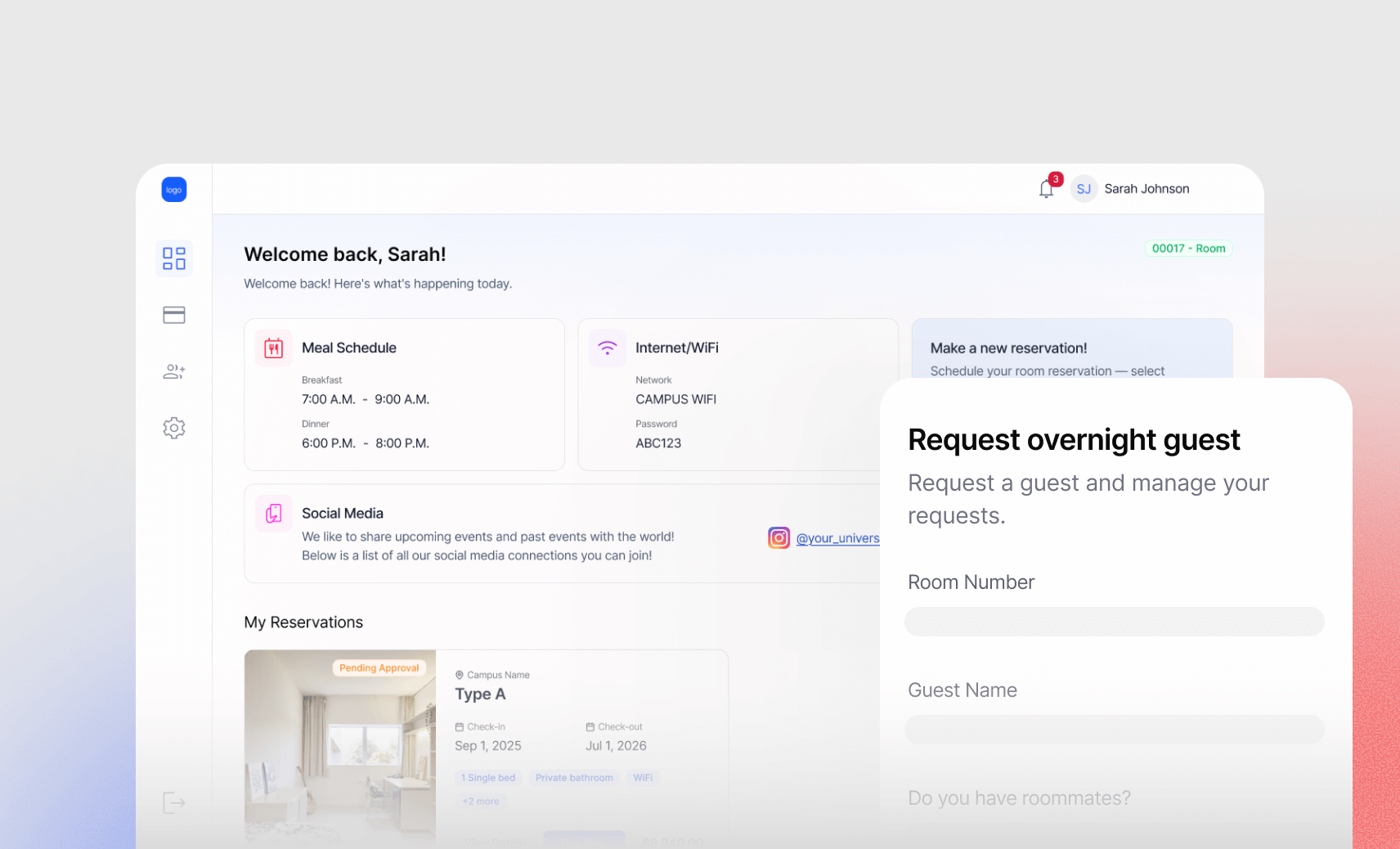
Add a Student-Facing Layer to Booking Ninjas
Student Portal is a paid Portal extension, not part of Core.
Per Portal / Month
Student Portal is one Portal configuration.
Student Entry Point
Give students one place to access the services and records relevant to them.
Connected to Your Modules
Pair the portal with Core, Class App, Membership, or other selected workflows as needed.
Watch the Student Portal in Action
Show what the student sees, what they can do, and how those actions connect back to staff workflows.
Student Home & Profile
Show the landing experience, profile details, account information, and the services available after login.
Billing & Documents
Show invoices, balances, documents, forms, and the payment flow made available to the student.
Requests & Staff Handoff
Show a student submitting a request and how staff receive and manage it inside Booking Ninjas.

Verified in the Salesforce Ecosystem.
Booking Ninjas is publicly listed on Salesforce AppExchange, giving buyers an external place to review the product and its public pricing reference.
Give Students One Place for Their Account
Expose the profile, documents, bookings, balances, and service information that fits your operation.

Profile & Contact Details
Let students view or update the profile information your portal configuration permits.
Program or Housing Information
Surface the student records relevant to the Booking Ninjas workflow being managed.
Documents & Forms
Make selected documents, forms, confirmations, or required submissions available through the portal.
Requests & Updates
Give students a structured place to submit supported requests and see relevant status updates.
Connect Students to Programs, Classes, or Services
Use the portal as the self-service front end while the underlying Booking Ninjas module manages the operational workflow.

Program Access
Surface the programs, services, or activities relevant to the student.
Class Enrollment
When Class App is part of the setup, expose class schedules, enrollment, capacity, and related actions.
Housing & Space Access
When Core is part of the setup, expose housing, room, space, or reservation information to students.
Service Requests
Let students submit operational or service requests that staff can track inside Booking Ninjas.
Give Students Clear Billing Visibility
When billing and payments are part of the implementation, the portal can surface what the student needs to see and act on.
Invoice Access
Let students view invoice and billing records configured for portal access.
Balance Visibility
Show outstanding balances, deposits, or other account information relevant to the student.
Configured Payment Flow
Give students a path to payment when a supported payment provider and workflow are configured.
Recurring Billing
Surface repeat or scheduled billing information where recurring billing is part of the student's workflow.
Show Each Student the Right Information
Configure the portal around student type, program, housing status, location, or other operational criteria.
Configurable Dashboard
Shape the landing experience around the records, actions, and services that matter to that student audience.

Student Segmentation
Use operational criteria to control what different groups of students can see or do.
Access Control
Limit access to the records, documents, balances, and actions each external user is allowed to use.
Status-Based Experience
Change the portal experience as the student's housing, program, class, or account status changes.
Control What External Users Can Access
Portal access is configured around the Salesforce security model and external-user setup.
Authentication
Configure the external-user authentication approach appropriate to the portal setup.
Permissions
Control which records, fields, documents, and actions external users can access.
Exposure Rules
Design the portal so students see only the information intended for their external experience.
External Licensing
Salesforce external-user licensing can be separate where the portal configuration requires it.
Keep Student Self-Service Connected to Operations
Booking Ninjas is Salesforce-native, so portal activity can stay connected to the underlying operational records.
Connected Records
Keep student-facing activity tied to the Salesforce records used by the Booking Ninjas workflow.
Shared Workflow
Let portal submissions move into the same operational workflow staff already use.
Reporting Context
Use the data captured through the portal in reporting and dashboards configured for the operation.
Less Re-Entry
Reduce duplicate entry by collecting supported updates directly through the student-facing workflow.
Where a Student Portal Fits
Best where students need ongoing access to housing, programs, classes, billing, documents, or service workflows.
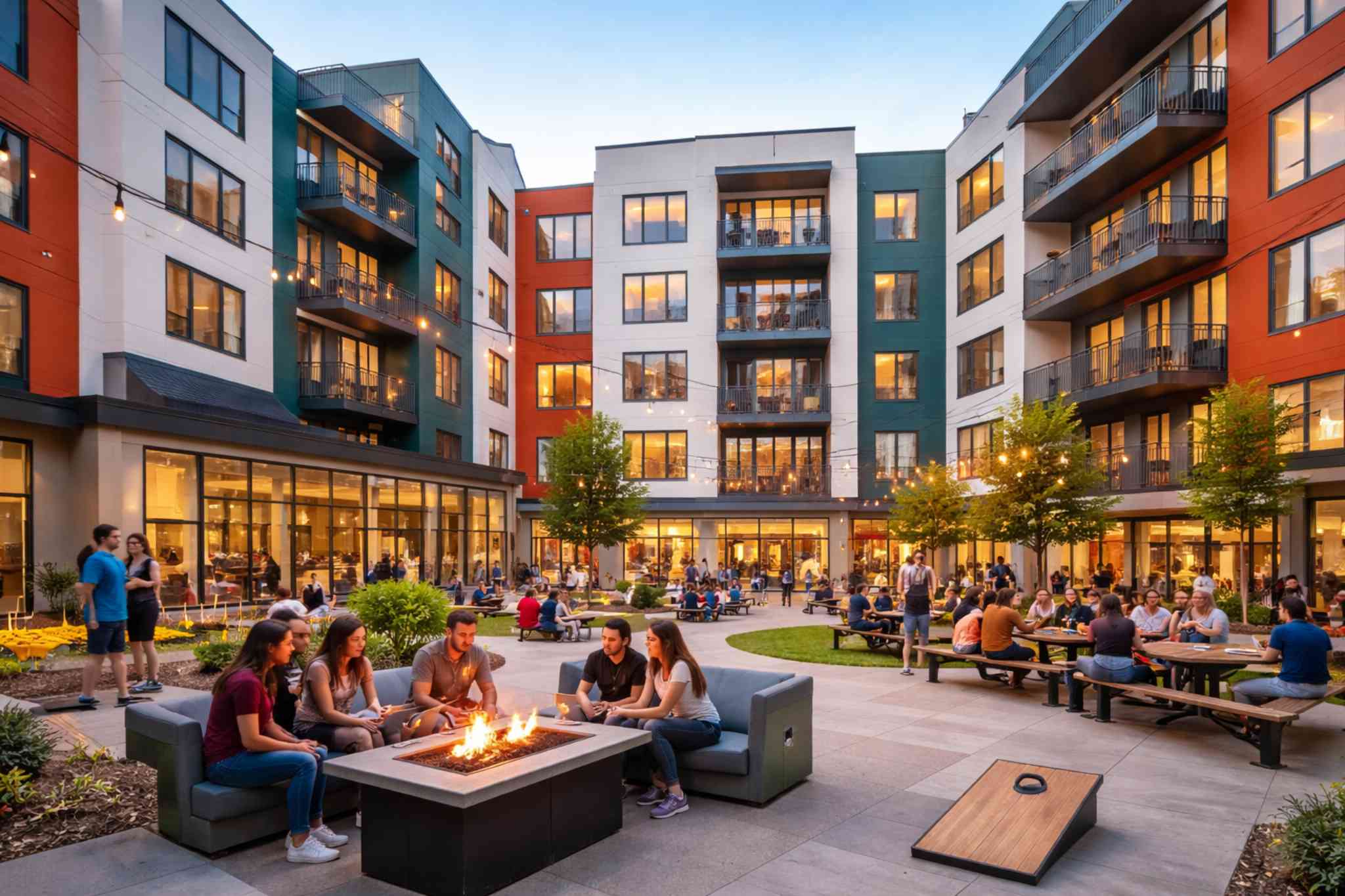
Student Housing
Give residents access to housing details, billing, documents, requests, and account information.
Learn More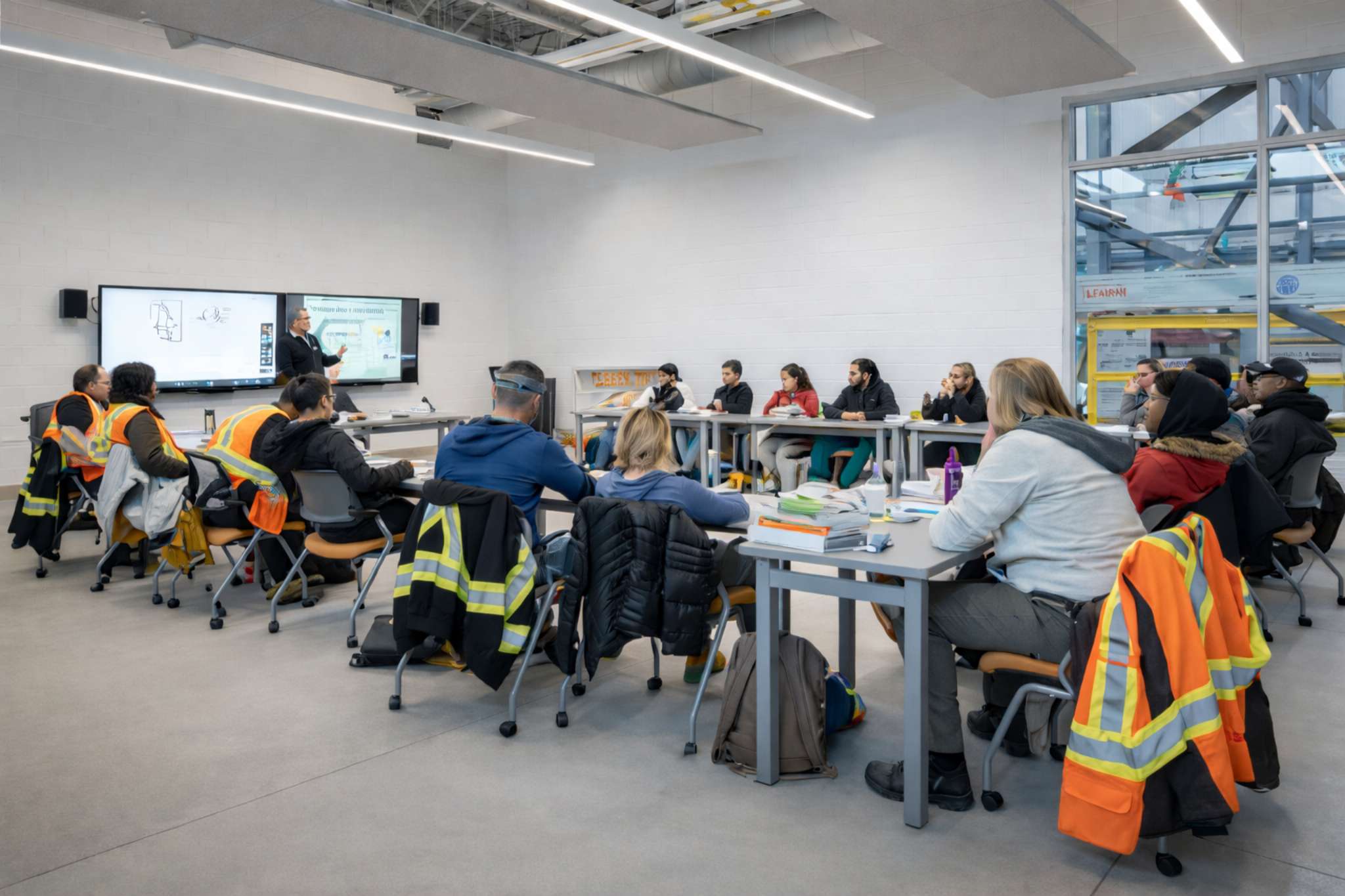
Training Centers
Expose program, class, billing, document, and request workflows to participants.
Learn More
Higher Education Property
Support student housing, campus spaces, billing, documents, and operational self-service without positioning Booking Ninjas as the institution's SIS.
Learn MoreStudent Portal Extension Pricing
Add the portal when student self-service is part of the operating model.
Portal Extension
Student Portal is priced per portal, not per student.
Per Portal / Month
Student Portal is one Portal extension.
Core + 1 Student Portal
Core is $400/month. Add one Student Portal for +$100/month.
Implementation
One-time implementation is discussed based on scope.
If the use case does not need Core, the Portal extension can still be selected, but the Booking Ninjas minimum subscription remains $400/month. Salesforce external-user licensing, payment processing, messaging, third-party services, Class App, and custom development can be separate where required. Learn why implementation is discussed before a final price .
Student Portal: Booking Ninjas vs Other Approaches
Compare email/manual service, a standalone portal, and a student-facing layer connected to Booking Ninjas operations.
| Capability | Email / Manual | Booking Ninjas | Standalone Portal |
|---|---|---|---|
| Student self-service | Staff-dependent | Portal extension | Usually supported |
| Housing / booking context | Shared manually | Can connect with Core | Requires integration |
| Class context | Separate tools | Can connect with Class App | Depends on product |
| Billing visibility | Email / manual | Can surface BN billing | Depends on product |
| Requests & documents | Email / forms | Connected workflow | Usually supported |
| Salesforce context | No native connection | Salesforce-native | Requires integration |
| Pricing model | Staff time | +$100 per portal/month | Vendor pricing varies |
| Best fit | Very light self-service | Student access + BN operations | Standalone student portal |
Frequently Asked Questions
Give Students One Place to Get Things Done
Add a Student Portal for the housing, program, class, billing, document, and service workflows your students actually need.