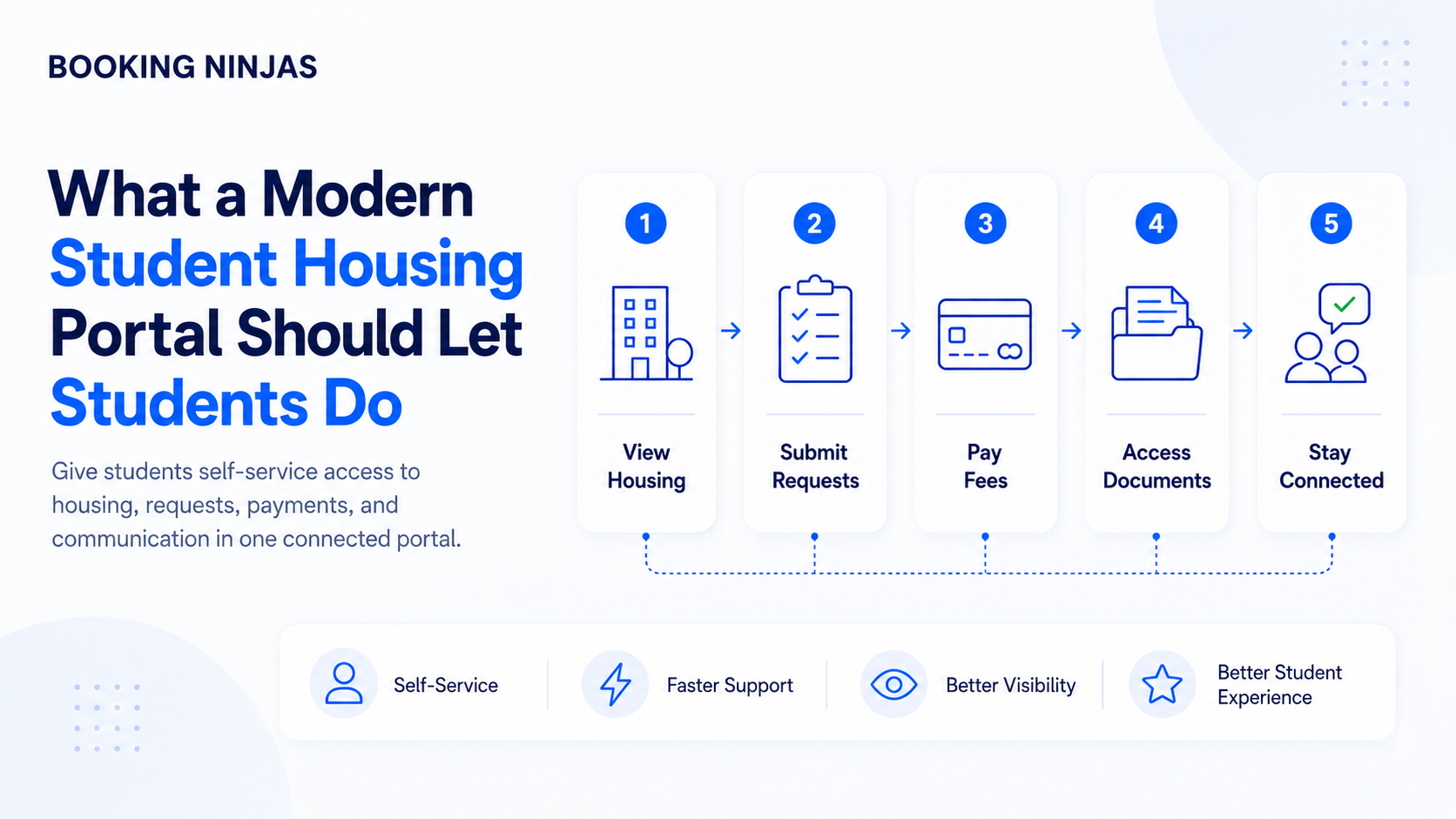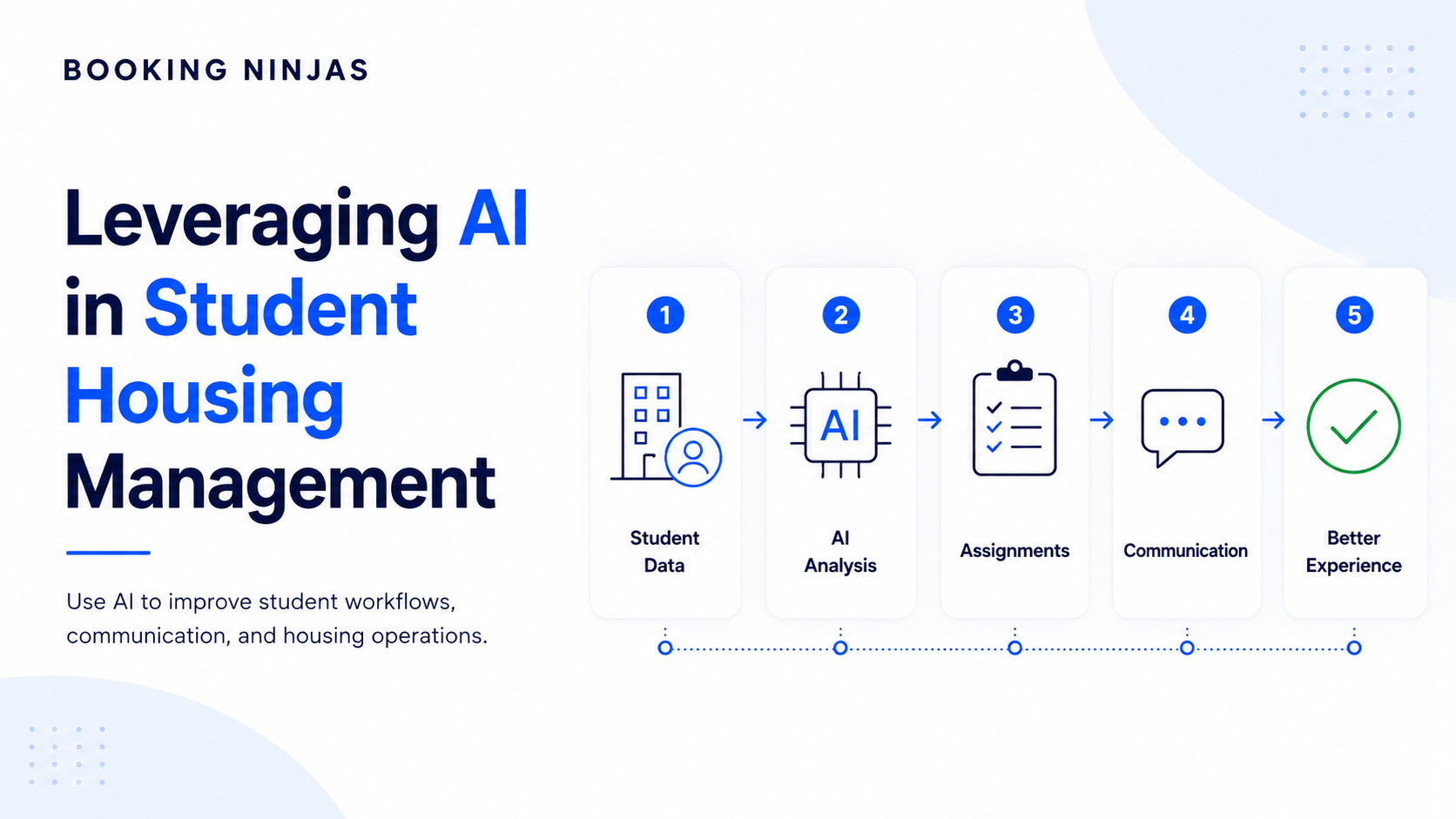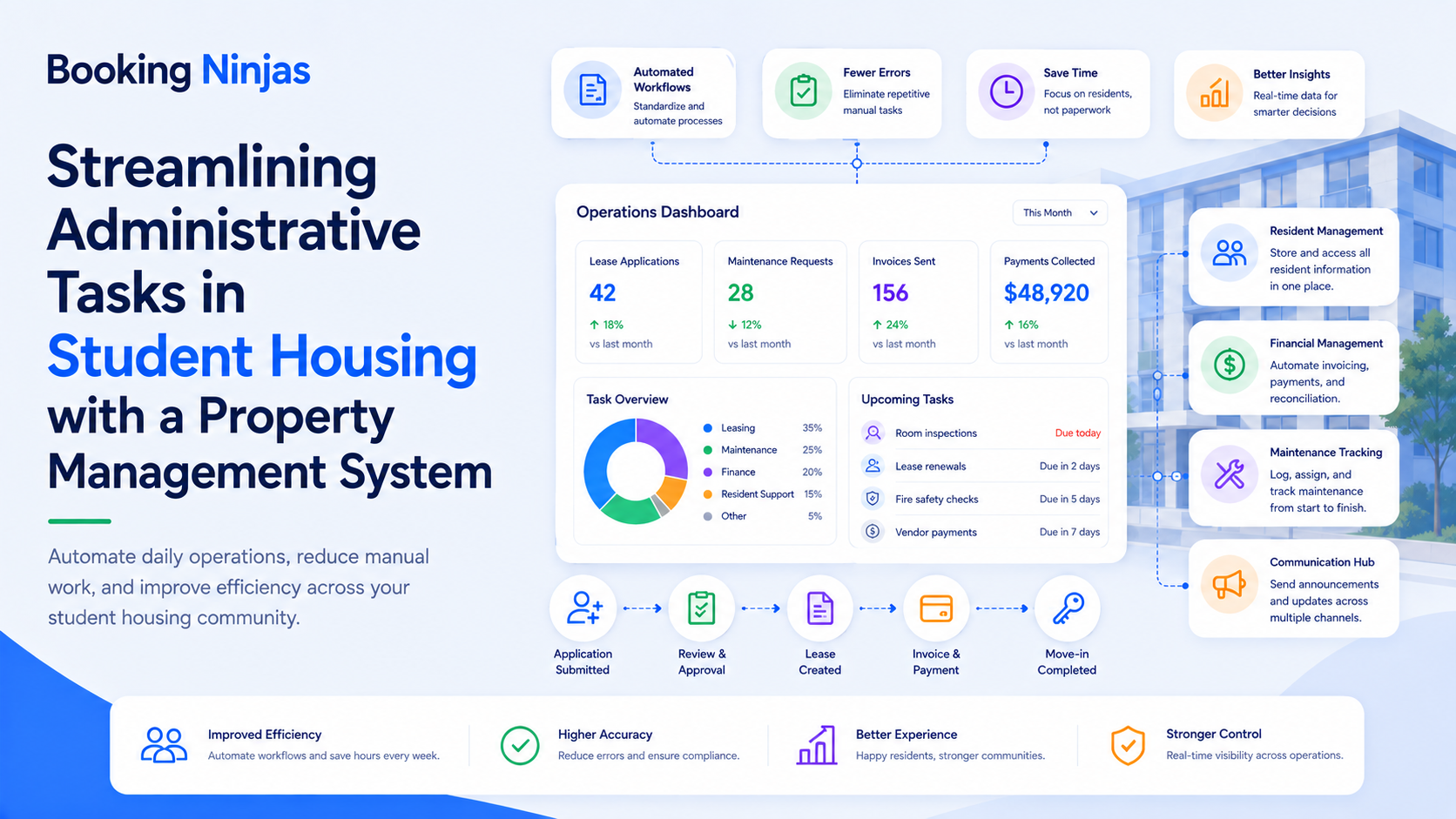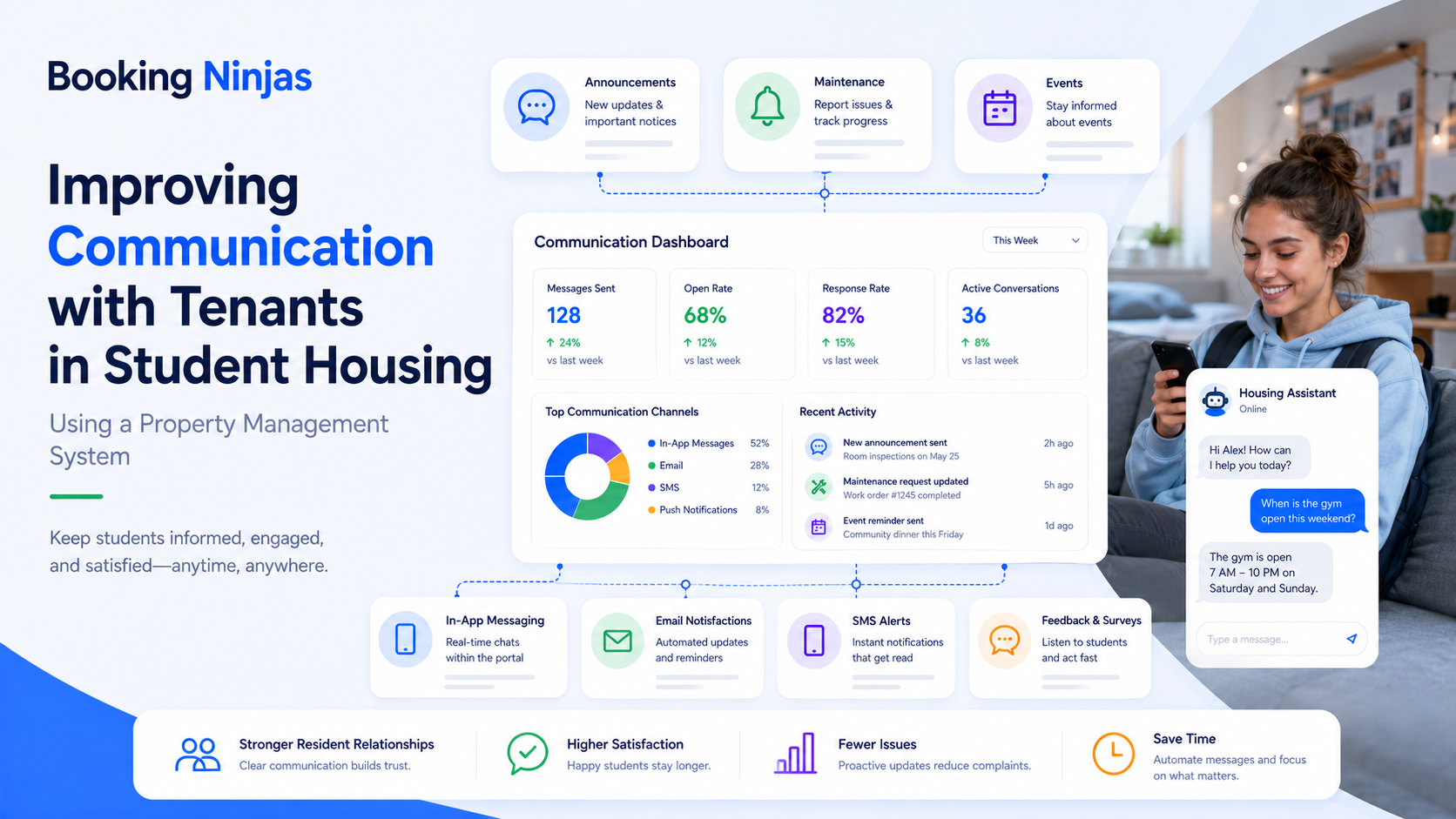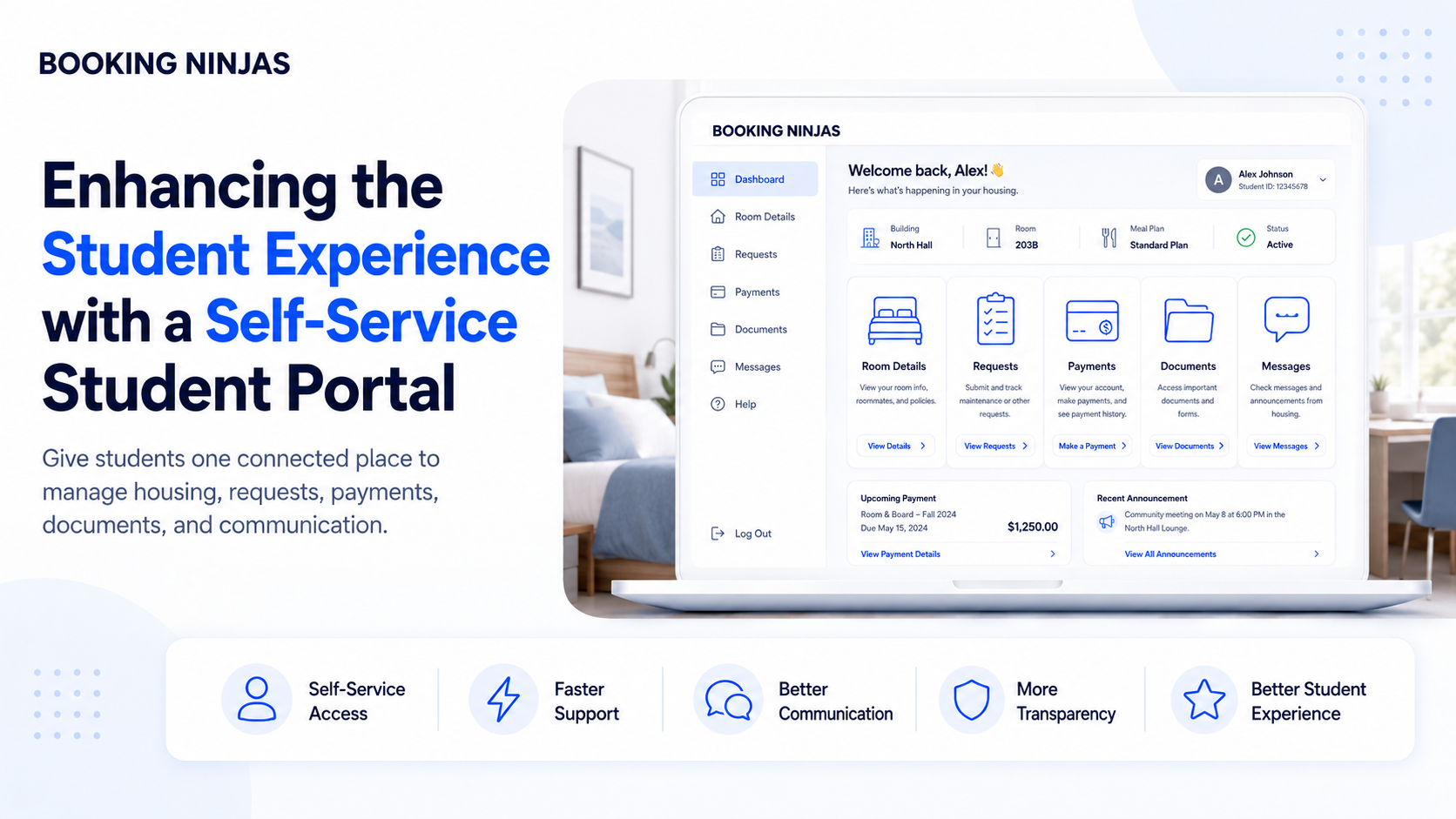
A student housing portal should do more than provide a login screen. It should give residents secure access to the information and actions they need while keeping housing assignments, billing, documents, requests, communication, and staff-controlled decisions connected behind the scenes.
The goal is not to make every housing decision self-service. The goal is to make routine student interactions easier while preserving staff control over assignments, exceptions, approvals, sensitive records, and operational workflows.
What is the role of a student housing portal?
The portal is the student-facing layer of a larger housing operation.
Behind it, the housing system may be managing buildings, units, rooms, individual beds, student profiles, leases or housing commitments, assignments, payments, maintenance, inspections, move-in, move-out, and reporting.
Students do not need direct administrative access to all of those records. They need a controlled view of the information and actions relevant to them.
Student, assignment, room, term, documents, billing, and other operational data provide context.
Roles and access rules determine which information and actions the student is allowed to use.
The resident views records, submits information, pays, requests, or communicates through a controlled interface.
Submitted information updates or enters the appropriate housing, billing, service, or administrative process.
1. Students should be able to manage permitted profile information
Housing teams regularly rely on current student information for communication and administration.
A portal can let students review or update permitted profile information rather than requiring every change to pass through an email or staff member.
Depending on the institution's data model and policies, this could include:
- Contact information
- Communication preferences
- Profile details
- Emergency or related contacts where appropriate
- Program or enrollment information
- Other permitted student records
Booking Ninjas' Student Portal provides profile and contact management, records visibility, documents, communication, and role-based student access.
2. Students should be able to see the housing information relevant to them
Housing information is most useful when students can understand their current status without needing to ask staff to look it up.
Depending on the housing workflow, the student-facing experience may provide visibility into information such as:
- Housing status
- Academic or housing term
- Assigned building
- Assigned room or bed
- Move-in information
- Move-out information
- Relevant housing documents
- Required next steps
Booking Ninjas' Student Housing environment manages buildings, units, rooms, individual beds, student profiles, academic-term housing, assignments, and move-in and move-out history.
Which of those records should appear in the student portal should be determined by the institution's workflow and permissions.
Should students be able to change their own housing assignment?
Not automatically.
Viewing an assignment and changing an assignment are different permissions.
Housing staff may need to consider availability, eligibility, occupancy, roommate arrangements, accommodation requirements, policies, billing, and operational readiness before approving a change.
| Student-facing action | Possible workflow | Staff control |
|---|---|---|
| View assignment | Display approved housing information. | Staff control the underlying assignment. |
| Request an assignment change | Student submits a structured request. | Housing staff review eligibility and availability. |
| Update contact details | Student edits permitted fields. | Permissions determine which fields can change. |
| Upload required documents | Student submits documentation through the portal. | Staff or workflow verifies what requires review. |
3. Students should be able to access and submit required documents
Housing processes often involve forms, agreements, policies, and other documentation.
A portal can provide one controlled location for students to review or submit the documents relevant to their process.
- Forms
- Agreements
- Policies
- Required submissions
- Account documents
- Other institution-defined records
The portal should also make the status of required submissions clear where the workflow supports status tracking.
4. Students should be able to understand and manage their payments
Payment self-service should provide more context than a single "Pay Now" button.
Students may need to understand:
- Current balance
- Invoice history
- Payment history
- Upcoming payment dates
- Applicable installment structure
- Relevant fees or adjustments
Booking Ninjas Student Portal supports student visibility into billing schedules, invoices, payment tracking, and online payments. Its Billing & Payment environment provides the wider financial workflow behind those student-facing records.
The exact housing charges, due dates, installments, and payment options should follow the institution's financial model rather than a generic student-housing template.

5. Students should be able to submit and track service requests
Students should not need to determine which internal department owns every routine housing issue before they can report it.
A student-facing request process can capture the issue and pass it into the appropriate operational workflow.
Depending on configuration, the request may include:
- Request category
- Description
- Building or room
- Supporting documentation
- Request status
- Follow-up communication
Booking Ninjas' Request Management provides structured intake, ownership, prioritization, routing, status tracking, notifications, and escalation.
A maintenance request can then enter the appropriate facilities or work-order process instead of remaining as an isolated portal message.
Should a student portal be used for emergencies?
Not when an immediate emergency response is required.
A portal may support ordinary requests, documentation, communication, and subsequent status tracking, but it should not replace the institution's emergency procedures, emergency services, campus security, or other designated urgent-response channels.
6. Students should be able to receive housing communication in context
Housing communication becomes harder to follow when notices, documents, payment reminders, requests, and status changes are scattered across unrelated channels.
A portal can give students a structured place to receive relevant communication and see the records associated with it.
Examples can include:
- Housing updates
- Required-action reminders
- Payment reminders
- Document requests
- Request-status updates
- Move-in or move-out communication
Which communications appear in the portal should be based on the student's role, status, housing relationship, and the institution's communication rules.
7. Students should be able to see what happens next
One of the most useful self-service functions is not completing a transaction. It is understanding the status of a process already in progress.
For appropriate workflows, students may need to know:
- Whether information was received
- Whether a document is still required
- Whether a request is under review
- Whether payment is outstanding
- Whether a service request is assigned
- Whether another student action is required
This reduces the need for a student to contact staff simply to ask whether something has moved forward.
Why should student portal access be role-based?
Not every student should see the same information, and students should not automatically receive access to administrative or sensitive records.
Portal access may need to vary according to factors such as:
- Student role
- Program
- Enrollment or housing status
- Property or location
- Current workflow stage
- Record ownership or relationship
Booking Ninjas Student Portal supports role-based permissions, configurable dashboards, segmentation, authentication, and activity tracking.
Does a student housing portal need to work well on mobile devices?
Yes. Student-facing housing tasks frequently happen away from a desk, especially during move-in, move-out, payments, document submission, or when reporting an issue from a residence hall.
A student portal should therefore be usable on common screen sizes and should not require desktop-only navigation for routine self-service tasks.
Mobile usability is different from requiring a dedicated mobile app. A responsive portal can provide many of the same routine self-service interactions through a browser.
Which student housing processes should not automatically become self-service?
Self-service is most useful for predictable actions with clear permissions and business rules.
Additional staff review may be appropriate for:
- Assignment exceptions
- Sensitive accommodation requests
- Disputes
- Significant billing adjustments
- Policy exceptions
- Serious incidents
- Unusual room changes
- Other high-impact decisions
The portal can still collect information or show status for those processes without giving the student authority to make the final administrative decision.
Why should the portal connect directly with student housing records?
A disconnected portal creates another synchronization problem.
If a student updates contact information, makes a payment, submits a document, or sends a request, staff should not have to manually recreate that activity in a separate housing system.
Booking Ninjas runs its Student Portal directly within the broader Salesforce environment, allowing portal activity to remain connected with CRM, billing, communication, and other configured operational records.
Booking Ninjas Student Housing also uses Salesforce for resident, room, bed, assignment, maintenance, and operational information.
What should you test when evaluating a student housing portal?
- Log in as a student. Review exactly what the resident sees rather than evaluating only the administrator interface.
- Update a permitted profile field. Confirm where the change is stored and whether staff see the same updated record.
- Review a housing record. Test how assignment, term, room, documents, or related housing information appears to the student.
- Submit a document or request. Follow what happens after submission and how staff receive, route, review, or act on it.
- Review a bill and make a payment. Confirm how invoices, balances, payment history, and financial status remain connected.
- Test an exception. See what happens when the student requests something that requires staff approval rather than direct self-service.
- Test permissions. Confirm that students can access only the records and actions appropriate to their role and relationship.
How does Booking Ninjas connect the student portal with housing operations?
Booking Ninjas is a Salesforce-native platform for bookings and operations . The Student Portal provides a controlled student-facing experience, while the Student Housing environment manages the operational records behind accommodation.
That allows student self-service to connect with profiles, documents, payments, communication, requests, rooms, beds, assignments, maintenance, inspections, and other configured workflows without treating the portal as a separate operating system.
Manage student profiles, buildings, rooms, beds, assignments, academic-term housing, maintenance, inspections, and turnover.
Explore Student Housing →Give students secure, role-based access to profiles, records, documents, billing, payments, communication, and configured self-service processes.
Explore Student Portal →Route submitted service or operational requests into a structured ownership, priority, status, and escalation workflow.
Explore Request Management →Connect invoices, payment schedules, transactions, balances, and financial workflows with student-facing payment access.
Explore Billing & Payment →Frequently asked questions
What should a student housing portal allow students to do?
A student housing portal should provide secure access to the information and self-service actions relevant to the resident, such as permitted profile updates, housing information, documents, billing and payments, communication, service requests, and process status. Exact capabilities depend on the institution's workflow and permissions.
Should students be able to change their own room or bed assignment?
Not automatically. Students may be allowed to view an assignment or submit a change request, while housing staff retain control over approval based on availability, eligibility, policy, operational readiness, and other applicable requirements.
Can students pay housing charges through Booking Ninjas?
Booking Ninjas Student Portal supports online payments, invoice visibility, payment tracking, billing schedules, and reminders. The exact charges, payment methods, schedules, and billing rules depend on the institution's configured financial workflow.
Can students submit maintenance requests through a portal?
A student-facing portal can be configured as an intake point for appropriate service requests. Booking Ninjas Request Management can then capture, route, prioritize, assign, and track the request through the relevant operational workflow.
Should students use the portal for emergencies?
Not when immediate emergency response is required. Students should follow the institution's emergency procedures and contact the appropriate emergency, security, medical, or campus response resources. The portal can support ordinary requests and subsequent documentation or follow-up.
Can different students have different portal access?
Yes. Booking Ninjas Student Portal supports role-based permissions, configurable dashboards, segmentation, authentication, and access controls so the student experience can vary according to the relevant role, program, status, or configured relationship.
Is the Booking Ninjas Student Portal built on Salesforce?
Yes. Booking Ninjas Student Portal is built directly on Salesforce, allowing student-facing activity to remain connected with CRM, billing, communication, and other configured operational data.
Listen to the student portal discussion
Give students access without disconnecting operations
Connect student self-service with housing records, assignments, documents, payments, requests, communication, and staff workflows on Salesforce.